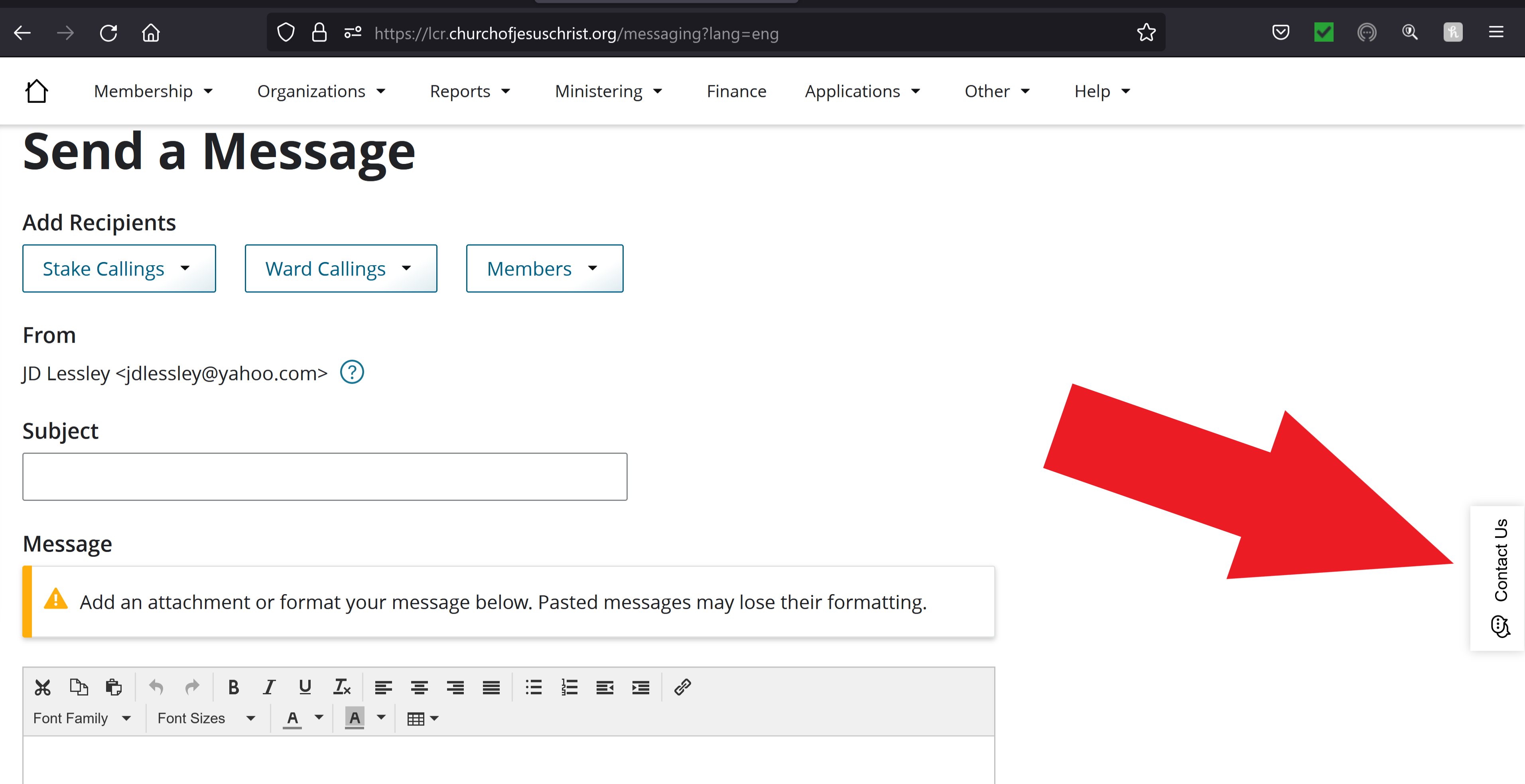
Found this today by accident as was reporting another issue:
https://servicenow.churchofjesuschrist. ... _reference
Well, I see the link does not work externally. That is not very helpful.
Here is what is says, the information was posted 3 months ago:
LCR – Send a Message
Stake/district presidencies, stake/district high councilors, stake/district organization presidencies, stake/district communication specialists, stake/district communication directors, bishoprics, branch presidencies, ward/branch mission leaders, ward organization presidencies, AP/YW advisers and specialists, and email communication specialists can all use Send a Message to send group email messages to members.
Send a Message is available under the Applications tab. Leaders may select recipients based on their callings or as a group to which they belong (all women or parents of Primary children). The sender will receive a copy of the email.
All stake/district and ward/branch organization presidencies have access to Send a Message, this includes the presidents, the counselors, and the secretaries. The Ward Mission Leader also has access. Communications Specialists are new callings at the ward and stake level (Summer 2020). They only have access to send messages to the adults in the ward.
Leaders cannot copy/paste text into the message field unless they paste as plain text or pasted HTML content will prevent it from sending. This includes pictures.
Attachments may be added by ward auxiliary leaders but may be restricted by the sender’s or the receiver’s email provider.
Because members move so often, a historical record of messages is not stored in LCR.
Out-of-unit members will receive emails related to their callings (Bishopric, YW leaders, etc.) when those organizations are selected. They will not, however, receive messages sent to All Members or All Women, as their records are not technically in the ward.
Messages are sent to the individual email address on the membership record.
Send a Message uses the sender's e-mail provider to send the message. If there are restrictions on group e-mails that are imposed by the sender’s provider, they will apply in Send a Message, as well. Leaders might need to verify their providers' requirements if they receive error messages.
If an error message is received, the leader should first check his/her policy with the provider, clear cache and cookies and make sure a reliable browser is being used, such as Google Chrome or Firefox. Make sure nothing has been copied or pasted in the message field. If the problem persists, please contact the Global Services Department.
If a member is not receiving emails, please make sure the individual email field is filled out on the membership record - that is the one Send a Message uses. The member may need to check with his/her provider to make sure the policy allows group messages. Some policies do not allow members to receive group messages with attachments. The member should also check his/her junk/spam folder to make sure the messages aren't being sent there.
Please contact the Global Services Department with further questions.
KBA-27257-D9G6P0