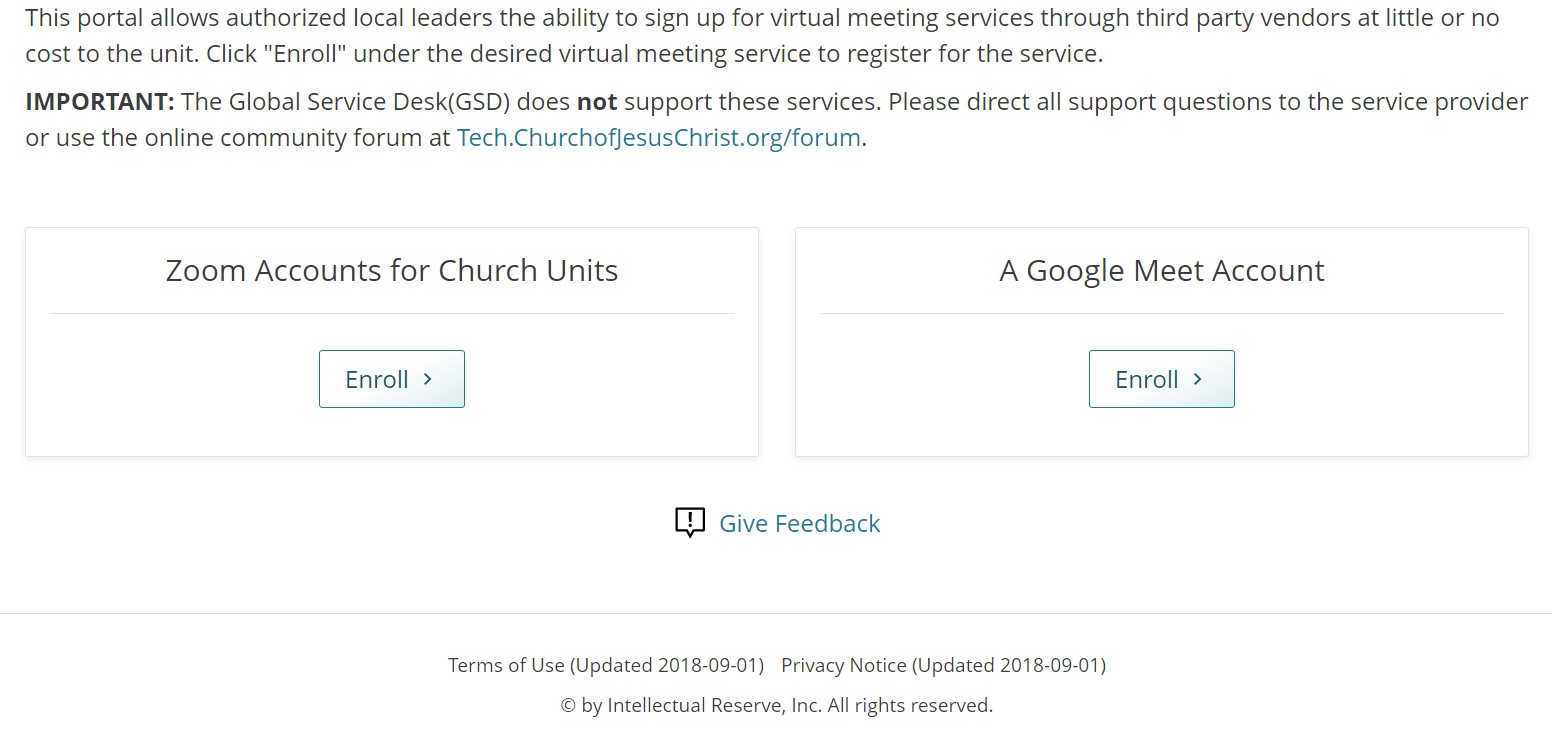
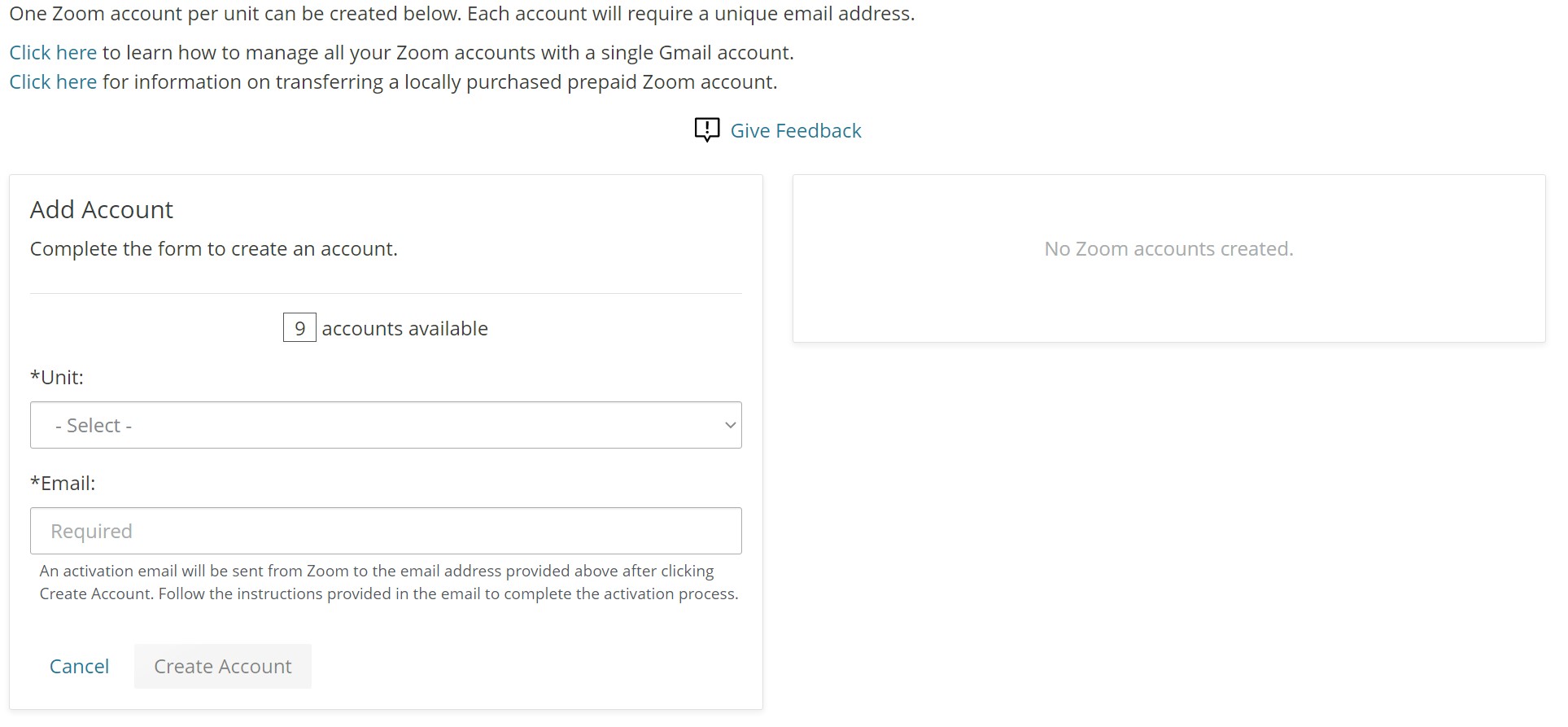
I requested a license for our stake using my personal email address. The procedure transferred my personal Zoom account to the Church account. This is not what I wanted, so then I tried to reverse the process by disassociating my personal Zoom account from the Church account. However, this process left the stake account stuck in Limbo. At
https://meet.churchofjesuschrist.org/home/zoomenroll, our stake account is listed in the right-hand panel with the message:
Setup Not Complete
An email was sent to <my email address> with instructions on how to complete the license setup.
Note that I had already received that email and completed the license setup, then later reverted my personal Zoom account to its original state (disassociated it from the stake account), so this error message is not correct.
I want to reset the stake account and start over, assigning the account to a different email address. However, clicking on the red "Remove" button gives this error message:
Error: Cannot Remove the new Zoom Account. Please try again later.
So now, I'm stuck. How do I go about getting our stake license reset so that we can go through the license-request procedure again? I have submitted a request through the Feedback link on the
https://meet.churchofjesuschrist.org/home/zoomenroll webpage a couple of days ago, but I haven't heard anything.
By the way, anyone else notice that on the
https://meet.churchofjesuschrist.org/home/zoomenroll webpage, the "Request License" button used to read, "Request Lice"? They seem to have fixed that.