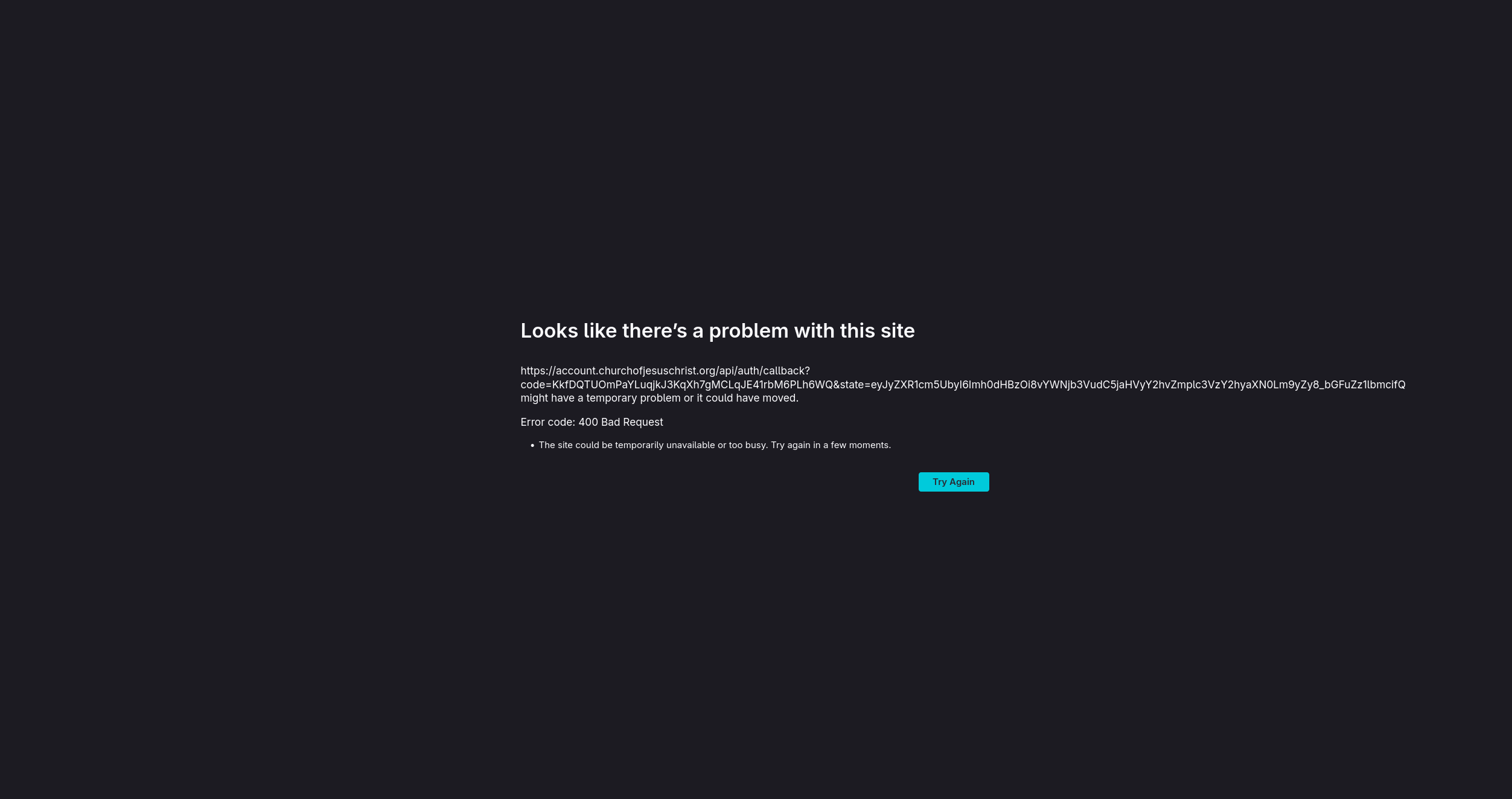
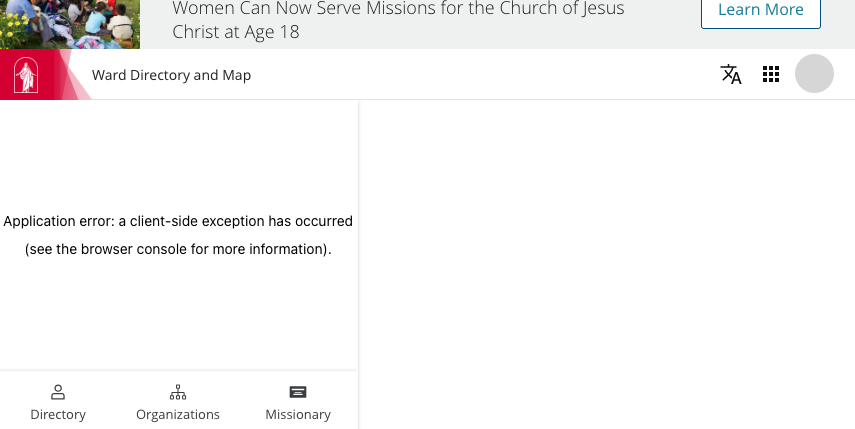
I also observe that the directory/maps don't work properly - it's the worst on Firefox, but has problems in other browsers, too. My error looks different than what @jalanknight reported, but since the main problem seems to be with Firefox, I decided to add to this thread. Here's what I see:
Generally, I see the map and directory briefly appear, then I get the application error.
I tried this out on several browsers on a Mac. I used incognito/private mode on all the browsers. Here are the results:
- Safari: To my surprise, it works the best in Safari.
- Chrome, Edge, and Opera: If I refresh the page after it's loaded and shows the error, the error goes away and I see the directory and map.
- Firefox: The page refresh trick that worked on other browsers doesn't work; the error persists.
This has been going on for weeks. I was kind of hoping that since the error is so obvious with Chrome that the church would have fixed it by now, but maybe they've just gotten into the workaround habit of refreshing the page and have forgotten about it. Or maybe it doesn't break on Windows. I haven't tried it on Windows browsers.
Are other seeing similar problems?