kike_meneses wrote: Wed Apr 10, 2024 1:45 pm
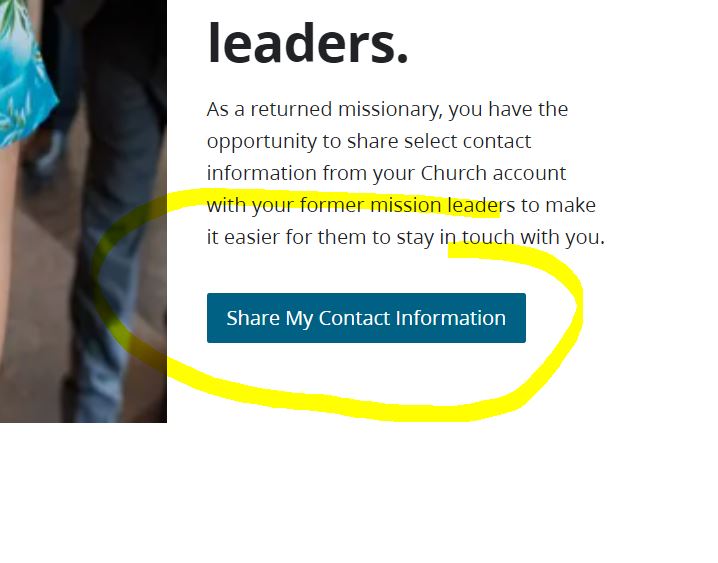
This has a blue button that says:
"Share My Contact Information"
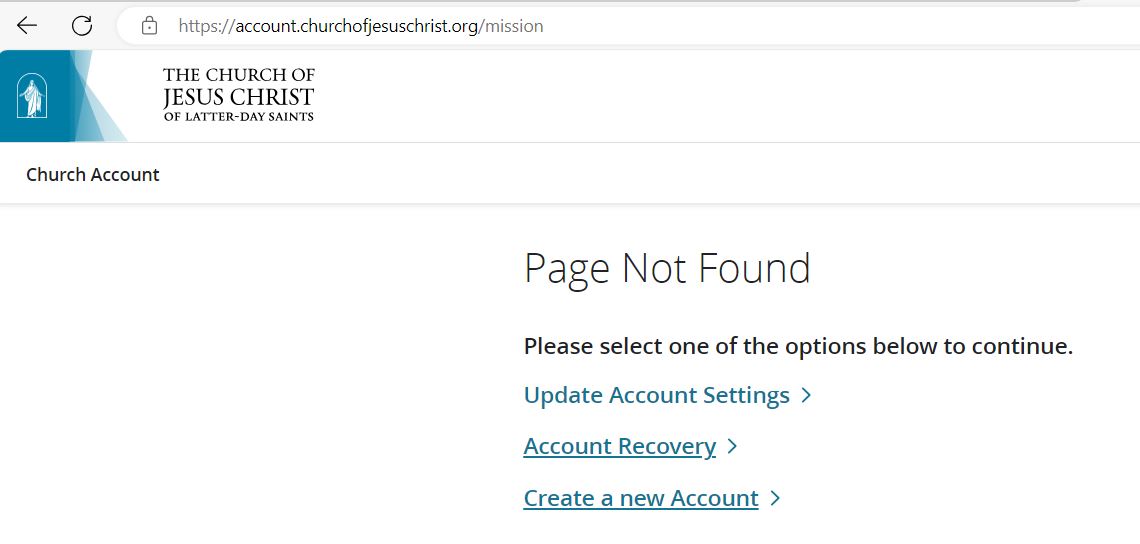
This link specifically does not work:
account.churchofjesuschrist.org/mission
If your intent is to report the issue for corrective action, then this is not the place to do that. Instead scroll to the bottom of the web page containing that button and click the "Feedback" link to report the issue. The forum is primarily user-to-user discussion and collaborative self help and not an official support feedback channel.
We can provide alternate steps to take to get you to the proper web page if you would like to be able to complete the action the button was intended to help you do. When the button is clicked an error page is displayed. Click the link "Update Account Settings". That will take you to your Church account web page. Scroll to the Personal/Contact Information menu item and select it. Scroll down the page to the "Share Contact Information with Mission Leaders" section. You can now update your contact information and the settings for sharing your contact information with your mission leaders. When done click the "Save" button.