New Member
Because of the small screen size (4 inch) of my old, 1st Gen iPhone SE (2016 model), when reading scripture verses the "Related Content" Sidebar pane cannot remain open and "pinned" side-by-side with the verses pane, rather it "overlaps" and grays out the scripture verses behind it.
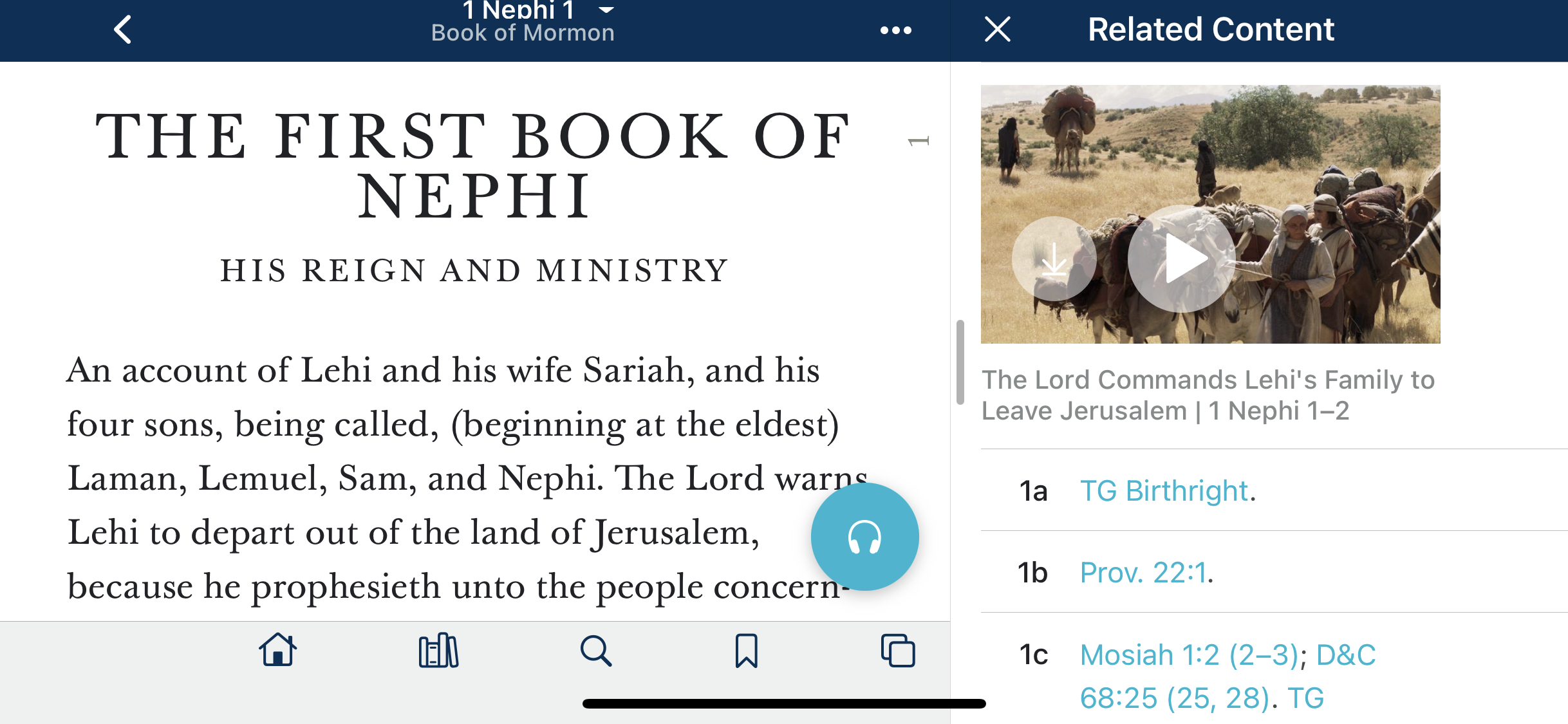
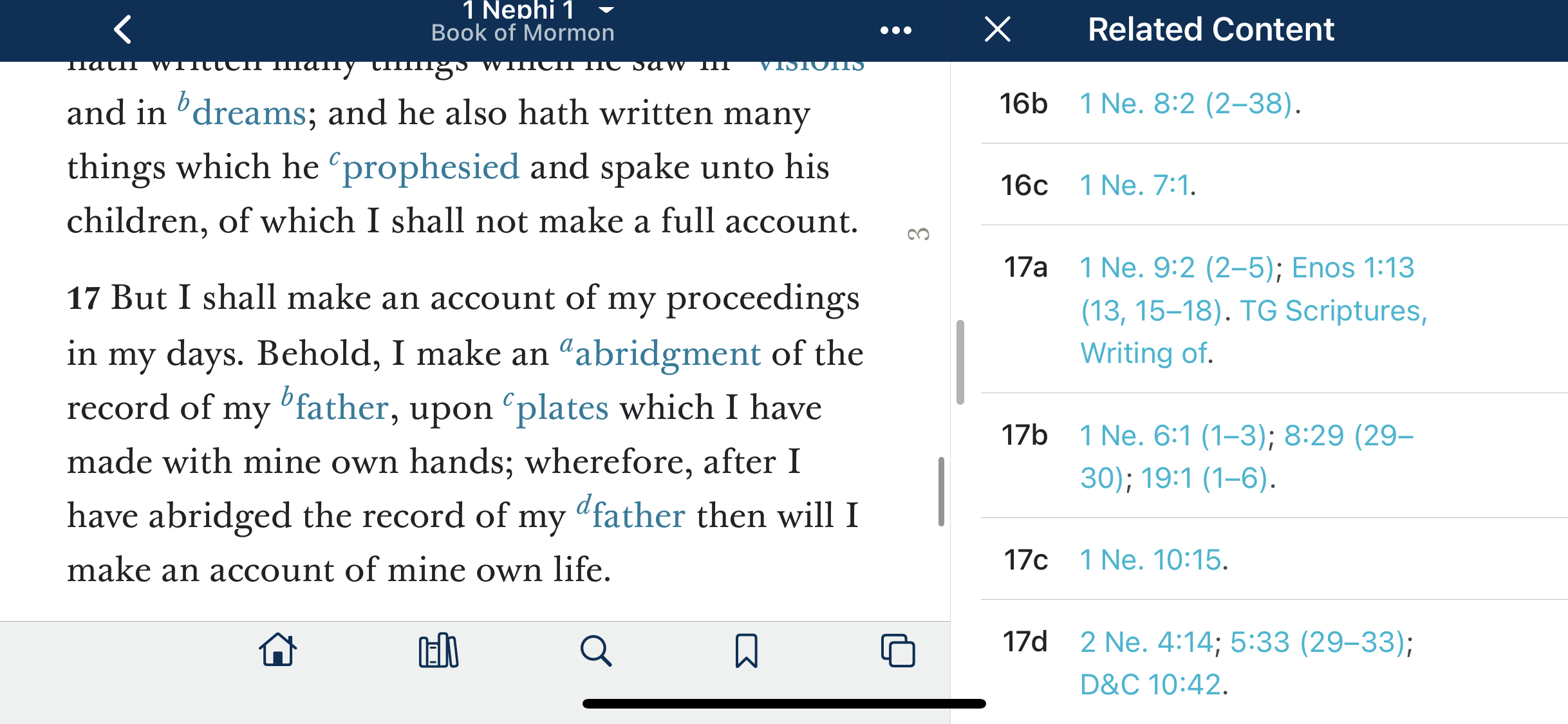
For larger screen iPhones like the XR or 11 (6.1 inch screens), the Sidebar pane for "Related Content" is pinned and remains open side-by-side with the verses pane.
QUESTION: For the newer iPhone SE models (2 & 3 Generation aka 2020 & 2022 models) with larger 4.7 inch screens, does the Sidebar pane for "Related Content" pin and stay open side-by-side with the scripture verses pane?
Your Yes/No answer will help me determine if I can purchase a newer model iPhone SE and enjoy a pinned Sidebar or not.
NOTE: If I was smarter, I would attach screen shots of what I am describing above. If anyone has a tip how to attach images from my Photos Library on my iPhones, that would be most appreciated.
For larger screen iPhones like the XR or 11 (6.1 inch screens), the Sidebar pane for "Related Content" is pinned and remains open side-by-side with the verses pane.
QUESTION: For the newer iPhone SE models (2 & 3 Generation aka 2020 & 2022 models) with larger 4.7 inch screens, does the Sidebar pane for "Related Content" pin and stay open side-by-side with the scripture verses pane?
Your Yes/No answer will help me determine if I can purchase a newer model iPhone SE and enjoy a pinned Sidebar or not.
NOTE: If I was smarter, I would attach screen shots of what I am describing above. If anyone has a tip how to attach images from my Photos Library on my iPhones, that would be most appreciated.