Zoom not offering the Webinar option on Stake accounts

7 postsstarted by kg6ebj 7,032 viewsoriginal topic

New Member
#1
As the title says, I am the STS for St Robert MO and none of the Zoom accounts that we have previsioned licenses for have access to Webinar features.


Thoughts on a Solution?
Community Moderators
#2
Were these accounts set up through the Church? All of ours are able to do either meetings or webinars. This is true for both the stake account and the individual unit accounts.
Community Administrator
#3
You may want to check and make sure they are still church accounts and haven't ended up as a free account. Changing the email might break that.

Something to check for.
Have you searched the Help Center? Try doing a Google search and adding "site:churchofjesuschrist.org/help" to the search criteria.

So we can better help you, please edit your Profile to include your general location.
New Member
#4
I had a similar finding at the start of the new year and I ended up logging into the web version and not the installed application and found that I could make a webinar from there but not from the actual app. Try that and see if your options change.
Community Administrator
#5
keanster wrote: Mon Apr 25, 2022 7:48 am I had a similar finding at the start of the new year and I ended up logging into the web version and not the installed application and found that I could make a webinar from there but not from the actual app.
It would be worth checking to see if your app is up to date. I can't remember if it defaults to checking automatically. But you can check manually in the app.
Have you searched the Help Center? Try doing a Google search and adding "site:churchofjesuschrist.org/help" to the search criteria.

So we can better help you, please edit your Profile to include your general location.
New Member
#6
they are both licensed accounts and both are listed as not having webinar available
Member
#7
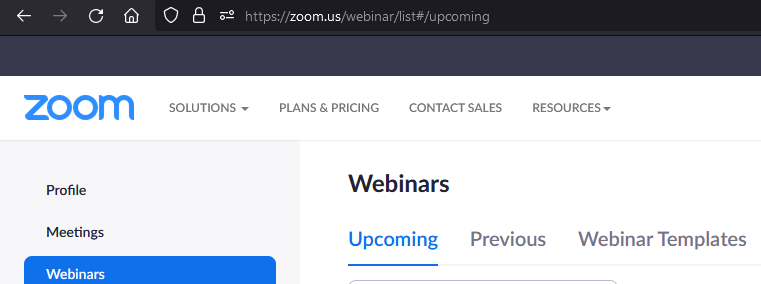
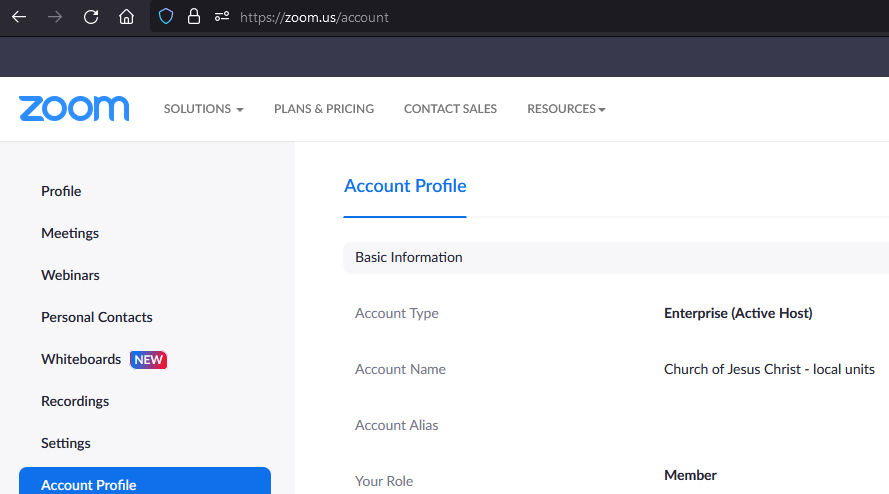
What kind of license? Just as an FYI, this is what I see when I log in via a browser at zoom.us
Untitled.png
For Webinar:
webinar.png