New Member
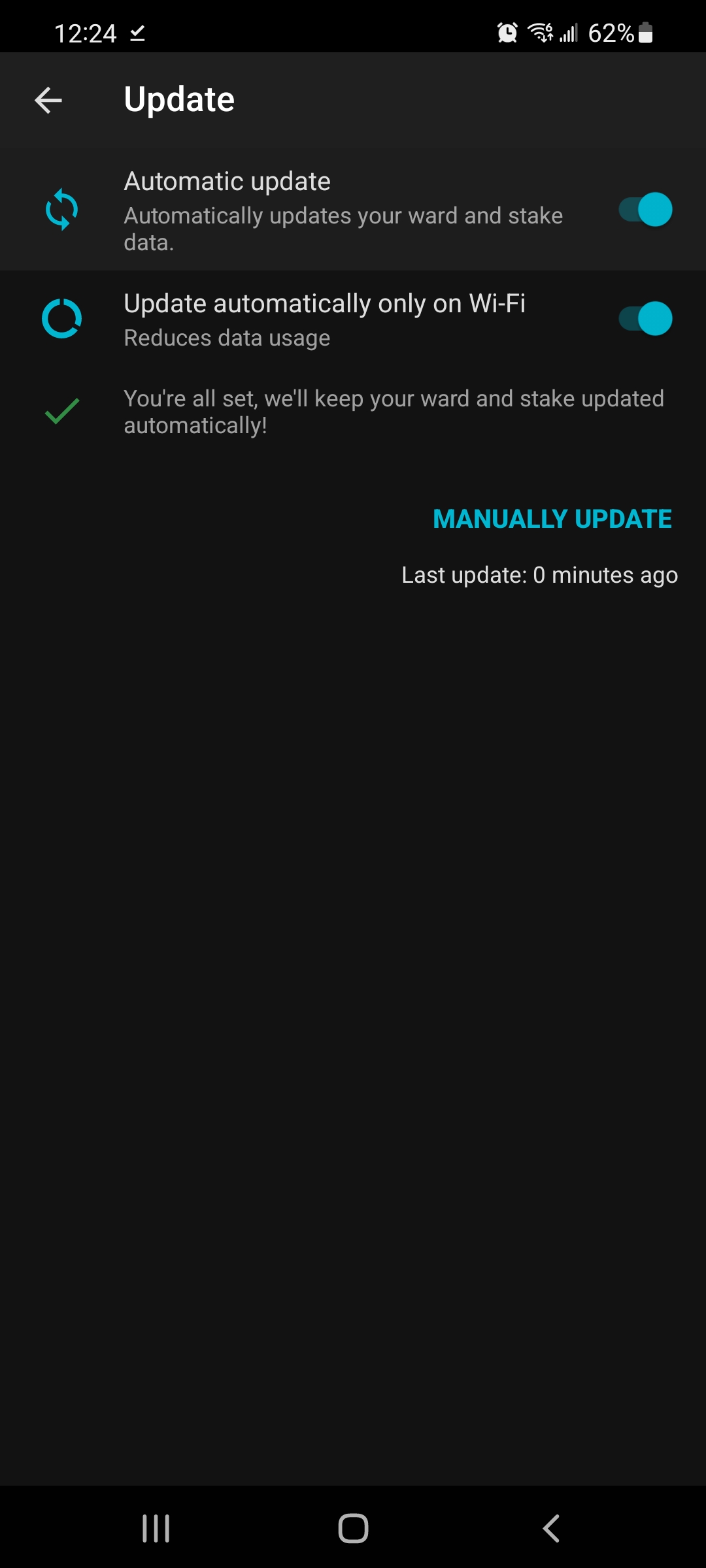
As ward clerk, I submitted a payment request for a primary leader through the Member Tools app with an attached receipt image. It shows up under the heading of Submitted and next to it is a little yellow cloud with a refresh symbol inside of it. I don't see the request on the LCR side of expenses. I tried updating the app, doing a full stake refresh and the payment request doesn't change and doesn't appear to have actually submitted.
It doesn't allow me to delete or do anything with the request in the app. I'm worried if I submit it through LCR, then this one will eventually flow through and cause a duplicate reimbursement.
What does the little yellow cloud refresh symbol mean? How long should it take for the request to show up in LCR? Why can't I delete a submitted request within the app if it appears to be stuck?
It doesn't allow me to delete or do anything with the request in the app. I'm worried if I submit it through LCR, then this one will eventually flow through and cause a duplicate reimbursement.
What does the little yellow cloud refresh symbol mean? How long should it take for the request to show up in LCR? Why can't I delete a submitted request within the app if it appears to be stuck?