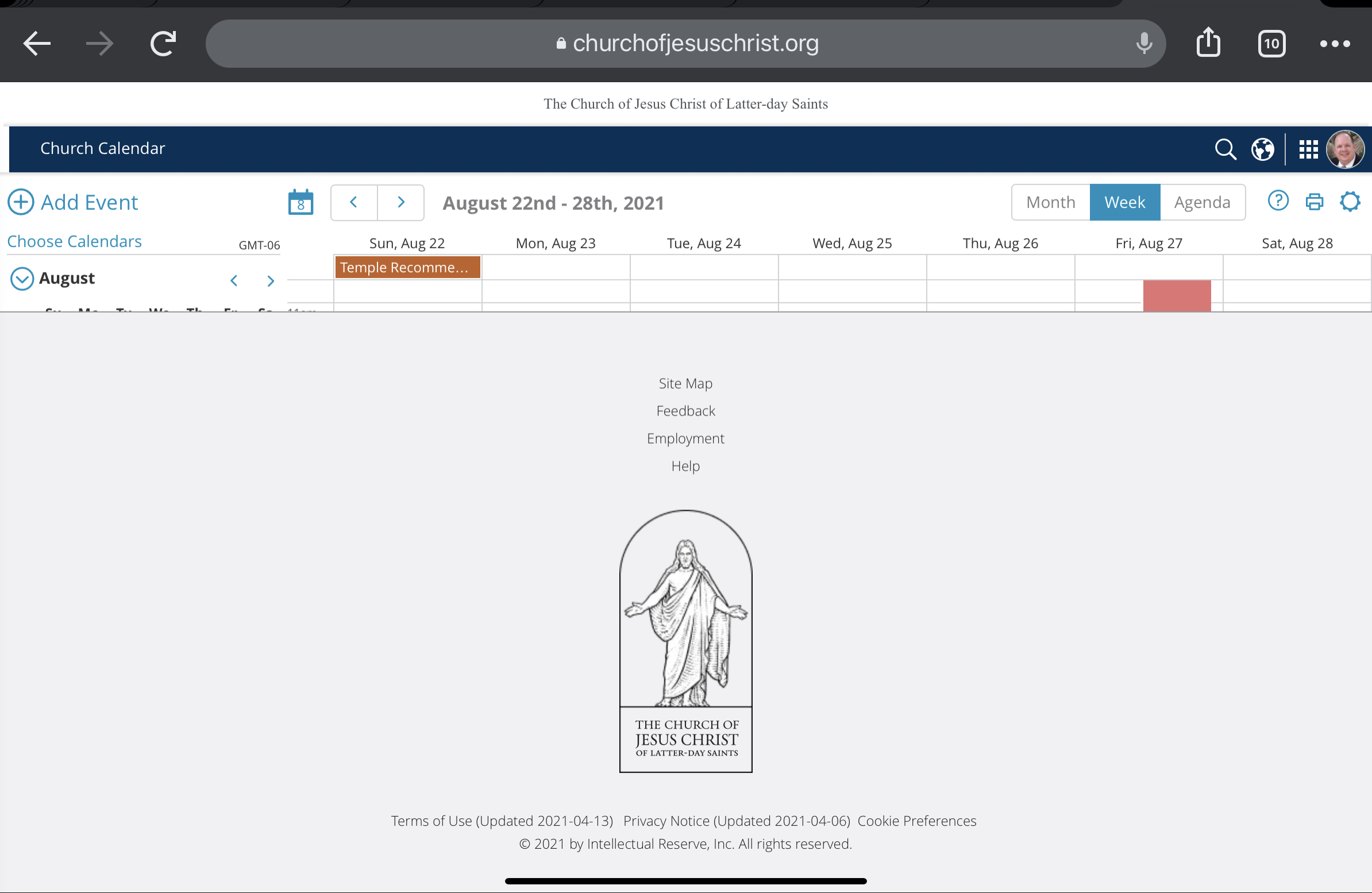
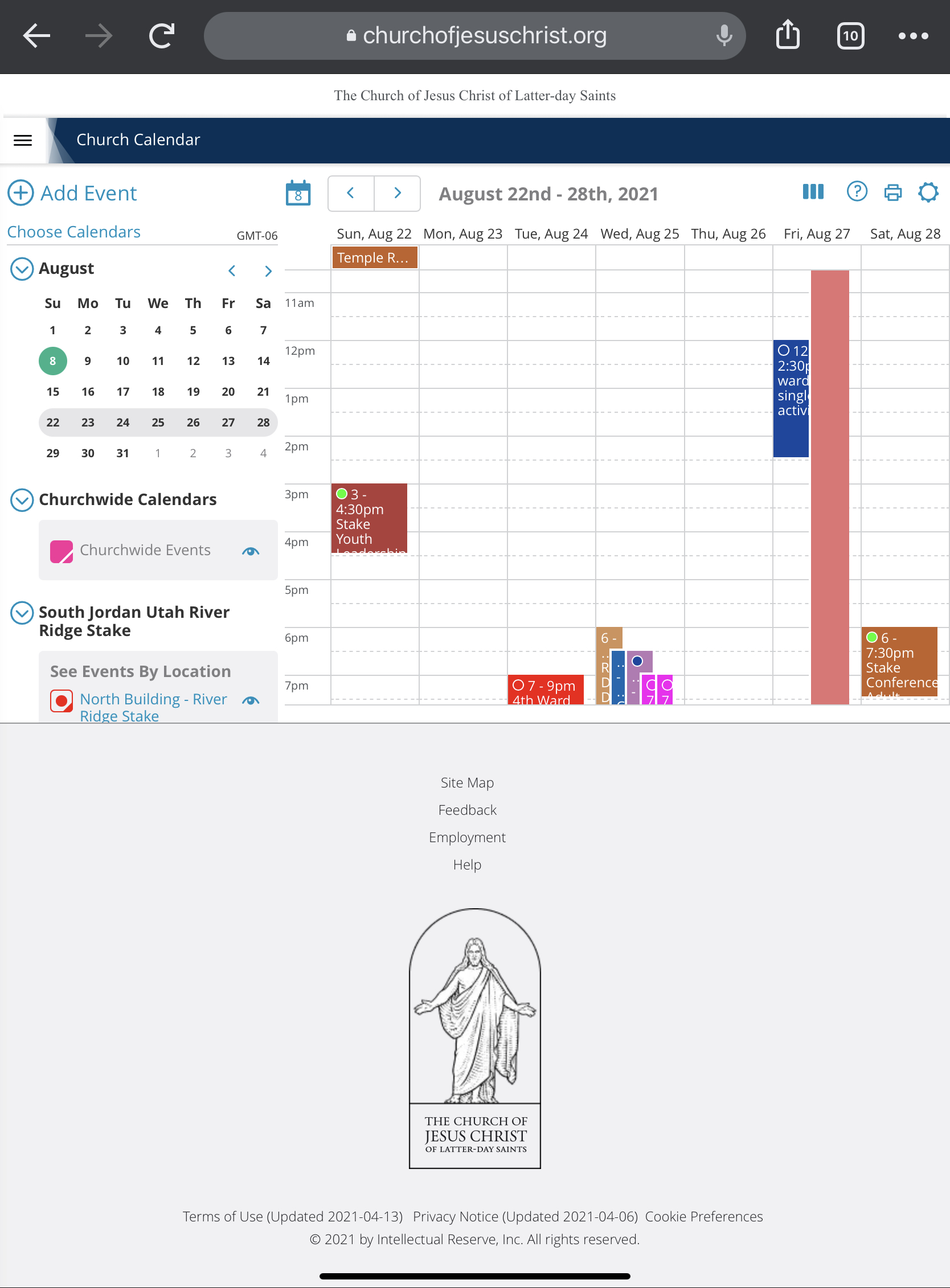
Calendar webpage footer has grown

6 postsstarted by RBeatse 1,271 viewsoriginal topic

Member
#1
I noticed that since Thursday, when using my iPad to access the calendar, the footer of the webpage has grown to the point that it is hard to use (both portrait and landscape). I have tried clearing cache, etc and to no avail. Is anyone else seeing this? Any idea how to fix?
Member
#2
Looks like others are seeing this as well. Iโ€™ll try to submit feedback

viewtopic.php?f=110&t=39378
New Member
#3
I'm having the same problem on my iPad. I can access the calendar fine on my laptop, but not on my iPad. I use the calendar on my iPad all of the time to schedule the bishopric appointments. Now all I get is the footer as shown in the RBeastse's image. Only on my iPad I can only see one line of the calendar. Very frustrating. I use this a lot and it has hampered my ability to serve. Any advice or fix would be greatly appreciated. Thanks.
Member
#4
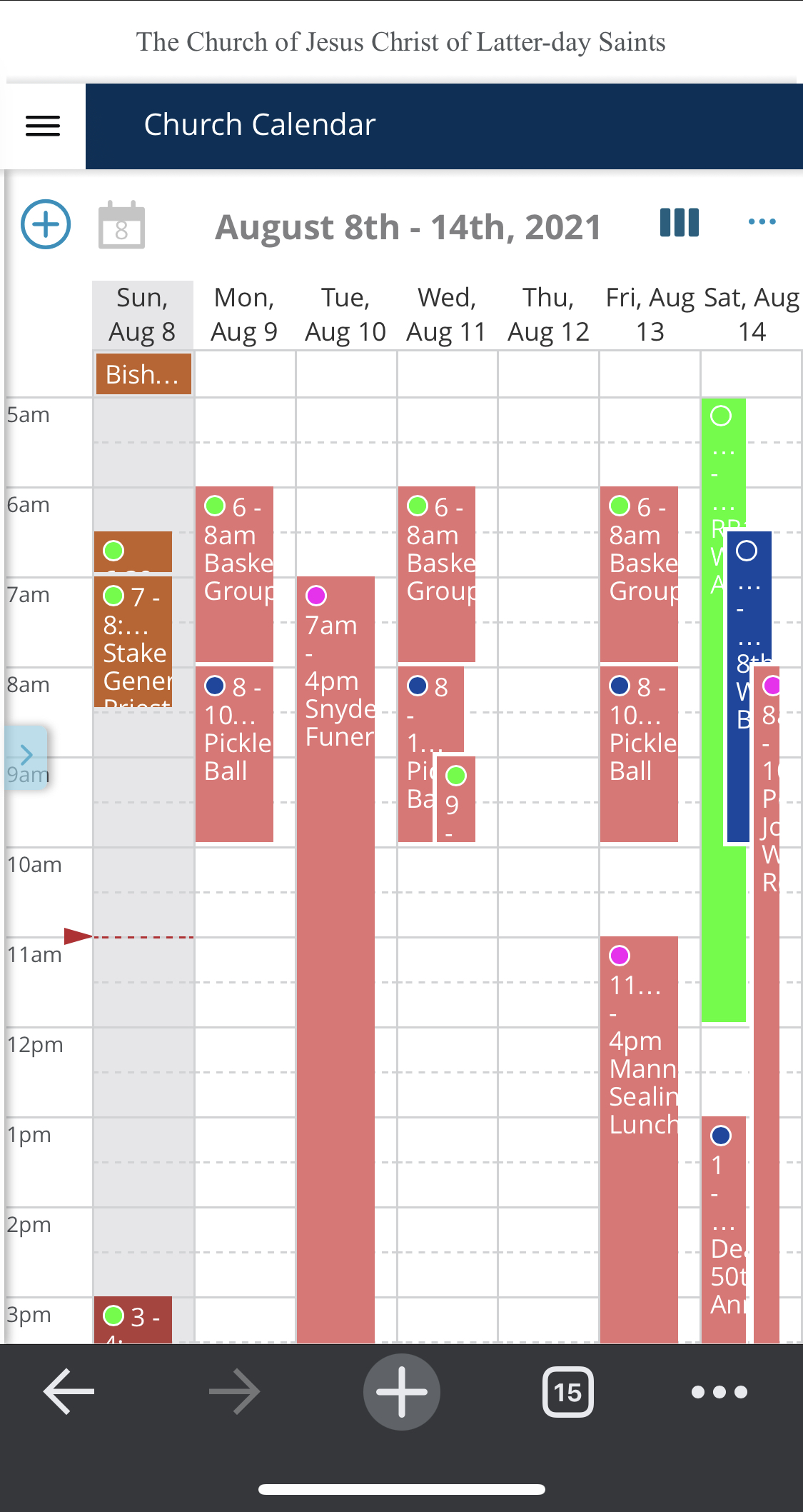
I am having the same problem and did do "feedback" yesterday, I believe. Only work around I found was to really decrease the size and the calendar then shows up though very small. But have to work with what I have as Stake Center bldg scheduler and need
access to the calendar!

Hope they fix soon. Glad it wasn't just me as I figured I did something wrong :-)
Member
#5
Surprisingly my iPhone works fine (still small but it works)
Member
#6
I cleared my history cache and restarted and that did the trick for me!