meet.churchofjesuschrist.org access testing/questions

19 postsstarted by rleseberg 5,415 viewsoriginal topic

New Member
#1
Like others have mentioned I cannot access meet.churchofjesuschrist.org using ay browser, platform, broadband, cellular, etc. combination.
I used curl to remove browser concerns out of the mix, this is the result:
MyCPU:~ user-name$ curl https://meet.churchofjesuschrist.org
<!DOCTYPE HTML PUBLIC "-//W3C//DTD HTML 4.01//EN""http://www.w3.org/TR/html4/strict.dtd">
<HTML><HEAD><TITLE>Service Unavailable</TITLE>
<META HTTP-EQUIV="Content-Type" Content="text/html; charset=us-ascii"></HEAD>
<BODY><h2>Service Unavailable</h2>
<hr><p>HTTP Error 503. The service is unavailable.</p>
</BODY></HTML>
When I pinged the site Idid get a response:
MyCPU:~ user-name$ ping meet.churchofjesuschrist.org
PING meet.churchofjesuschrist.org (216.49.178.114): 56 data bytes
64 bytes from 216.49.178.114: icmp_seq=0 ttl=234 time=73.454 ms
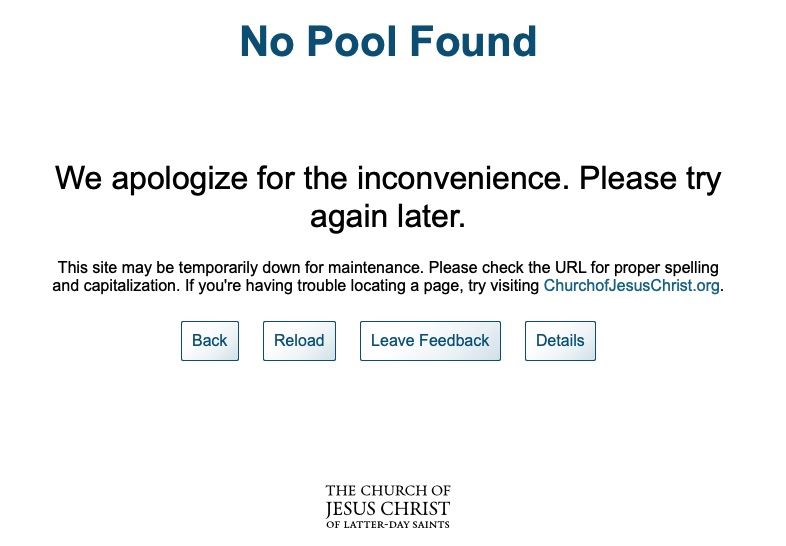
Using the ip gained from ping the browser took me to this page:
Image 12-22-20 at 1.40 PM.jpg
(71.81 KiB) Not downloaded yet
By the looks of it 216.49.178.114, is a pooling/redirection server.
"No Pool Found" would seem to indicate that meet.churchofjesuschrist.org might not be correct in the pooling registration and/or the pooling solution(s) are simple overloaded.
Is there a place/site to check on server/service status?
Is anyone looking at this issue from this perspective?
Is this the right place to post this info/question?
Community Moderators
#2
Are you the Stake Assistant Clerk--Technology Specialist?
Did the stake clerk record your calling in Leader and Clerk Resources more than 24 hours ago?
Have you tried clearing cache and cookies, or using your browser's incognito mode?

If the answer to all three questions is yes, I will forward your post to the developers, since you will not be able to send feedback if you cannot access the site. As I post this, the site is working.
Community Administrator
#3
lajackson wrote:As I post this, the site is working.
Same here. However, I do get a "site not secure" warning that I have to get past.
Have you searched the Help Center? Try doing a Google search and adding "site:churchofjesuschrist.org/help" to the search criteria.

So we can better help you, please edit your Profile to include your general location.
Community Moderators
#4
russellhltn wrote:Same here. However, I do get a "site not secure" warning that I have to get past.
I still do, as well. I sent a link to the post to a contact for the site, so the right folks will have the input the poster has provided. I mentioned in my PM to the developers that the "site not secure" warning is still being presented.

The "site not secure" challenge points to a configuration problem. The problem the poster had could be as simple as a busy site, if he has the correct calling to access the site, or something more serious.
Church Employee
#5
This has been escalated to the developer to make sure there aren't problems. I am aware the portal has been down on two separate occasions for extended periods, once this past Sunday and once earlier today. If you attempted to access the site on those days I'd recommend trying it again since it is working fine for me and many others.

The security warning will be looked at as well.
Church Employee
#6
rleseberg wrote:Using the ip gained from ping the browser took me to this page:
Image 12-22-20 at 1.40 PM.jpg
By the looks of it 216.49.178.114, is a pooling/redirection server.
"No Pool Found" would seem to indicate that meet.churchofjesuschrist.org might not be correct in the pooling registration and/or the pooling solution(s) are simple overloaded.
The IP address is a public IP address for the load balancer. If you try to connect with a browser to that IP address, it doesn't know what to serve you because your browser doesn't send a Host header.

The load balancer is working correctly -- your test is not a valid test.
New Member
#7
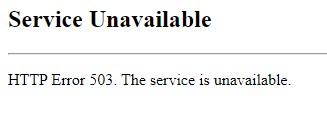
I am getting a 503 error when accessing the site. Anyone else?
Screenshot_1.jpg
Screenshot_1.jpg (9.22 KiB)
Community Administrator
#8
pfknone wrote:I am getting a 503 error when accessing the site. Anyone else?
Just tried it. It seems to work ok.

Note, you may want to try logging into another area and then go over to "meet". I think some of it's issues is dealing with the re-direct to login. Perhaps try logging into the main page first.
Have you searched the Help Center? Try doing a Google search and adding "site:churchofjesuschrist.org/help" to the search criteria.

So we can better help you, please edit your Profile to include your general location.
New Member
#9
lajackson wrote:Are you the Stake Assistant Clerk--Technology Specialist?
Did the stake clerk record your calling in Leader and Clerk Resources more than 24 hours ago?
Have you tried clearing cache and cookies, or using your browser's incognito mode?

If the answer to all three questions is yes, I will forward your post to the developers, since you will not be able to send feedback if you cannot access the site. As I post this, the site is working.
The answer to all 3 questions is yes. However, I no longer need assistance.
Some of the issues I noticed reminded me of similar issues encountered when IT was expanding authentication services earlier this year to accommodate the increased demand on the church's webcast/broadcast infrastructure. So I decided to wait it out a bit. I am happy to report that I can get in from multiple OS's, multiple browsers, etc.

Thanks for feedback and thanks for all the hard work that goes into improving the church's infrastructure.
New Member
#10
I am trying to transfer my unit's zoom account under my email address to the church's account though meet.churchofjesuschrist.org but I am getting this error "Error. Sorry, at this time Zoom will not allow the Church to transfer the email address provided (xxxxxxxxx@yahoo.com). Please activate with a different email address."
Does anyone know why it is doing that and not allowing me to transfer?
Community Administrator
#11
jens1480 wrote:Does anyone know why it is doing that and not allowing me to transfer?
How do you log into your existing unit account? Is it via a zoom password, or are you using the Google or Facebook login method.

If the latter, I'd suggest you set up a password for your account. Can I log in without Google or Facebook?. See if that fixes the problem.
Have you searched the Help Center? Try doing a Google search and adding "site:churchofjesuschrist.org/help" to the search criteria.

So we can better help you, please edit your Profile to include your general location.
New Member
#12
I have the same issue with trying to convert a pre-paid ZOOM account over. The meet.churchofjesuschrist.org site gives me the same error. I've converted several others, but this one it will not take.

I am trying to transfer my unit's zoom account under my email address to the church's account though meet.churchofjesuschrist.org but I am getting this error "Error. Sorry, at this time Zoom will not allow the Church to transfer the email address provided (xxxxxxxxx@yahoo.com). Please activate with a different email address."
Does anyone know why it is doing that and not allowing me to transfer?
Community Moderators
#13
kurtp538 wrote:Does anyone know why it is doing that and not allowing me to transfer?
This post in another topic gives one reason an account will not transfer. Reading the entire topic will also provide other suggestions that may help.
New Member
#14
Perfect - thanks. I will give this a go for this one account.
New Member
#15
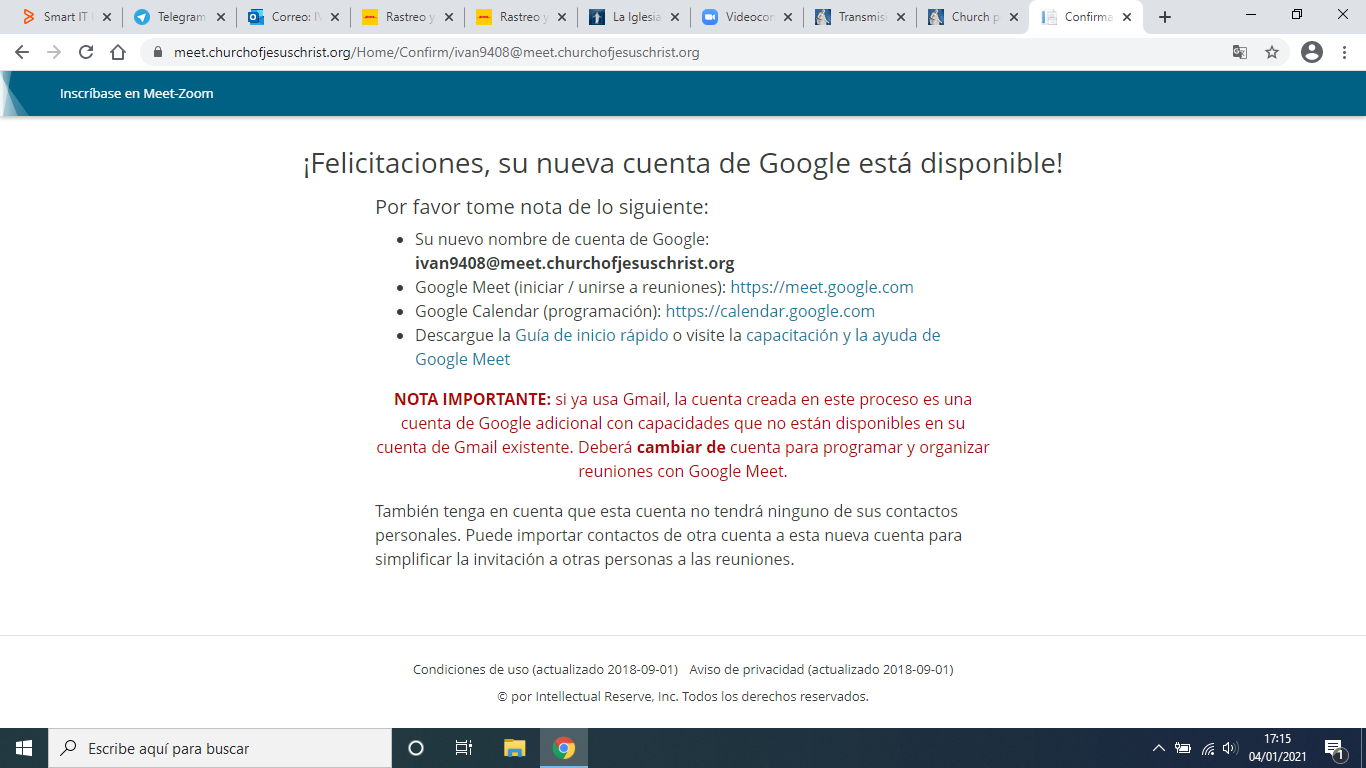
Mi problema es el siguiente, no puedo crear cuentas de zoom, no me aparece para enrolar Zoom, solo se fue directo a la creación de cuentas de Google Meet y de ahí no me da mas opciones.
Community Administrator
#16
You have to be a Stake Technology Specialist to have the option to create Zoom accounts.

Debe ser un especialista en tecnología de estaca para tener la opción de crear cuentas de Zoom.
Have you searched the Help Center? Try doing a Google search and adding "site:churchofjesuschrist.org/help" to the search criteria.

So we can better help you, please edit your Profile to include your general location.
#17
ivan9408 wrote:Mi problema es el siguiente, no puedo crear cuentas de zoom, no me aparece para enrolar Zoom, solo se fue directo a la creación de cuentas de Google Meet y de ahí no me da mas opciones.
Ivan, hola!

Si eres Secretario de Tecnologia, tienes acceso a activar la Licencia de ZOOM para cada unidad.

Lo que no estoy seguro es, si cada unidad debe crear una cuenta de ZOOM utilizando el correo con el que se inscriio la licencia? o el Sistema de lá un correo con terminacion @churchofjesuschrist.org
New Member
#18
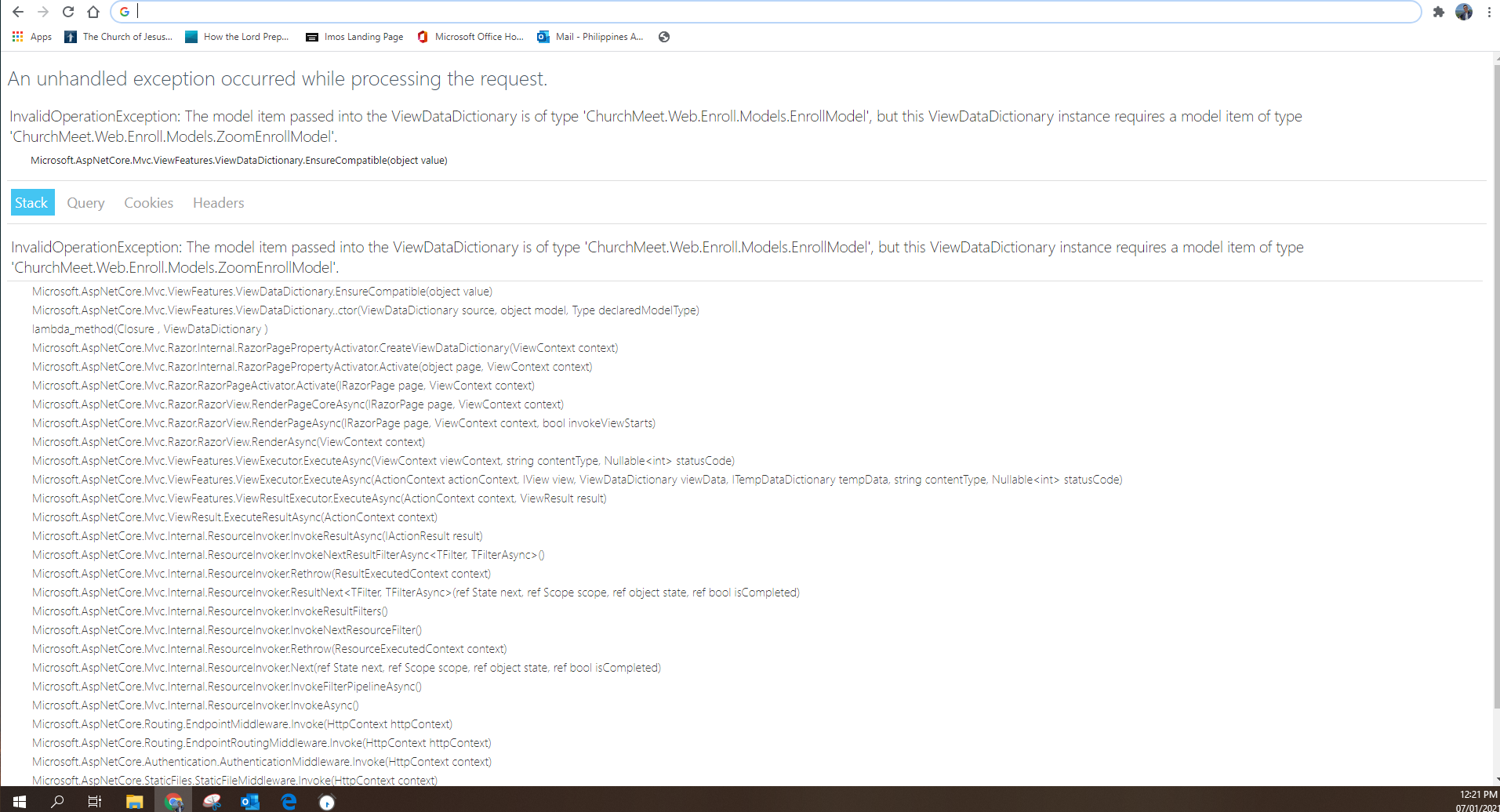
I am Elder Young from the Philippines Angeles Mission and I am currently registered as the mission's technology specialist and I was asked by my Mission President to claim the Zoom license provided by the Area for each mission. However, I cannot access meet.churchofjesuschrist.org for some reason. I have tried incognito browser mode and it still did not work. I would gladly take suggestions on what I can do :)

Attached is a picture on what shows up on my screen when attempting to access the website.
📎 Screenshot (6).png (238.54 KiB)
Community Administrator
#19
wylek.young wrote:I am Elder Young from the Philippines Angeles Mission and I am currently registered as the mission's technology specialist and I was asked by my Mission President to claim the Zoom license provided by the Area for each mission. However, I cannot access meet.churchofjesuschrist.org for some reason.
I would give it another try. It might have been a temporary problem.

Second, I'd ask the Mission President to see any communication he has received regarding this. The letter I got was addressed to "leaders in the United States and Canada". You need to check and see if there's official communication indicating if this was also offered to the Philippines.

Lastly, I'd try to contact support about the webpage or use the Feedback link on the main church webpage.
Have you searched the Help Center? Try doing a Google search and adding "site:churchofjesuschrist.org/help" to the search criteria.

So we can better help you, please edit your Profile to include your general location.