New Member
Would you like to have a computer at each building with OBS Studio that self-configures and then automatically starts streaming when your scheduled event begins, then shuts down when the event ends? The script below is at the core of our automation efforts and substantially reduces the weekly setup effort, allowing us to focus more on the Sabbath and less on the technology, while enabling our at-risk and ill/quarantined members to participate in Sacrament meetings each week.
This is very much a work in progress, but I wanted to share this to see if there is any interest. I've written code to automate the configuration of OBS Studio with the stream URL and stream key from the webcast site, which generates an XML file for Teradek encoders. Currently written as a Linux shell script, run once a minute by a cron job (but in theory could be converted to Powershell and run as a scheduled task in Windows), it queries the church server for the particular encoder number for your building, parses and converts it into the configuration files for OBS studio (caching them for comparison later) and launches OBS and starts streaming automatically. The script continues running once per minute, watching for the stream URL to disappear (indicating the completion of the event), at which point it shuts down OBS.
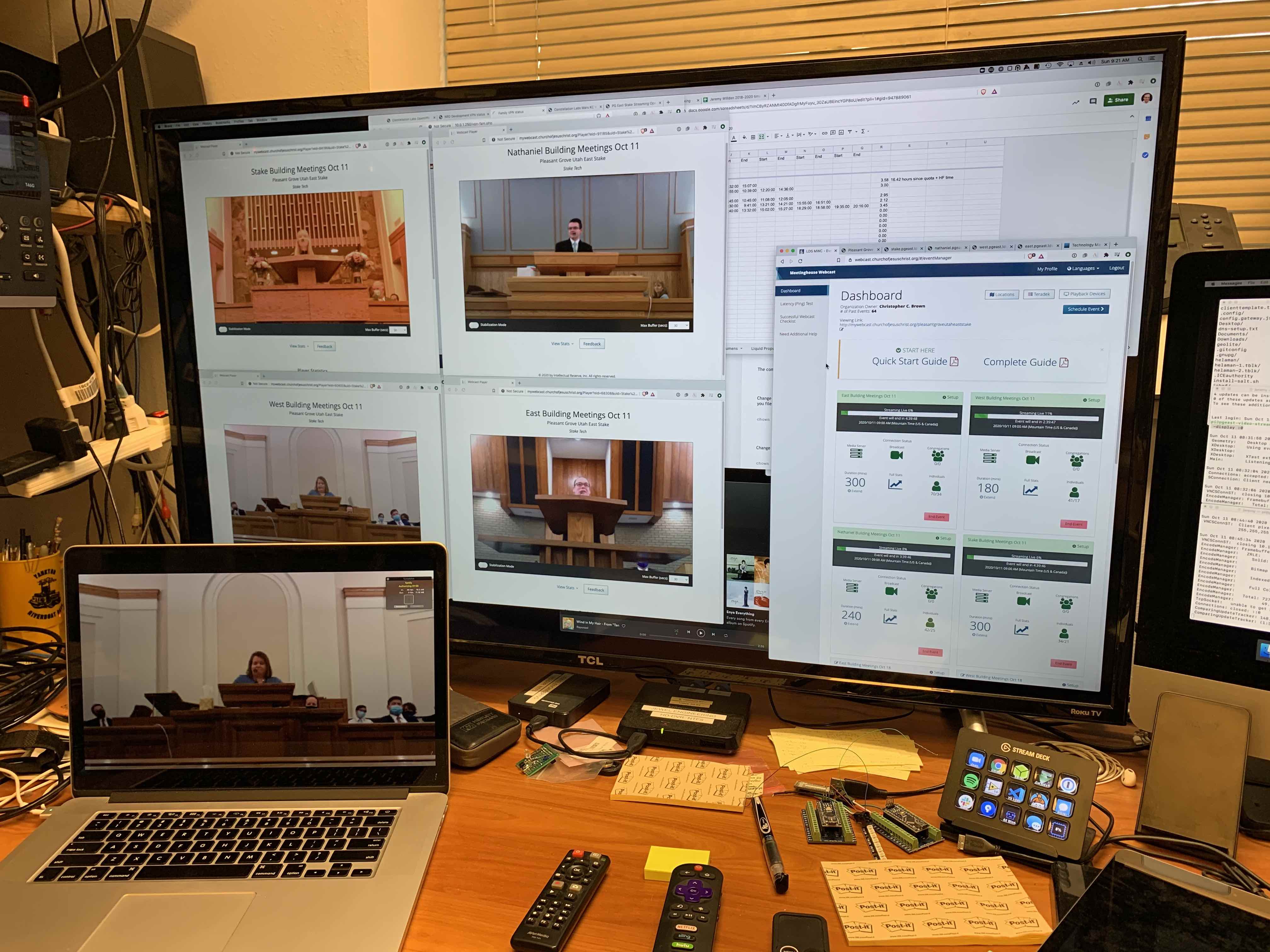
With a "sacrament" scene (no audio, blank picture with a message) the stream continues in silence for the portion of the meeting that is not to be streamed, while leaving the stream running for the next meeting in the building without failing over to the (loud) choir music. Once the event is scheduled, the only necessary human intervention is to set the scene for the Sacrament ordinance, or if a network or other issue pops up. We ran all four buildings in our stake today with this method and other than upload bandwidth issues (looks like we'll be disabling WiFi in some/all buildings each week) everything ran flawlessly today.
Whether you create a single event for each building each week, or an individual event for each ward or branch meeting, the script should still work.
As it's a work in progress, I'll post it on my Github account. If you care to contribute, pull requests will be very welcomed.
https://github.com/jeremywillden/obs-automator
Background:
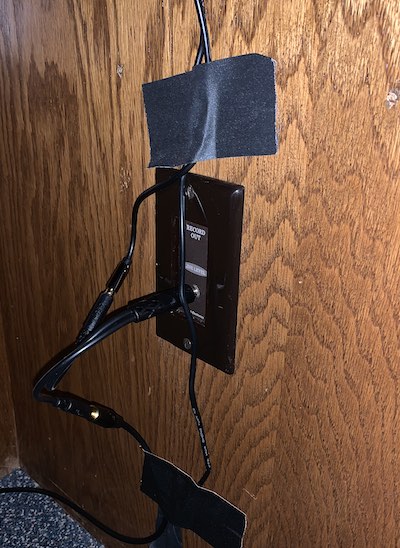
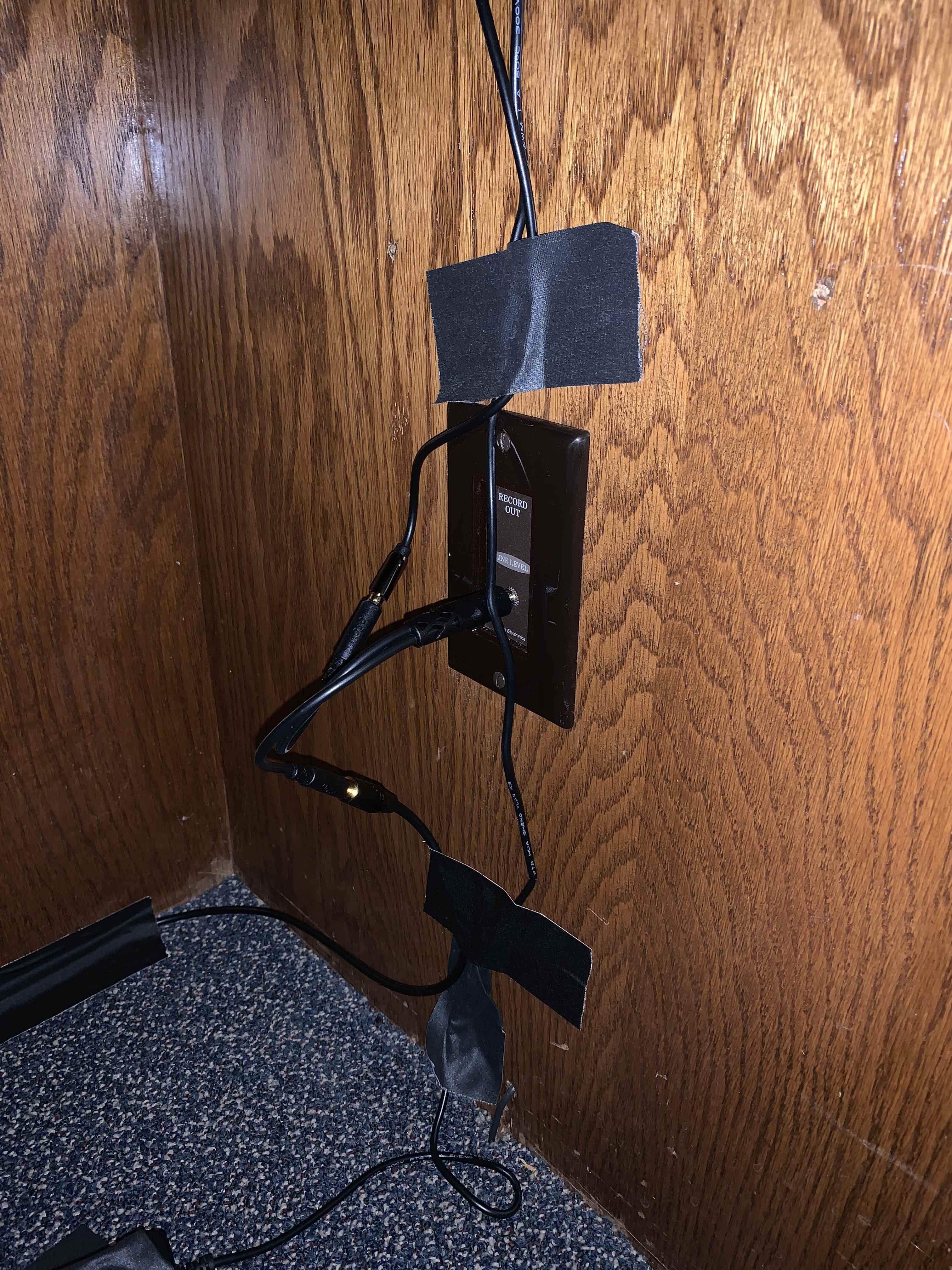
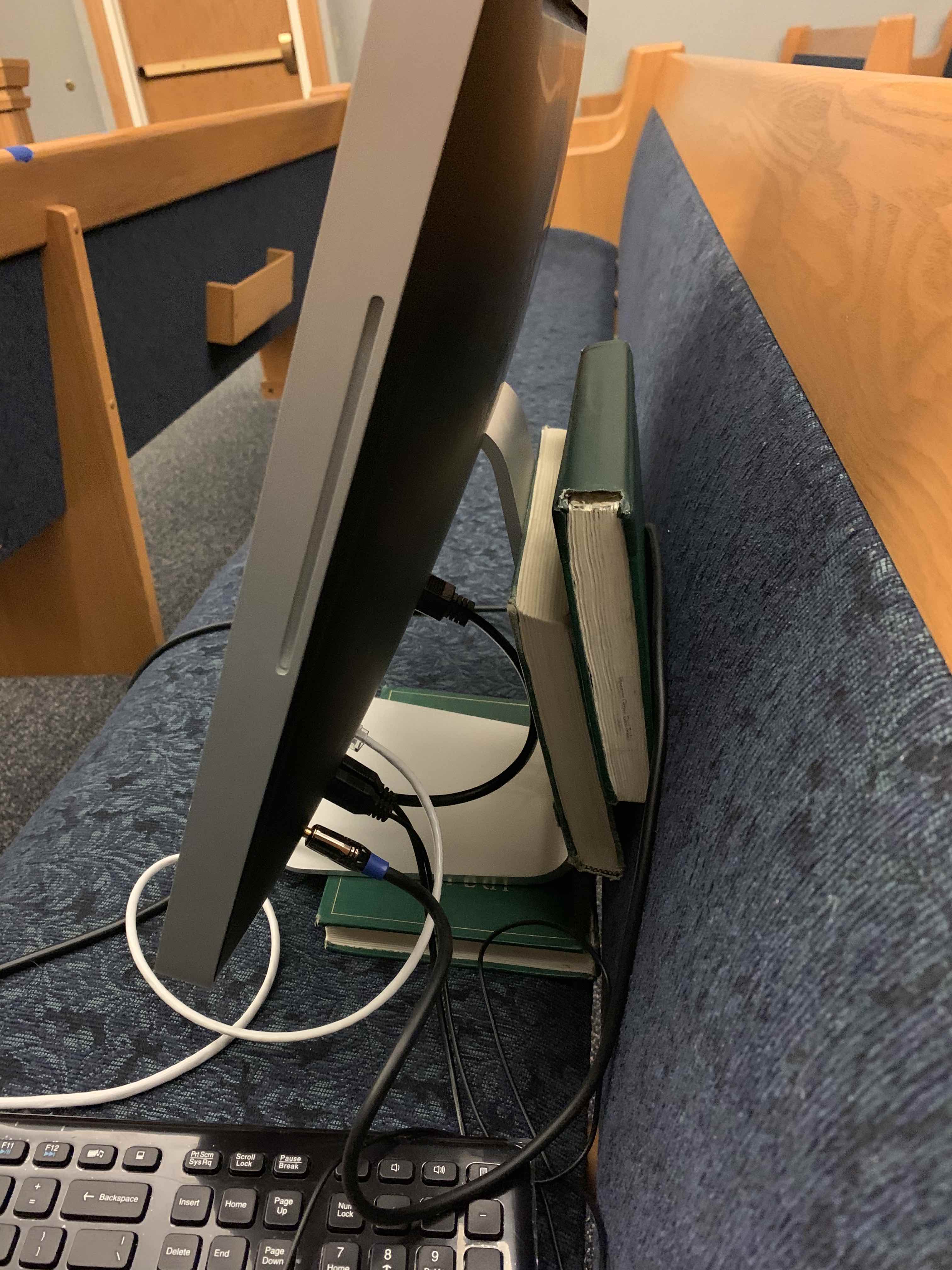
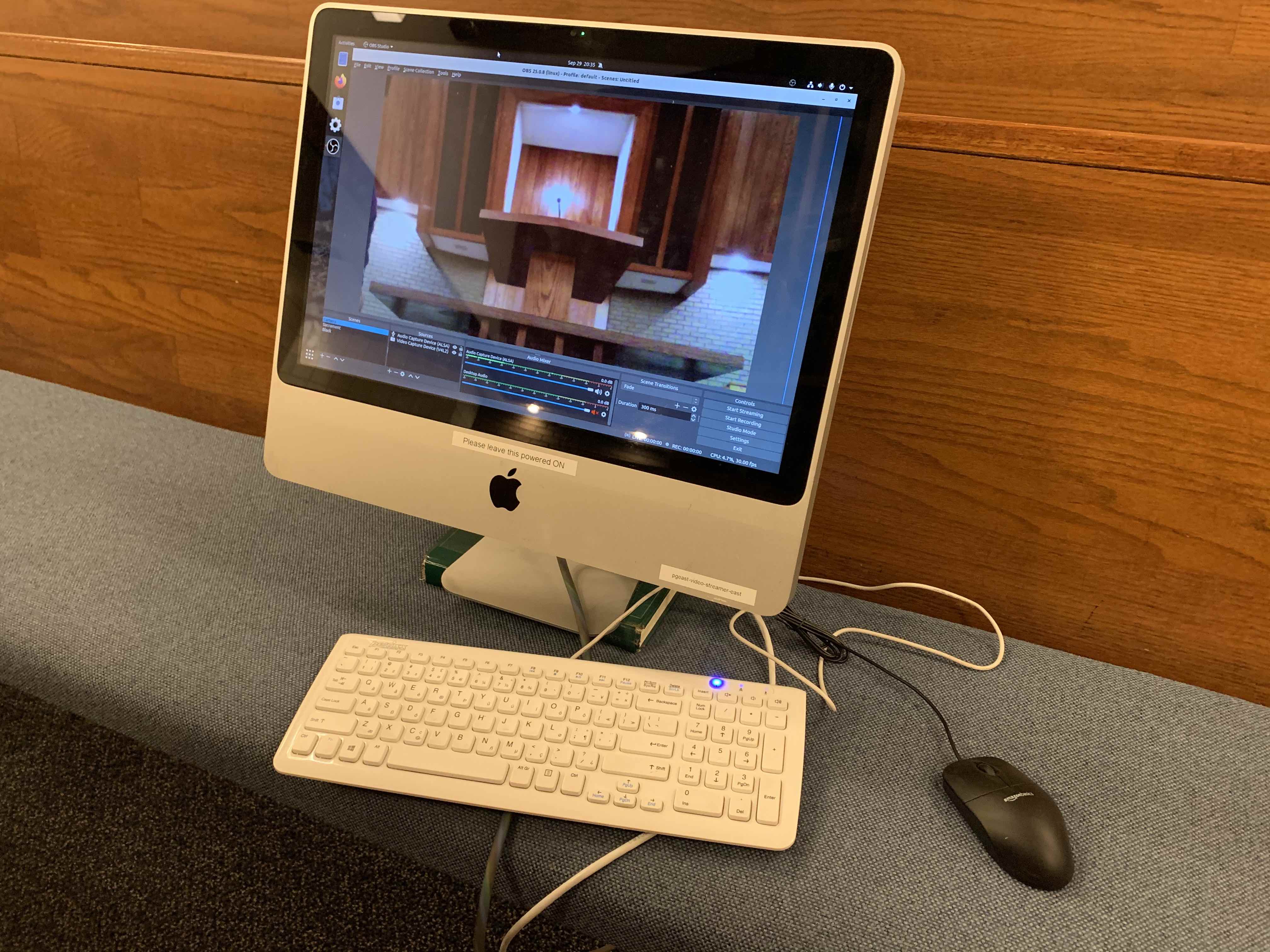
Rather than purchase Teradeks for the three buildings that don't have them, I "upcycled" four 2009-era iMacs that I had on hand (purchased surplus from the school district for $35 each a few years ago, and upgraded with a second Gig of RAM for $15 each), giving us computers with built-in cameras, good-size screens, analog audio input, wired and wirelss networking, all for less than the cost of a comparable Raspberry Pi with a camera, USB sound input adapter, SD card, cases, and so on. As these machines are no longer supported by Apple with the Mac OS, I installed Ubuntu (opting to omit the office apps an other unnecessary stuff). While unnecessary for most of us, I've even automated the setup of these machines with Salt Stack, so after the base OS is installed, everything else is handled by a few commands on the Salt Master, so in theory I could configure thousands of machines in the same time as it would take to do a few. All that auto-configuration is not polished, so I won't post it yet.
This is very much a work in progress, but I wanted to share this to see if there is any interest. I've written code to automate the configuration of OBS Studio with the stream URL and stream key from the webcast site, which generates an XML file for Teradek encoders. Currently written as a Linux shell script, run once a minute by a cron job (but in theory could be converted to Powershell and run as a scheduled task in Windows), it queries the church server for the particular encoder number for your building, parses and converts it into the configuration files for OBS studio (caching them for comparison later) and launches OBS and starts streaming automatically. The script continues running once per minute, watching for the stream URL to disappear (indicating the completion of the event), at which point it shuts down OBS.
With a "sacrament" scene (no audio, blank picture with a message) the stream continues in silence for the portion of the meeting that is not to be streamed, while leaving the stream running for the next meeting in the building without failing over to the (loud) choir music. Once the event is scheduled, the only necessary human intervention is to set the scene for the Sacrament ordinance, or if a network or other issue pops up. We ran all four buildings in our stake today with this method and other than upload bandwidth issues (looks like we'll be disabling WiFi in some/all buildings each week) everything ran flawlessly today.
Whether you create a single event for each building each week, or an individual event for each ward or branch meeting, the script should still work.
As it's a work in progress, I'll post it on my Github account. If you care to contribute, pull requests will be very welcomed.
https://github.com/jeremywillden/obs-automator
Background:
Rather than purchase Teradeks for the three buildings that don't have them, I "upcycled" four 2009-era iMacs that I had on hand (purchased surplus from the school district for $35 each a few years ago, and upgraded with a second Gig of RAM for $15 each), giving us computers with built-in cameras, good-size screens, analog audio input, wired and wirelss networking, all for less than the cost of a comparable Raspberry Pi with a camera, USB sound input adapter, SD card, cases, and so on. As these machines are no longer supported by Apple with the Mac OS, I installed Ubuntu (opting to omit the office apps an other unnecessary stuff). While unnecessary for most of us, I've even automated the setup of these machines with Salt Stack, so after the base OS is installed, everything else is handled by a few commands on the Salt Master, so in theory I could configure thousands of machines in the same time as it would take to do a few. All that auto-configuration is not polished, so I won't post it yet.