I don't know if this helps, but in order for the link to open the device has to have the Sacred Music App installed. I tested that out with my son and my husband but they both have iPhones. Once they installed the Sacred Music app the link worked, but when they didn't have the app installed it wouldn't do anything when they tried to click on it.
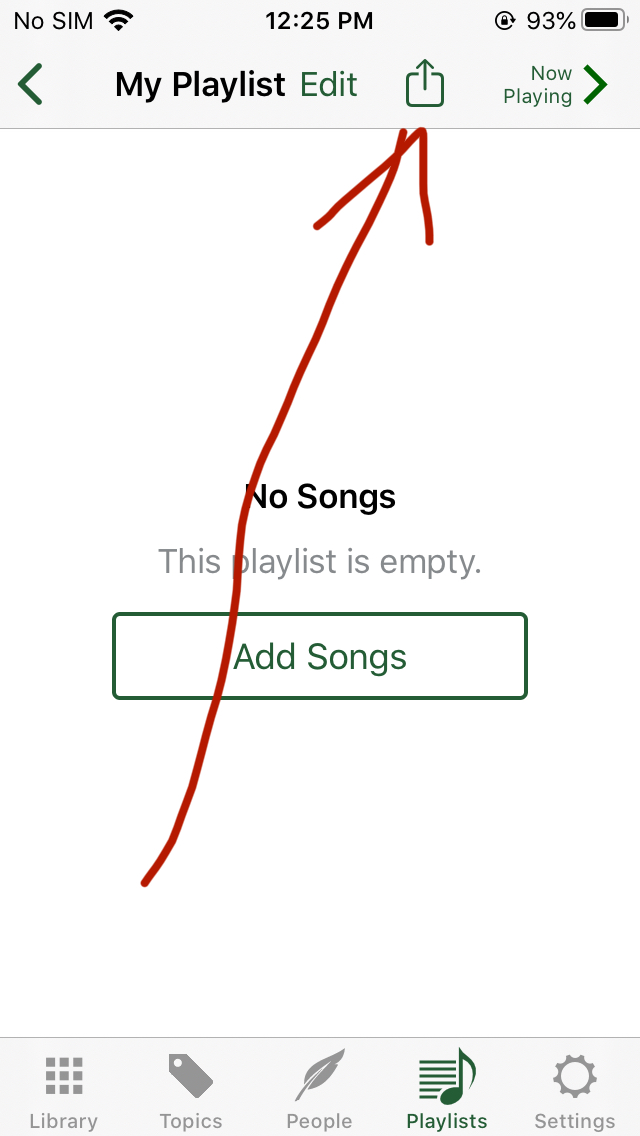
Once I got my playlist created I copied the share link in the Sacred Music app and I used
https://www.qrcode-monkey.com to create a free qr code. I put the qr code png into a flier with instructions so it would be super easy for the families to open. I don't know if it will work with android phones but I hope so. Here is a link to the flier incase anyone wants to modify it for their ward.
https://bit.ly/Primary-Program-Playlist-Note