LDS Tools sync down 2019-02-10

30 postsstarted by scgallafent 8,332 viewsoriginal topic

Church Employee
#1
We have been experiencing a problem this morning and have disabled LDS Tools syncs while we troubleshoot the issue. It is likely that LDS Tools sync will be disabled until about 5:00 PM Mountain Time today.
Member
#2
Any update on this? I still am unable to Sync as of a few minutes ago. Also, when I try to go to 'Contact Us' I get an error that states 'Warning Invalid Email:' and it doesn't allow me to proceed.
Church Employee
#3
The sync processes were brought up at about 5:15 PM on Sunday. If you're having an issue, it is not related to this.
Member
#4
Thanks.

I am still getting an error when trying to sync as well as with Contact Us so I can't report the problem through the app. When I try to sync it gets about 3/4 of the way through and then I get an error - Error Downloading, and it quits.

Any suggestions on what to do if sync should be working and being unable to contact through 'Contact Us'?
Member
#5
I just delete the app and reinstalled and now I can't even login. I am taken to the login screen, add my credentials, it starts to download and then takes me back to the login screen.
Community Moderators
#6
steele7 wrote:I just delete the app and reinstalled and now I can't even login. I am taken to the login screen, add my credentials, it starts to download and then takes me back to the login screen.
What version of LDS Tools are you running, and on what kind of device?
Samuel Bradshaw • If you desire to serve God, you are called to the work.
Member
#7
Version 3.5.3 (6417) on an iPhone 7.
#8
I just tried an initial sync on 20190212@15:00MST on Samsung Galaxy S8+ and received "servers down for maintenance" message. Any update on resolution timing or if I should be looking at my device for issues with sync?
Church Employee
#9
Peterure@gmail.com wrote:Any update on resolution timing or if I should be looking at my device for issues with sync?
If you were to read back a few messages, you would see a reply from me that the services were turned back on at about 5:15 PM on Sunday.
New Member
#10
I still cannot sync with my Android Device. Fusion 5 Android 8.1.
New Member
#11
As of 2/12/2018 @ 6:16 Las Vegas Time (7:16 Mountain time) -- I have de-installed and re-installed the app on my Android 8.1 (Fusion 5) device and it will not sync. After logging in and the app immediately tries to sync and then gets about 2/3 of the way done in the progress bar and the it just say LDS Tool has STOPPED. It take you back to the login screen and that's it. Why is this occurring ? Can you tell us -- is this just unique to me or is everyone having this issue?
Community Moderators
#12
See my post in the Android topic. LDS Tools Android is consistently crashing early during the sync attempt.
Member
#13
Not sure if anything was done overnight or what but I tried logging in again this morning and the download worked. I am back into the app.
New Member
#14
I can get into the App on my phone (as long as it is not a first time installation - since - a first time installation attempts to sync). But the issue is syncing. When I try to sync the app crashes. And if you de-install and re- install - the first thing it tries to do is sync and crashes. This issue is still open. Sync is not working for Android devices -- 2/13/2019 - @ 9:08 PST. Thanks.
Senior Member
#15
Not sure if this will help anyone, but a man called me to ask about his wife's Android which would not sync, while his Android did. She is the RS president while he does not have a leadership calling... Looks like at least some of the problem is trying to sync parts of Tools available only to leaders.
New Member
#16
LDS Tools will not completely download to my android. It gets to the end of download and stops, a few different messages appear.
As a leader, I wonder if being a leader is the problem with the app, as others in this blog are leaders too. My wife has a similar
phone as mine, no issues with her phone and LDS Tools. I have uninstalled, reinstalled, rebooted phone, reset net work settings,
and nothing is helping resolve this issue. Any ideas? :shock:
Senior Member
#17
Have some of our ward leaders have been in panic because they couldn't get into or sync Tools. I have had to remind them that everything they need is still available through LDS.org. There has been such an uproar in the ward over this that I am once again going to explain the differences in LDS.org and Tools in my newsletter next week.
Community Administrator
#18
jconder wrote:Any ideas?
Wait. There is no other choice. The problem rests with the church, not with the user's device.

The church is aware of the situation, and I'm sure they're working on a fix. But we haven't heard when it will be ready. Asking will not make it come faster.
Have you searched the Help Center? Try doing a Google search and adding "site:churchofjesuschrist.org/help" to the search criteria.

So we can better help you, please edit your Profile to include your general location.
Community Moderators
#19
jconder wrote:Any ideas?
Only one. Be as patient as you are able. They know about the problem. Apparently they are having trouble isolating it. It is likely a combination of several different systems that are supposed to be working together but are not cooperating.

They know that leaders are having problems and those without leadership callings do not seem to be having problems. They have my sync error log (and those of anyone else who has managed to send feedback through the app). I can look at my log and theorize what the problem may be, but I can only be patient myself until they solve the problem. And what I theorize may have nothing at all to do with anything.

And that is the beauty of it. I have absolutely nothing to do with solving the problem, and there is nothing more I can do. Except wait.

We get accustomed to and reliant on these wonderful tools, and they are fabulous when they work. I hope they solve this one soon. But I have been around long enough to know that we were able to do our callings without them, albeit much less efficiently nowadays.

So to whoever the wonderful developer is who is having a rotten week, "Wax on. Wax off. Don't forget to breathe. Very important." [Miyagi, in The Karate kid]

(Good advice for the rest of us, as well.)
Community Administrator
#20
russellhltn wrote:Wait. There is no other choice.
It appears there is a choice. If you're technically adept, you can install the beta version of LDS Tools.

Details here.

But keep in mind that waiting is also an option. Probably the best option for those who are less confident in dealing with computers.
Have you searched the Help Center? Try doing a Google search and adding "site:churchofjesuschrist.org/help" to the search criteria.

So we can better help you, please edit your Profile to include your general location.
New Member
#21
I cannot either. It prompts me for my login info, then starts syncing, then it goes back to the login screen. I tried reinstalling the app, no change. Version 3.5.3 on iPhone 6S with iOS 12.1.4.
Senior Member
#22
Tech people are aware of the problem and working on it... In the meantime you can get almost everything you need at LDS.org.
Community Moderators
#23
russellhltn wrote:If you're technically adept, you can install the beta version of LDS Tools.
For some this has worked, but there are now reports that for others installing the beta version has not solved the problem.
New Member
#24
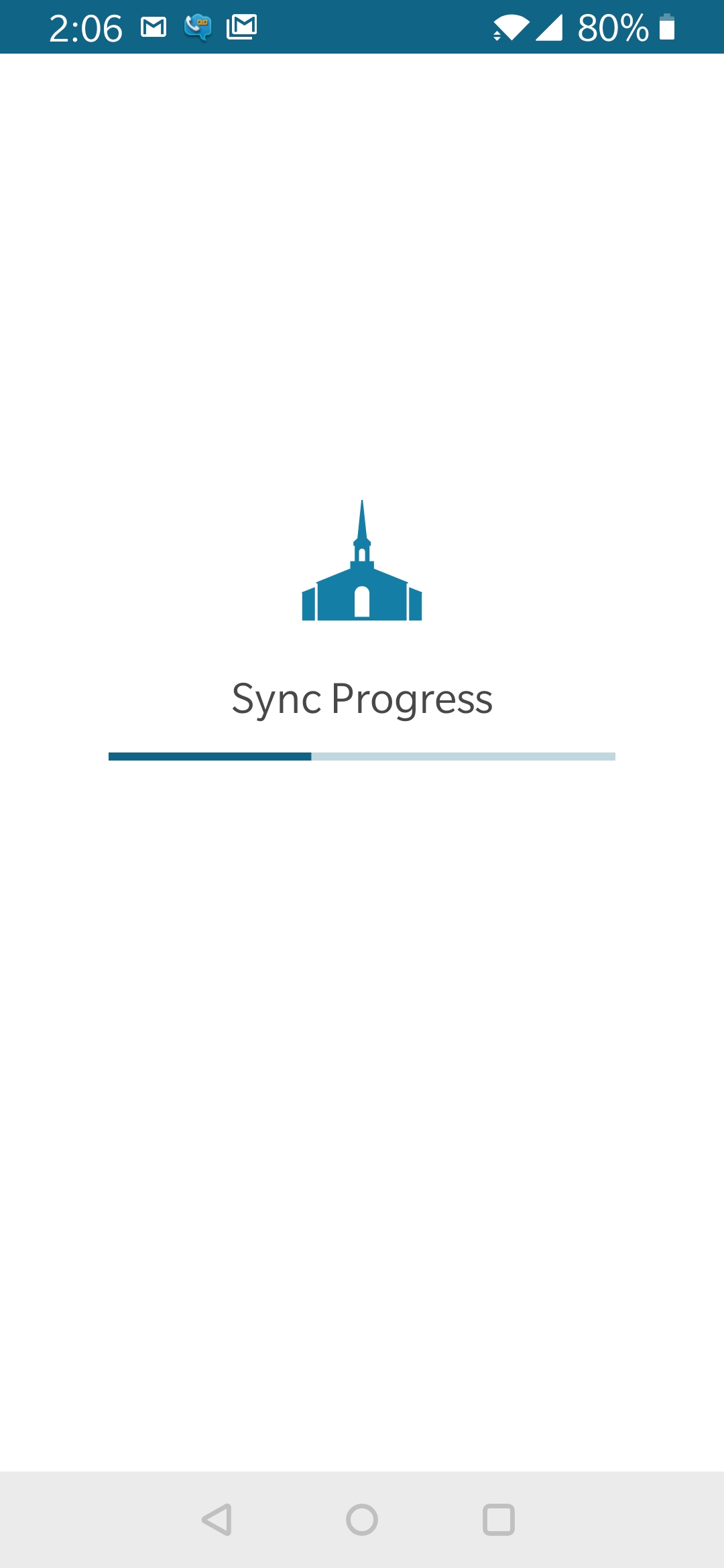
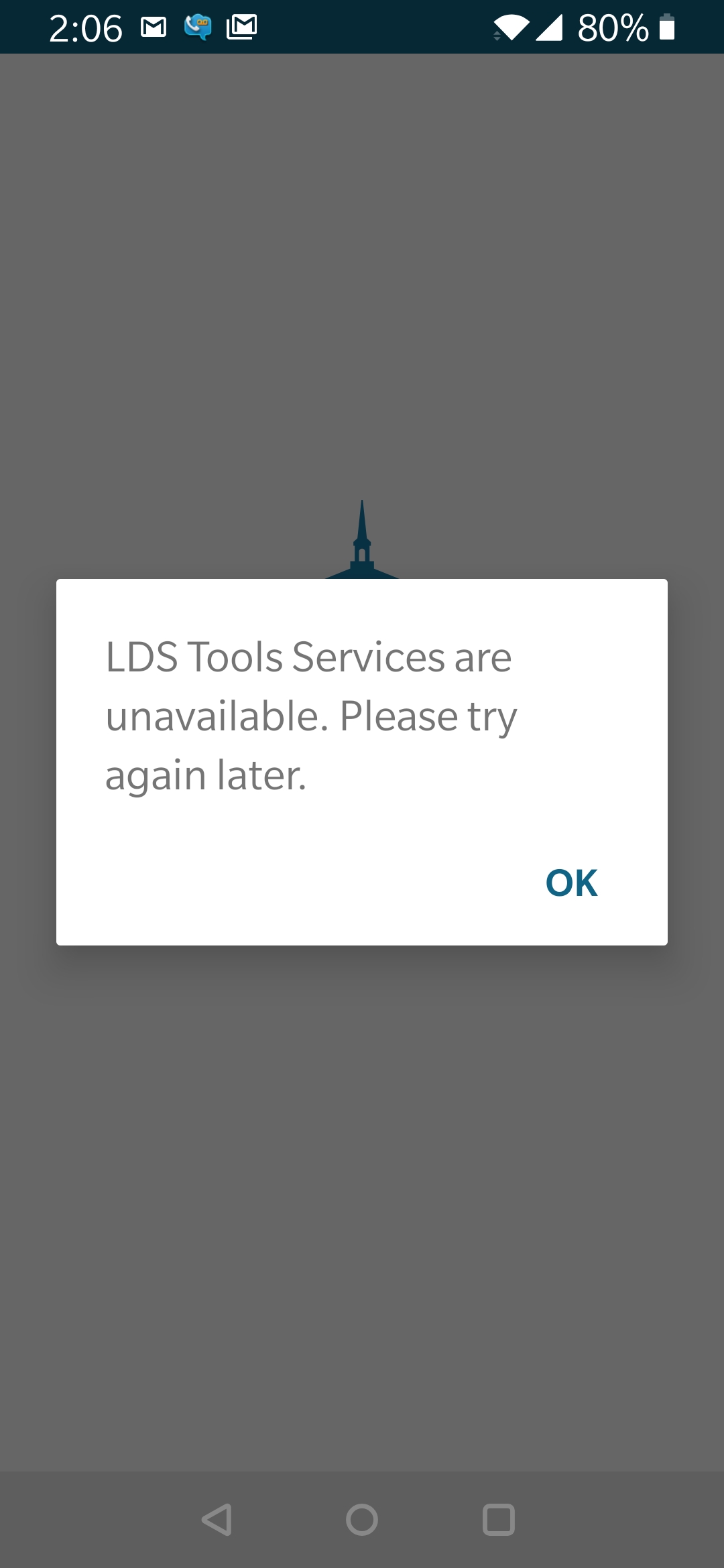
Today is 2/18/2019 and the sync is not working for both my Android and iPhone Systems. My iPad is not currently requesting a sync, and I don't dare request it. Reports indicate that it was repaired on 2/12, well that was 6 days ago. I have uninstalled and reinstalled on both platforms. No when logging in, it initiates the sync and then aborts. All launches of the application initiate the sync then reports an error.
2019-02-18 14.06.28.jpg
(70.03 KiB) Not downloaded yet
&
2019-02-18 14.06.08.jpg
(114.15 KiB) Not downloaded yet
Community Moderators
#25
dpgriffi wrote:Reports indicate that it was repaired on 2/12, . . .
One issue was solved that day. Something else is still amiss, but perhaps refreshed minds will return tomorrow after the holiday weekend and the fix will be in quickly.
New Member
#26
lajackson wrote:
dpgriffi wrote:Reports indicate that it was repaired on 2/12, . . .
One issue was solved that day. Something else is still amiss, but perhaps refreshed minds will return tomorrow after the holiday weekend and the fix will be in quickly.
So is there any update on abilities to sync LDS tools ... failures are occuring on iPhone, iPad, & Andorid phone ... need assister :?
Community Moderators
#27
dpgriffi wrote:So is there any update on abilities to sync LDS tools ...
The problem has been resolved in the beta. Discussions are underway on how quickly that beta can be released. It is not a short process. There may be something more specific with regard to a schedule in the next day or two.

If waiting is too painful, the next best option is to join the beta, which works.
New Member
#28
For all those who have been having difficulties syncing -- as of 10:00 pm PST, an updated version of LDS tools for Android has been posted to the Google play store. Looks like it is version 3.54 (100020.1). This updated version , if you update your tablet or phone will work and does sync. It worked for me -- and I am in a leadership position with access to ministering. Thank you tech support for fixing the issue -- and I hope the message gets out that this appears now to be fixed. Good luck to all.
#29
Still only get a" last synced never"
My phone is synced but my tablet won't
Both are android devices.
Tablet is dying and about to lose over 3 yrs of notes and annotations.
Habe to use tablet for eyesight problems.
New Member
#30
I still cannot sync. I have a Samsung Note 8. This is driving me crazy! Uninstalled and reinstalled 5 separate days. Nothing. What can I do?