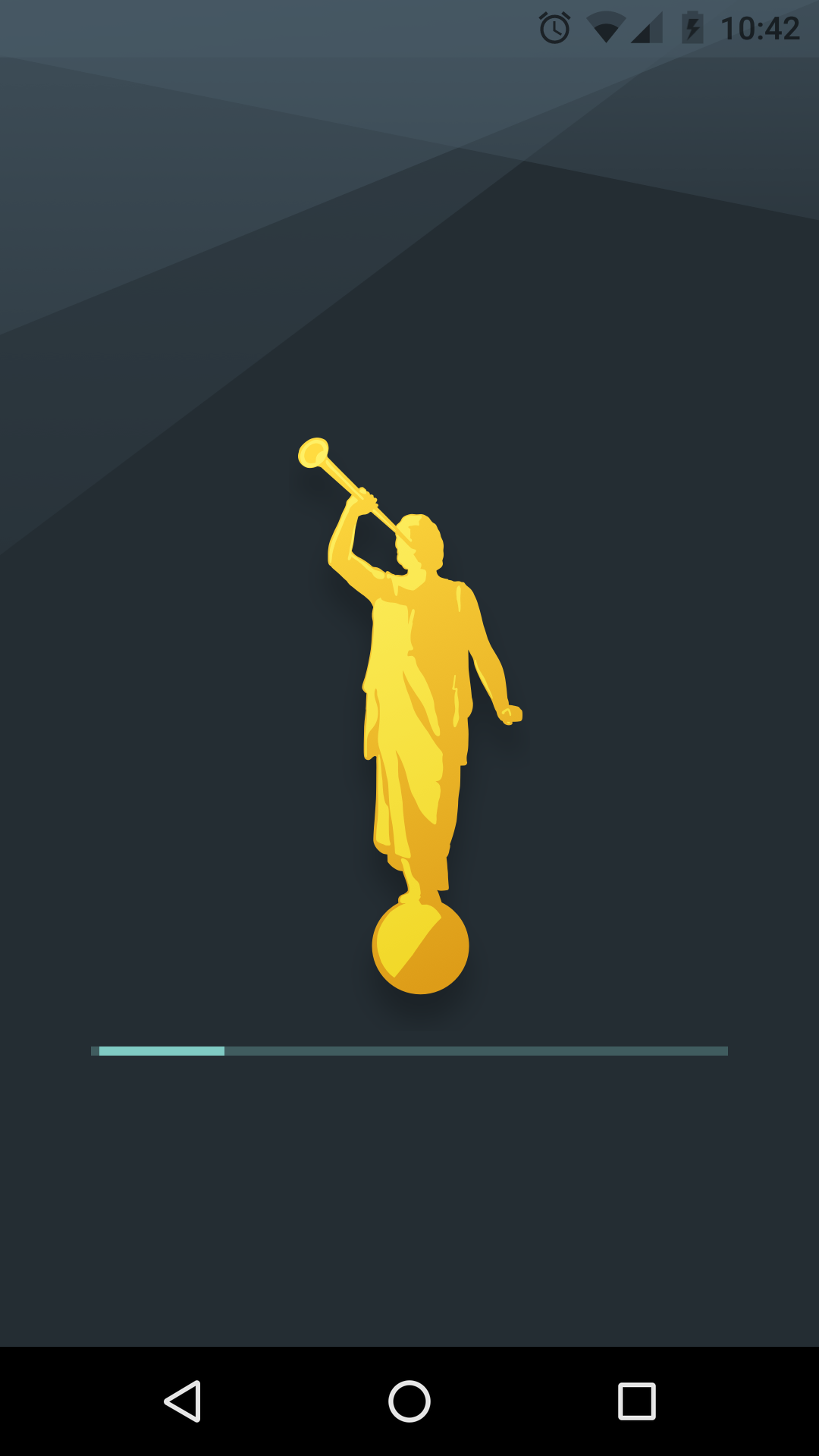
UPDATING ENDLESSLY

46 postsstarted by hallistone 19,992 viewsoriginal topic

New Member
#1
Help! Gospel Library, on my Samsung Galaxy S7 Edge has been updating for at least 8 hours, with no end in sight. This has never happened before. I am unable to access any content while this is going on. I tried restarting the phone, with no success. I went into the app setting and "forced" stop. Still updating when I open it. What's going on?
Community Administrator
#2
The server's been having a lot of problems lately. It might be acting up again.
Have you searched the Help Center? Try doing a Google search and adding "site:churchofjesuschrist.org/help" to the search criteria.

So we can better help you, please edit your Profile to include your general location.
Senior Member
#3
I think I saw this on a friend's Samsung yesterday. When she started Gospel Library, it just displayed a splash screen endlessly. I had her reboot the phone, and then uninstall and reinstall the GL app. I don't know if that fixed her problem.
The problem I have with my LG phone is that GL wants to download every stinking book in the library. I keep killing the download to prevent it from filling all available memory.
Dana Repouille, Plattsmouth, Nebraska
New Member
#4
I also tried uninstalling and reinstalling to no avail. I did find a temporary workaround, though. I opened Chrome, navigated to www.lds.org, searched for a talk, and got the option to open in the Gospel Library app. Then I was able to navigate as normal, though backing out completely left Gospel Library again in the unusable state. In fact, the app didn't even show in Recent Screens/Apps. Upon further testing, I discovered that opening a new screen once I was to that point seemed to restore functionality even after backing all the way out, but the initial screen still doesn't show in Recent Apps.
New Member
#5
I am also having this exact same problem. It's like the sync procedure is stuck endlessly syncing. I uploaded a picture of where it is frozen.
New Member
#6
Same problem on my LG G6. Hopefully now that the holiday is over someone can fix this. I know there was a problem with the church's computers this past Friday, July 22, 2017, but it appeared to have been fixed sometime on Saturday the 23rd.
Community Moderators
#7
Are any of you running the beta version of the app?

Uninstalling and reinstalling should fix the problem. There was a corrupted content catalog on the server between Saturday night and Sunday morning. If you opened the app during that time, you would have gotten into this state. A developer fixed the issue around 9:30 AM on Sunday morning, so any uninstalls/reinstalls after that time should fix the problem, and anyone who didn't open the app during that time wasn't affected.

We think this might have only affected beta users, but we're still trying to figure that out (none of the feedback for this issue was sent through the app, so we can't tell what version people were running! :) ).
Samuel Bradshaw • If you desire to serve God, you are called to the work.
New Member
#8
I am using the beta version, but have a family member who is not, as far as I know (I will find out for sure), who experienced the same issue. It is now resolved after uninstalling and reinstalling a second time.
New Member
#9
I'm experiencing the problem of the endless splash screen with version 4.1.1.8.
Community Moderators
#10
ab7zo wrote:I'm experiencing the problem of the endless splash screen with version 4.1.1.8.
Did you uninstall and then reinstall the app?
New Member
#11
My family is also having this issue on our Kindle Fire HDX 7" (3rd generation). We are not connected to wifi on a regular basis, but after connecting on Wednesday, I encountered this error. After uninstalling and reinstalling that evening, I was fine. Until just a few minutes ago when I got back on the wifi...am now having to uninstall and reinstall on both Kindles.

Figure I should post the specifics here if developers are wanting additional information.

Thanks!
Community Moderators
#12
Are you able to open the app after reinstalling? If so, you can try sending feedback through Settings. That will attach diagnostic info about your device and your installation of Gospel Library, which can help the support team with debugging. Also, are you on the beta version of the app?
Samuel Bradshaw • If you desire to serve God, you are called to the work.
New Member
#13
I was able to open the app after reinstalling...but once I exited from the app on either device, the issue started up again. Once I get it reinstalled on both devices, I will go ahead and send feedback through that app!

I'm not sure if I'm on the beta version of the app or not...it's whichever version is currently available through the Amazon app store (no help, I know)

Thanks!

EDIT: I tried sending feedback through the app. Unfortunately, after hitting "Send Feedback" and then selecting my email app, nothing happened.
New Member
#14
The only solution I've found for this was deleting the app and reinstalling. I've now had to do this twice, the latest being today. Please tell me I'm not going to have to delete and reinstall Gospel Library every few weeks!
New Member
#15
I too have experienced this problem lately (last Sunday July 23rd) and uninstalled reinstalled to fix it. However, today it just happened again. For clarity, on my LG G5 android phone, I receive an endless splash or temporary page displaying an Angel Moroni figure with a loading bar that continuously repeats and I can't seem to gain access to the library as it stays cemented and fixed on this page. I will attempt to uninstall and reinstall...again.
Community Moderators
#16
Make sure you're either on the newest released version of the app (4.1.1.8) or the newest beta version (4.2.0.4-BETA). Try a delete and reinstall again... There have been a lot of content issues recently, including one that popped up today. if deleting and reinstalling again doesn't work, you'll probably need to send feedback to the support team. Sending feedback through the app is best if possible (because it attaches diagnostic info), but if you can't get into the app, you can send an email directly to android-support@ldsmail.net (that's the email address that's used for in-app feedback).
Samuel Bradshaw • If you desire to serve God, you are called to the work.
New Member
#17
Jldevictoria wrote:I am also having this exact same problem. It's like the sync procedure is stuck endlessly syncing. I uploaded a picture of where it is frozen.
I am having the exact same problem. It has gone on now for two weeks. I deleted app and reinstalled. My notes and highlights were also deleted.
New Member
#18
I have an iPhone and every time I try to open my Gospel Library, it starts updating, goes to a blank screen, then just stays there. I cannot go to any other screens while it is doing this. But nothing happens, no updating, nothing-then I just have to click out of it. I cannot use my gospel library, haven't been able to for several days and am getting so frustrated. If I uninstall, then install again, I don't want to lose all of my bookmarks! When is this problem going to get fixed? My daughter's is doing the same thing! Please advise. Thanks!
Community Moderators
#19
rashelferrin wrote:I have an iPhone and every time I try to open my Gospel Library, it starts updating, goes to a blank screen, then just stays there. I cannot go to any other screens while it is doing this. But nothing happens, no updating, nothing-then I just have to click out of it. I cannot use my gospel library, haven't been able to for several days and am getting so frustrated. If I uninstall, then install again, I don't want to lose all of my bookmarks! When is this problem going to get fixed? My daughter's is doing the same thing! Please advise. Thanks!
Are you able to get into Settings in the app? If so, you can send in-app feedback to the iOS Gospel Library support team, who can help diagnose the problem.

As long as you are signed into your LDS Account, you won't lose any bookmarks by deleting and reinstalling the app. You won't lose any notes, highlights, etc. either. However, deleting and reinstalling will clear downloaded items, open screens, and custom collections, if those are important to you.
Samuel Bradshaw • If you desire to serve God, you are called to the work.
New Member
#20
Hi,
Nope, I can't get into Settings or anything within the app--it just goes to the blank screen, then nothing else. I am hoping that this message will get to the iOS library support team since I sent this to them? I'll try deleting and reinstalling the app-with my LDS account open-hope that helps. Thanks for taking the time to write back to me!
Community Moderators
#21
rashelferrin wrote:Hi,
Nope, I can't get into Settings or anything within the app--it just goes to the blank screen, then nothing else. I am hoping that this message will get to the iOS library support team since I sent this to them? I'll try deleting and reinstalling the app-with my LDS account open-hope that helps. Thanks for taking the time to write back to me!
Check and make sure that your notes and bookmarks appear on LDS.org in a web browser, after you sign in with your LDS Account – that's how you can know if they've been syncing, since you can't get into the app to verify that you were signed in there. The iOS Gospel Library support team email is gospelstudyapp@gmail.com.
Samuel Bradshaw • If you desire to serve God, you are called to the work.
New Member
#22
Ok, thank you :)
So, why did it update on my iPad and not my iPhone?
All of my notes are there in my iPad and on my web browser. But, since my iPad is synced with my phone, if I delete the app from my phone, it won't it delete them from my iPad as well? I'm just a little nervous to do this.
Thanks in advance!
Community Moderators
#23
If your notes appear on LDS.org and/or on other devices, they're safely synced, and they won't be lost by deleting the app.

When you're signed in to Gospel Library with your LDS Account – syncing your annotations – the "master copy" of everything is stored on the Church's servers, and also backed up periodically. What's on your devices is just a copy. When you add or delete annotations using the buttons and menus in the app, the app sends those changes to the Church servers, and from the Church servers, it syncs back down to any other devices.

Deleting the app is different. Because you're not using the buttons and menus in the app to add or delete annotations, the app doesn't know that anything changed, so it won't try to send changes to the server. (In fact, even if Gospel Library wanted to contact the server, it couldn't, because the app no longer exists. :) )

As long as your annotations show up on LDS.org and/or other devices, then deleting the app is perfectly safe.
Samuel Bradshaw • If you desire to serve God, you are called to the work.
New Member
#24
Ok, thanks so much for that explanation. That really does help to understand it better! I really appreciate your help and support here. I'll let you know if it works!
New Member
#25
It worked like a charm to delete it, then re-install it! Thank you again so much :)
New Member
#26
I had the same problem. Tried uninstalling and re-installing several times. Now it only give me a "Unfortunately, Gospel Library has stopped" error message... v. 4.2.1.4
New Member
#27
And, coincidentally(?), my Mormon Channel app gave me the same message, problem.
New Member
#28
I recently had this problem and went into the app store and updated the app. Then it let access the app
New Member
#29
Update: I re-installed a 4th time and this time it worked. Thank you all!
New Member
#30

Tengo problemas con mi biblioteca del evangelio par Huawei

Hace unos días funcionaba bien la aplicación de la librería del evangelio pero ahora no habré reinstale dos veces reinicie mi celular pero sigue sin funcionar ¿como puedo solucionarlo? Esta herramienta es de gran ayuda para mi..
New Member
#31
I am using a Huawei Mate 9 (current firmware) and the app works perfect in the past. Now I have the problem that I open the app and see the splash screen and that's it. The app ist closed.
I cleaned up the cache and data, no change. I uninstall the app (incl. clean cache and data) and reinstall, no change. Restarts of the phone didn't solve it.
I have no chance to create a bug report in the app.
Community Moderators
#32
Here are some things you can try, if Gospel Library doesn't get past the Moroni splash screen:

• Make sure you have the latest version of Google Play Services installed: https://play.google.com/store/apps/deta ... ndroid.gms
• Make sure you're connected to a good internet connection, in case the app is trying but failing to download a content update. If you're not connected to internet at all, the app won't try to get updated content; but you may have trouble if you're in a between state – connected to internet, but the internet is slower than normal.
• Check how much storage space you have remaining on the device. If the device is low on memory, it may be failing to download a content update completely.
• Restart your device. This may help free up some memory, for a faster launch.
• Close all of your open programs by swiping them out of recent apps. This could also help free up some memory.

If none of that works, I'd recommend sending an email to Gospel Library support at the email listed here:
https://tech.lds.org/wiki/Gospel_Library_support
Samuel Bradshaw • If you desire to serve God, you are called to the work.
New Member
#33
@sbradshaw
- The latest version of GL is installed
- I try it with mobile and wifi at home, in the ward, in the company
- The Huawei Mate 9 has a big memory (4GB RAM, 64 GB internal storage, 128 GB SD Card) So I think, or better know, that the storage is no problem.

There are some things who could made the problem. The Android version (Android 8) or it is a "Huawei problem" (again, because I have problems with Android Auto) or there are system settings, who killed the app or a beta version of an other app made (Google) that problem
Community Administrator
#34
labbi wrote:There are some things who could made the problem. The Android version (Android 8) ...
Pixels run 8.1 and so far haven't appeared in this thread.

What I find odd is the timing. Something must have changed/updated to trigger it.
Have you searched the Help Center? Try doing a Google search and adding "site:churchofjesuschrist.org/help" to the search criteria.

So we can better help you, please edit your Profile to include your general location.
Community Moderators
#35
labbi wrote:@sbradshaw
- The latest version of GL is installed
- I try it with mobile and wifi at home, in the ward, in the company
- The Huawei Mate 9 has a big memory (4GB RAM, 64 GB internal storage, 128 GB SD Card) So I think, or better know, that the storage is no problem.

There are some things who could made the problem. The Android version (Android 8) or it is a "Huawei problem" (again, because I have problems with Android Auto) or there are system settings, who killed the app or a beta version of an other app made (Google) that problem
Did you check for the latest version of Google Play Services?
Samuel Bradshaw • If you desire to serve God, you are called to the work.
New Member
#36
@sbradshaw
Yes, the latest version of Google Play Services (12.6.73) is installed, because the problems of Android Auto needed it too. My Android Auto make trouble again. I try yesterday evening the "LDS Music" App. There are problems too. I open it. It starts, and as I open the Hyms in the app, it closed without any further info.
I will try some other devices (Honor 6X and Huawei Mediapad)
New Member
#37
So, I try with my Honor 6X, that shows the same problem. And I found the solution. The problem is once again the Google Play Services.
Go to : settings -> Apps -> Google Play Services. Then click on the three points right and uninstall the updates. After that go to "Storage" and clean the cache. Then "manage space" and "clean all data". then the Gospel Library works. But (very important !) don't restart the phone, then the problems begins again. If you use "Google Backup", the phone ask you again for an account.
That is the same solution, I had to use with Android Auto.
New Member
#38
This is not a reply but a desire to reach out and say also my app is updating endlessly. I have reinstalled numerous times and still get updating endlessly.
I have a Samsung Galaxy 8 Active. Please advise as my frustration is reaching it's boiling point.
Community Moderators
#39
[Please ignore this post. It refers to LDS Tools and is in the wrong topic. Sorry.]
DESTINLEESMITH wrote:Please advise as my frustration is reaching it's boiling point.
The topic to which you replied is nine months old, but the problem has resurfaced again. This is a new issue discussed here and in a number of Android topics here.

Until the problem is resolved, remember that you can still obtain all of the information you need at Leader and Clerk Resources.
Community Administrator
#40
DESTINLEESMITH wrote:This is not a reply but a desire to reach out and say also my app is updating endlessly. I have reinstalled numerous times and still get updating endlessly.
I have a Samsung Galaxy 8 Active. Please advise as my frustration is reaching it's boiling point.
Which app? Tools or Gospel Library. Tools has some problems, but I think GL is still OK. You may need to delete the app and all it's data and try again.
Have you searched the Help Center? Try doing a Google search and adding "site:churchofjesuschrist.org/help" to the search criteria.

So we can better help you, please edit your Profile to include your general location.
#41
IF YOU HAVE ANY WEB FILTERS AT ALL INSTALLED ON YOUR PHONE, THEY WILL BLOCK CERTAIN DOMAINS LIKE LDS.ORG.

MY APP WOULD NOT UPDATE OR DOWNLOAD ANY CONTENT UNTIL I TURNED MY FILTERS OFF WHILE I DOWNLOADED.

if you have filters I highly recommend you turn them off while trying to download.
New Member
#42
Mine is doing the same thing even after deleting it and reinstalling. Continually updating.....
New Member
#43
I've had this same problem for a few weeks now. I thought if I gave it some time and then I would delete and install the app again but still left with the same problem. I'm really not sure what to do at this point
New Member
#44
I’m having the same problem and tried the same solutions. I get so frustrated with the lack of responsiveness of the church to the NUMEROUS problems with their software.
Community Moderators
#45
romdos wrote:I get so frustrated with the lack of responsiveness of the church to the NUMEROUS problems with their software.
Are you saying you have communicated several problems with the Android Gospel Library support team and have received no response? What are the issues beside Android Gospel Library content "updating endlessly" do you have? What specifically have your tried for each problem? If the Android Gospel Library support team did respond to your problems what specifically did they tell you to do that did not work?
JD Lessley
Have you tried finding your answer on the ChurchofJesusChrist.org Help Center or Tech Wiki?
New Member
#46
Always stuck on the update screen, I can never open the actual app. I've tried uninstalling and reinstalling, I've tried joining the beta and leaving the beta programs, I've tried restarting my phone. Please help