New Member
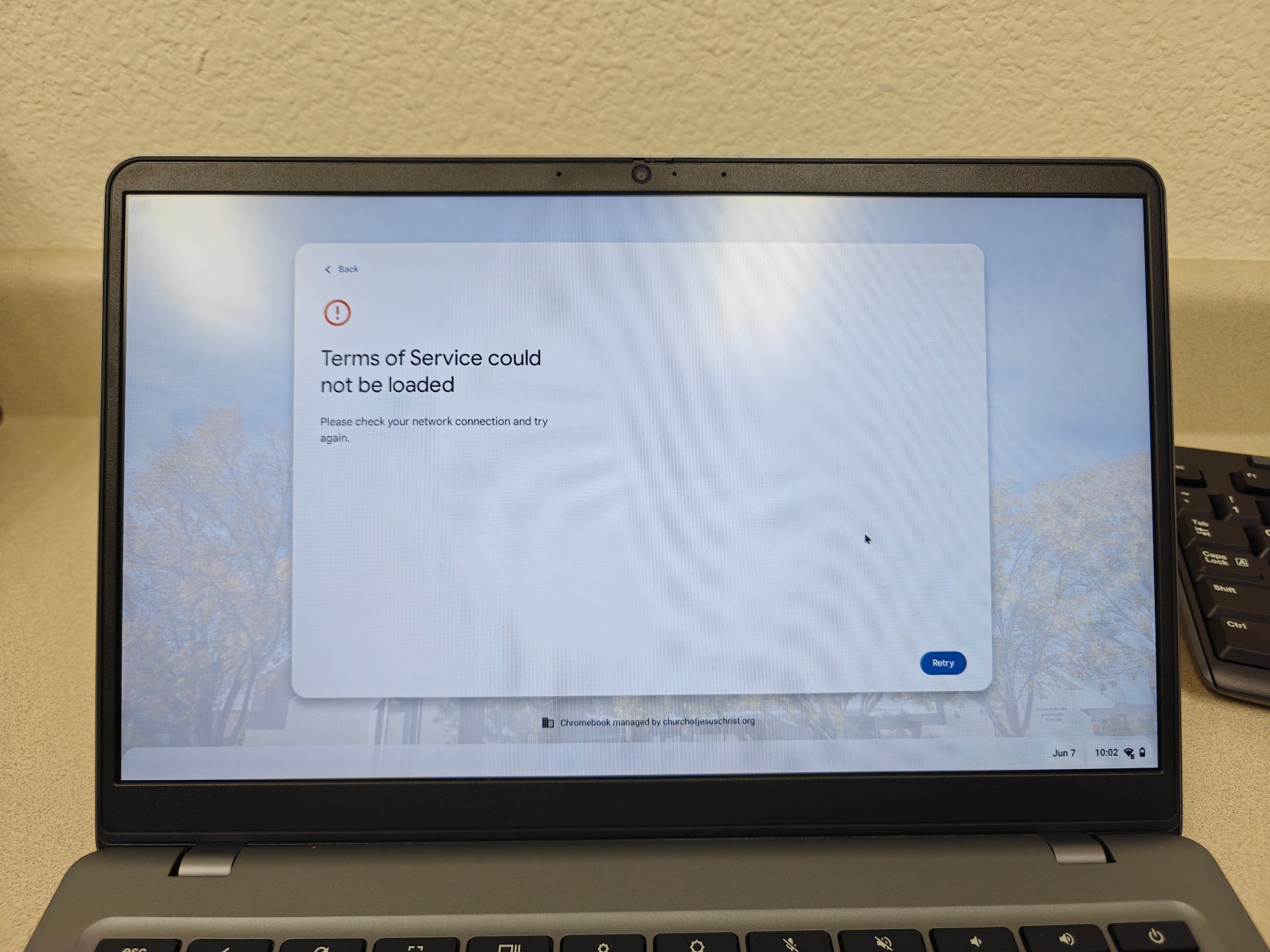
I’m a Stake Technology Specialist, and over the last several weeks we’ve started seeing a new Terms of Service prompt on Chromebooks for both guest sessions and logged-in users.
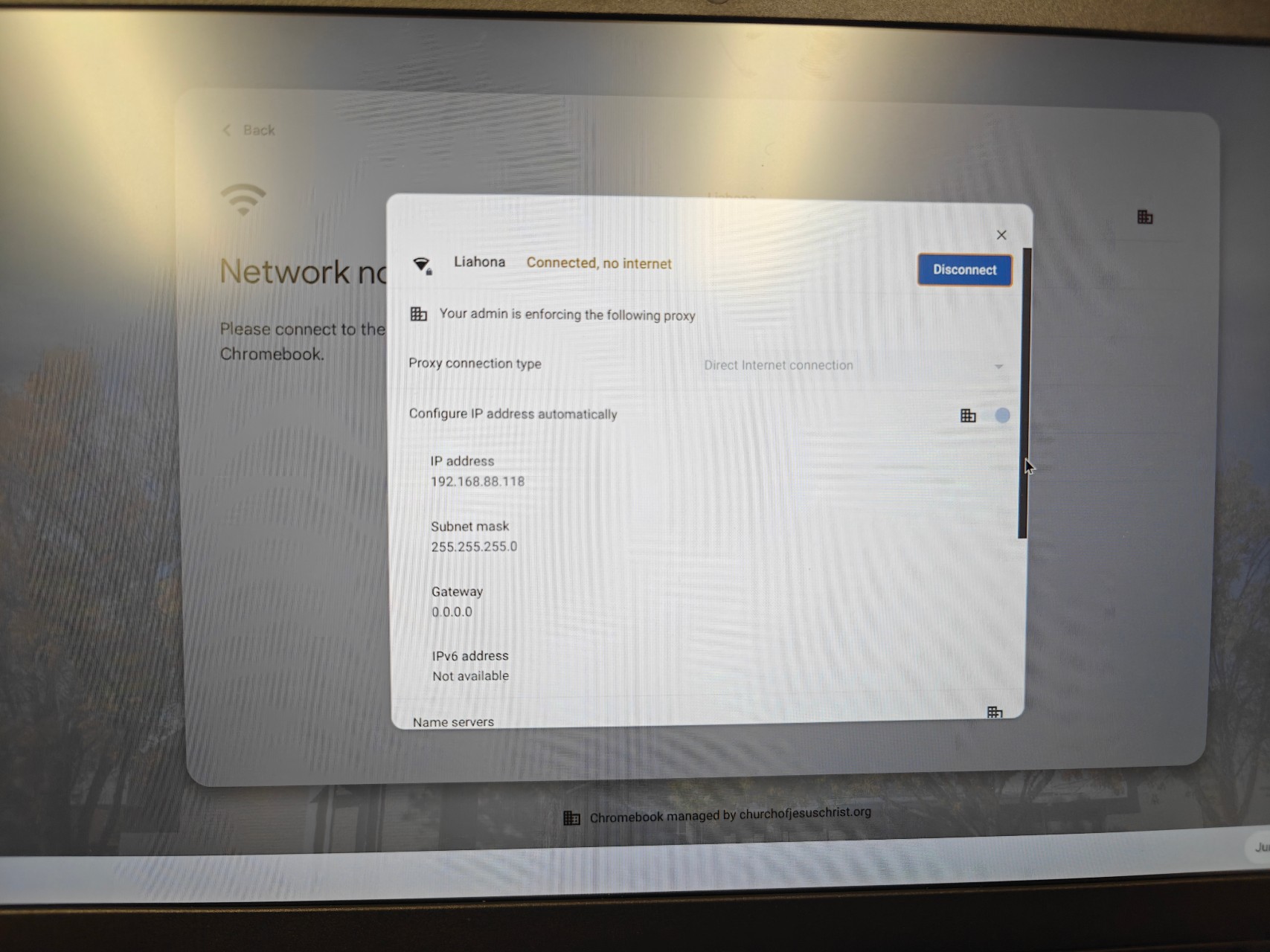
The issue is that the Terms of Service page will not load unless the Chromebook already has internet access. The Chromebooks are connected to the Liahona network and are assigned the No Splash policy by MAC address. They show as connected to Wi-Fi, but report No Internet.
The only workaround we’ve found is to connect the Chromebook to a hotspot, accept the Terms of Service, and then switch it back to the Liahona network. This is happening on all Chromebooks across our Stake.
Has anyone else run into this with the new TOS prompt, and have you found a way to get it working directly on Liahona without using a hotspot first? We can't ask our members to keep doing this.
The issue is that the Terms of Service page will not load unless the Chromebook already has internet access. The Chromebooks are connected to the Liahona network and are assigned the No Splash policy by MAC address. They show as connected to Wi-Fi, but report No Internet.
The only workaround we’ve found is to connect the Chromebook to a hotspot, accept the Terms of Service, and then switch it back to the Liahona network. This is happening on all Chromebooks across our Stake.
Has anyone else run into this with the new TOS prompt, and have you found a way to get it working directly on Liahona without using a hotspot first? We can't ask our members to keep doing this.