ClearTouch NDI and Zoom

6 postsstarted by kteubank 2,147 viewsoriginal topic

New Member
#1
Can someone please provide me step by step instructions on how to use the NDI protocol of my ClearTouch camera with Zoom? I've downloaded NDI Tools for Mac, but how to I configure NDI Tools to see my camera and will Zoom software integrate with NDI Tools to see the camera?

Thank you
Kent
Stake Tech Specialist
New Member
#2
In the NDI program, click on the Web Cam option. This will open a new window that will allow you to select the Clear Vision camera as a webcam input. When you are in Zoom, you should be able to select the NDI camera as a video input.
New Member
#3
Thank you!
New Member
#4
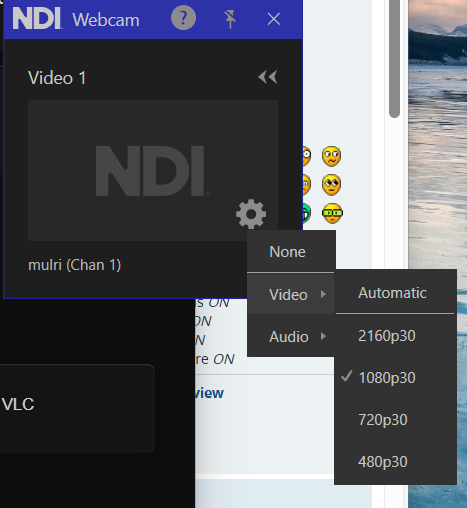
Any Ideas on what to do if the web cam option does not show a camera?

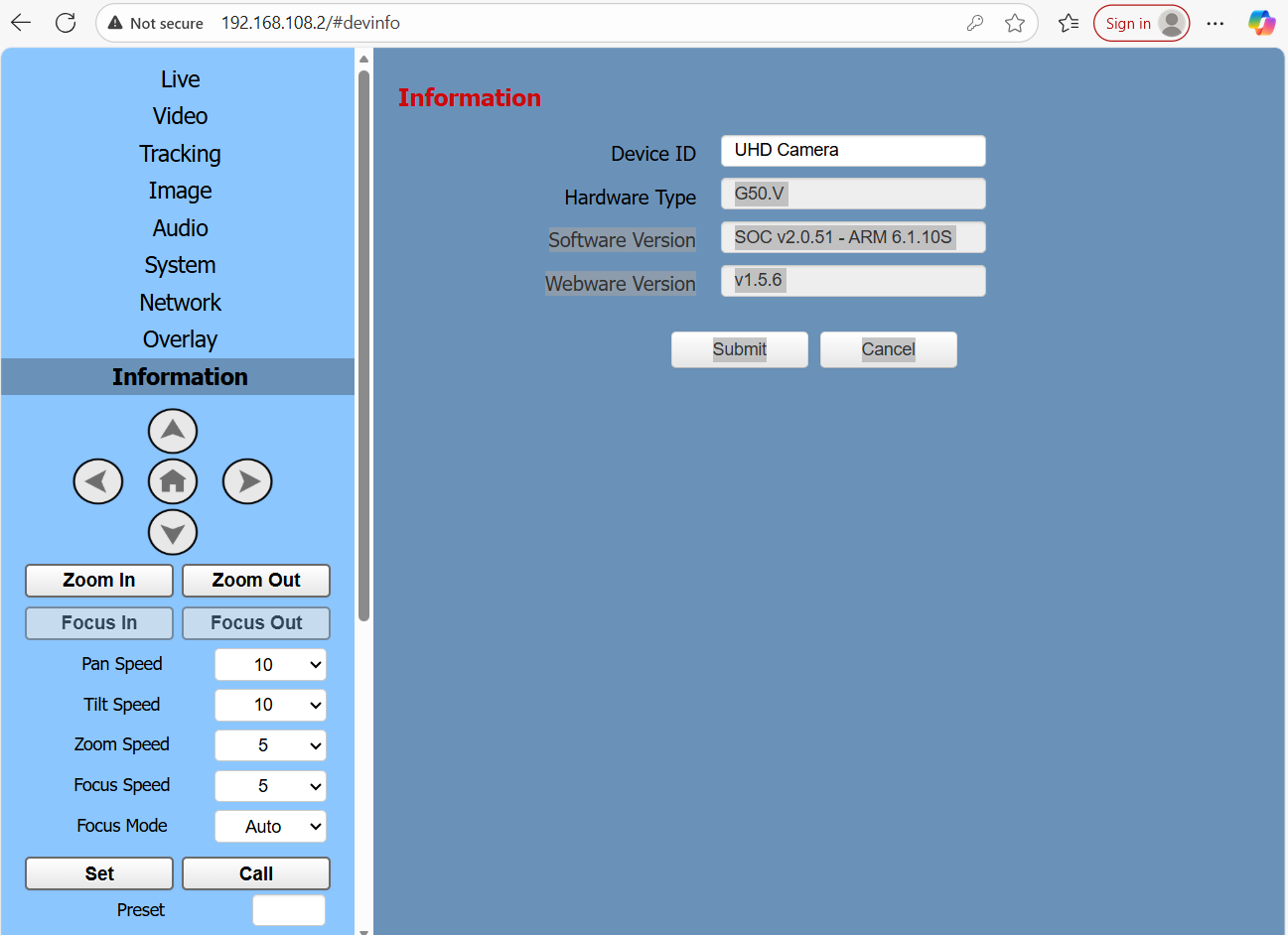
Another stake showed me a web page with an NDI settings, but mine does not show.
Screenshot 2025-11-11 200657.png
Screenshot 2025-11-11 201137.png
Screenshot 2025-11-11 201137.png (72.28 KiB)
Senior Member
#5
Rather than clicking on the "gear" icon inside the webcam pop-up window, try right-clicking on the Webcam input icon in the system tray. Your IP camera should appear in the list of NDI sources.
This linke may help: https://streamgeeks.us/ndi-webcam-input/

You should also try the NDI Studio Monitor application to preview the stream and to control your PTZ camera.
Dana Repouille, Plattsmouth, Nebraska
New Member
#6
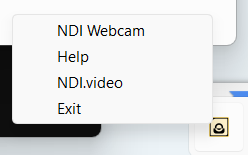
There is not an option on the webcam icon either.
Screenshot 2025-11-12 112919.png
Screenshot 2025-11-12 112919.png (7.3 KiB) Viewed 1190 times