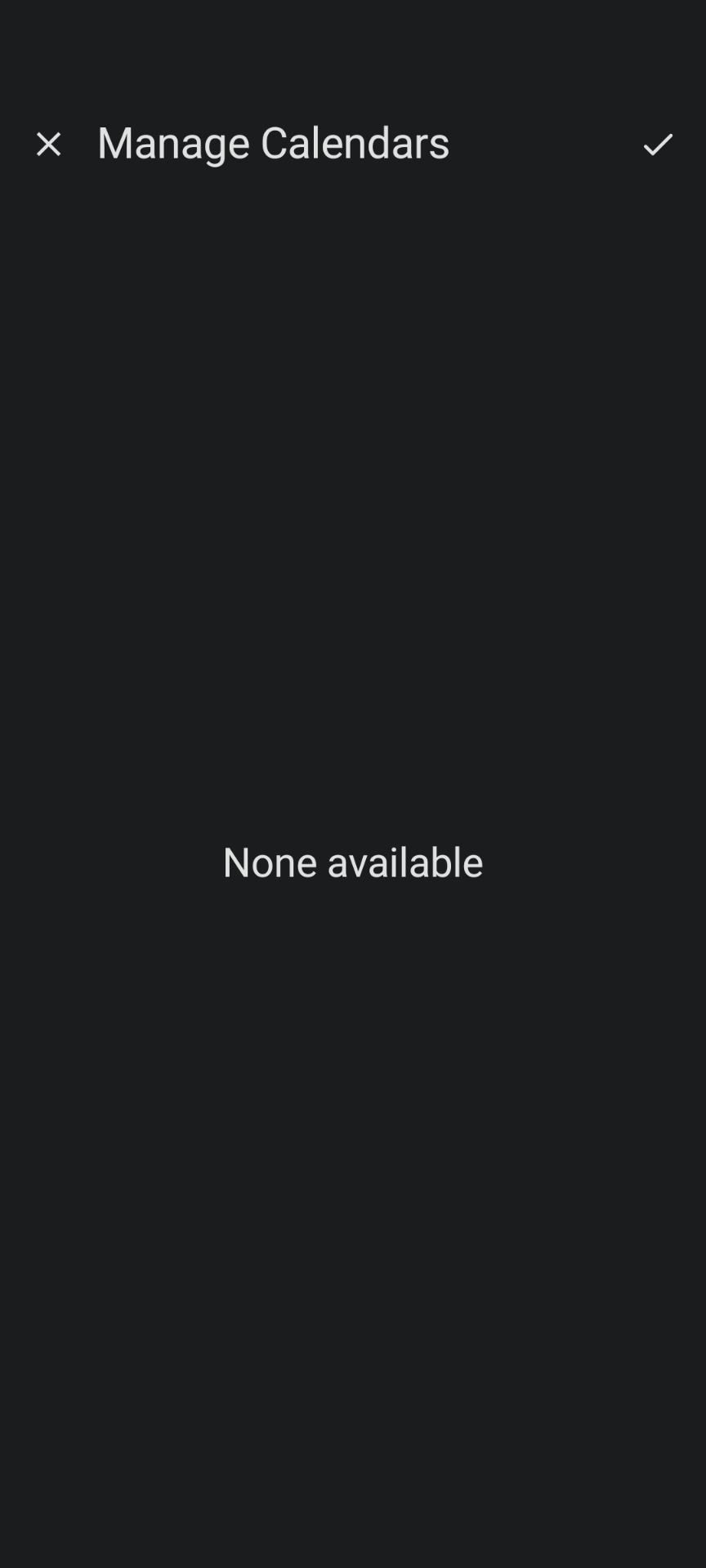
Calendar in Member Tools not displaying

5 postsstarted by jcgiullian 5,167 viewsoriginal topic

New Member
#1
When I try to view Calendar in Member Tools, it comes up blank. I've tried every icon in the calendar section and there is nothing. See the two screenshots attached. I've tried updating, reinstalling, restarting, etc. I'm on Google Pixel 5a running Android 14.

Screenshot_20231231-135303.png
Screenshot_20231231-135303.png (31.3 KiB)
Screenshot_20231231-135424.png
Screenshot_20231231-135424.png (33.7 KiB)
Community Administrator
#2
I've found calendar in Tools to be fickled. It usually takes a refresh (found under settings) or a login/logout to bring it back.
Have you searched the Help Center? Try doing a Google search and adding "site:churchofjesuschrist.org/help" to the search criteria.

So we can better help you, please edit your Profile to include your general location.
New Member
#3
Interesting. Today a ward member approached me with problems in their Tools app, and the symptoms were opposite: The Calendar was working, but there was nothing under Directory, or Organizations. Also, it seemed to start from an "uninitialized state" (as in it wanted to walk through the "orientation bullet points") each time I brought it up again. It's on IOS.
New Member
#4
I got it to work by going to UPDATE from the main menu and turned off the option to only update automaticly using WiFi. Then chose MANUALLY UPDATE. Android note 20.
New Member
#5
Thank you! The manual update fixed a problem I've been having for months!