Feature Request - View List of Tags

3 postsstarted by superprostar 2,609 viewsoriginal topic

New Member
#1
For this post, I am referring to online scriptures through lds.org. I enjoy using tags. However, I can't remember all of the tags that I have created. When I go to tag a scripture, there is no list that I can choose from. You can only start typing and then it pulls up a list based on that input. I would love to be able to select from the entire list, or at least see it so that I can use the tags I've created effectively.
#2
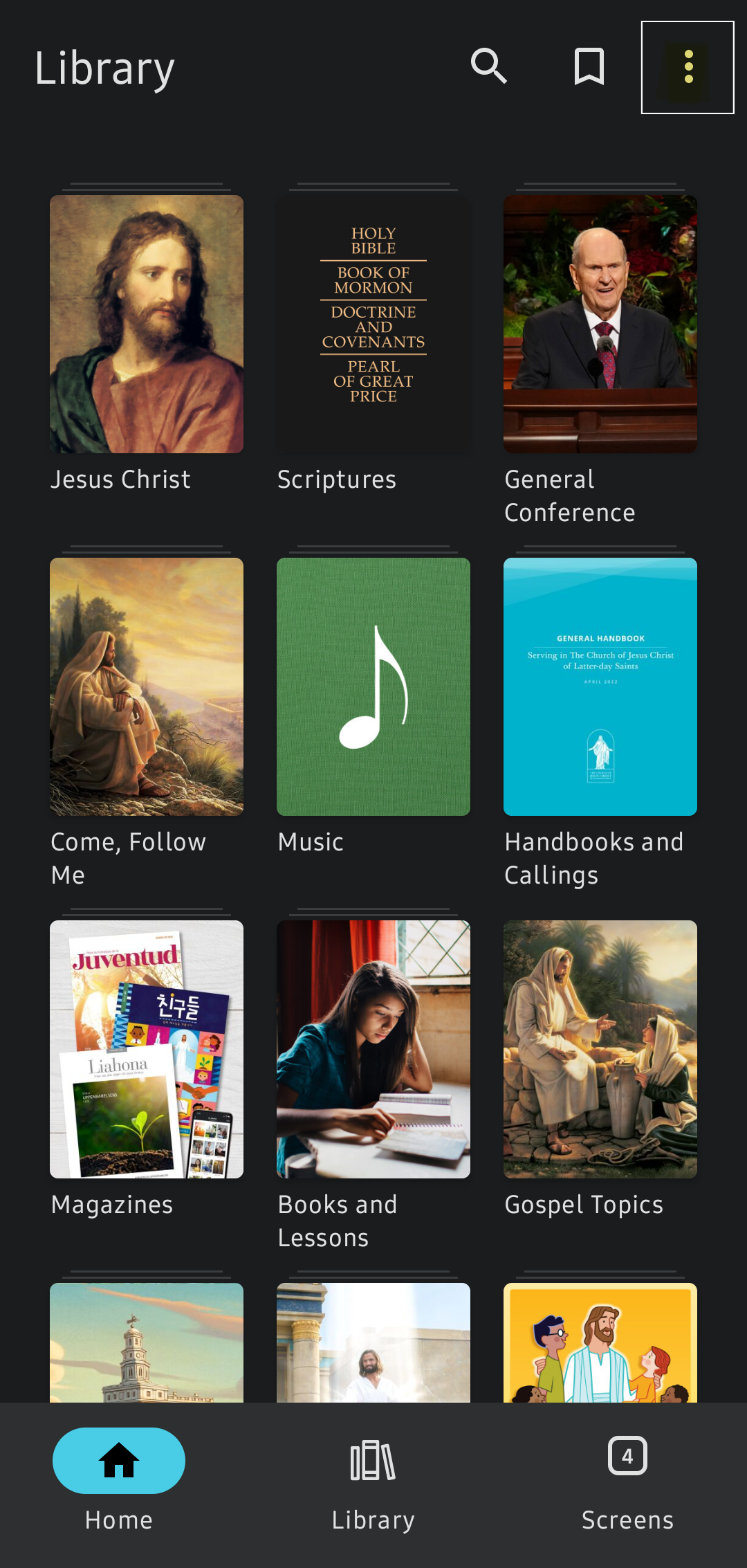
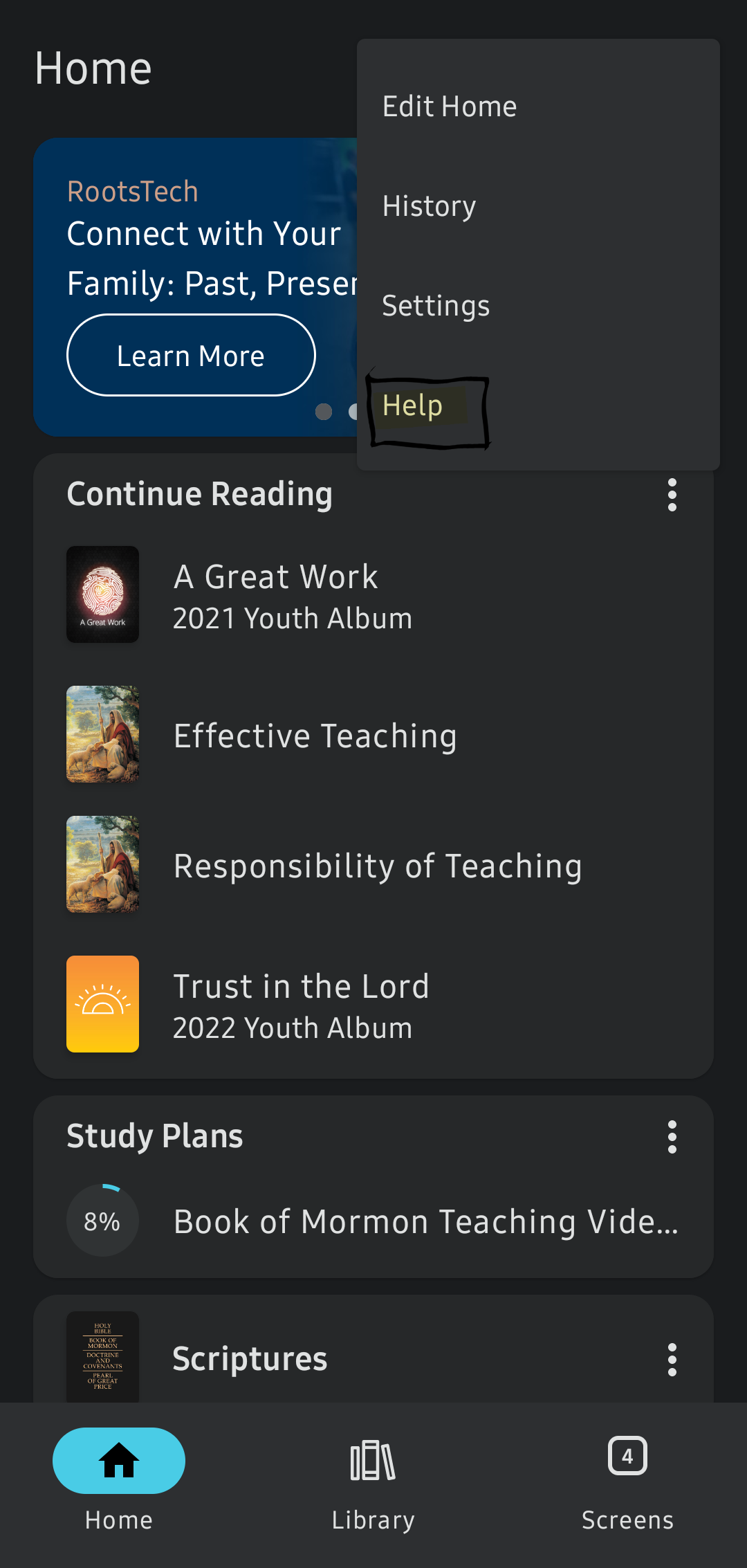
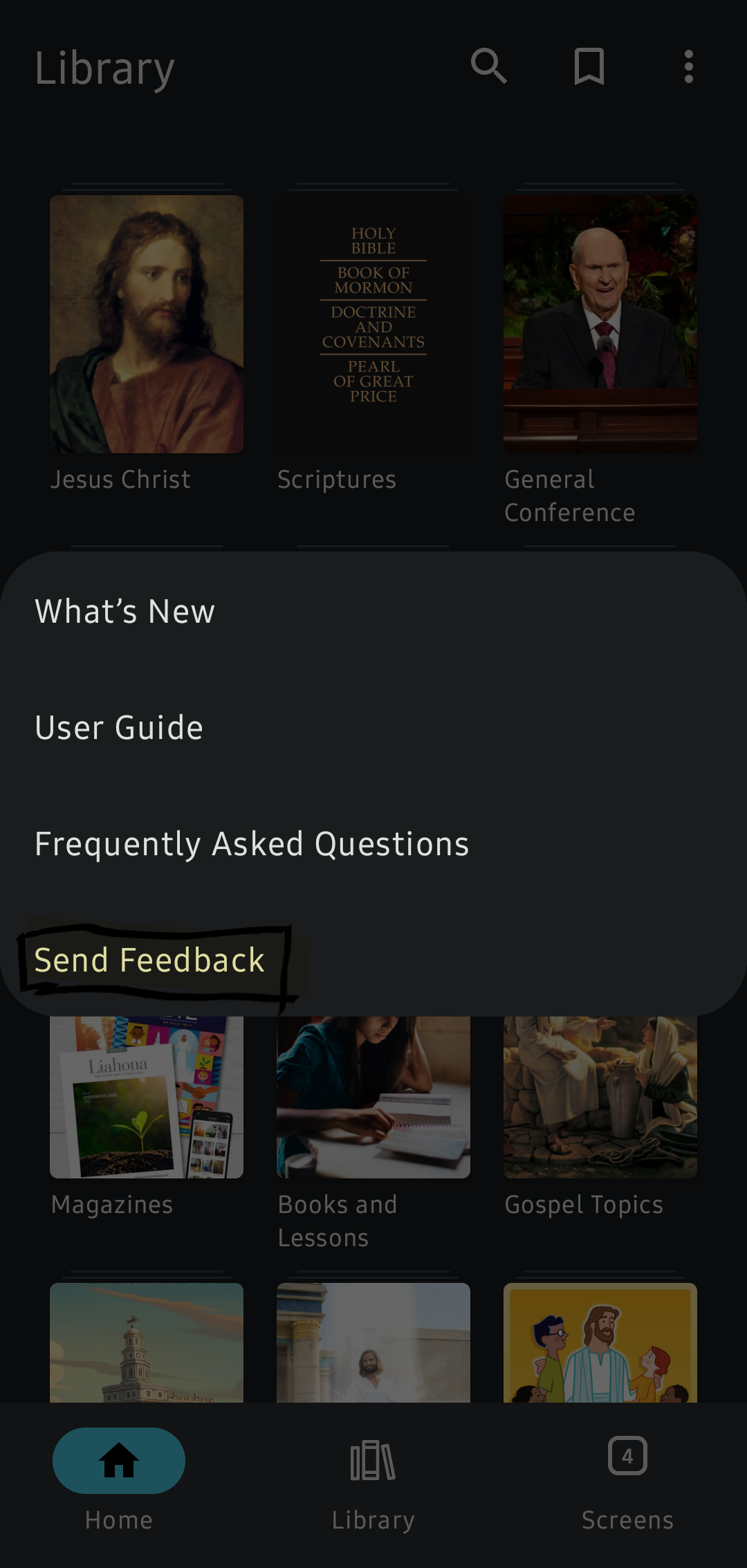
This is a user to user support forum. Please submit a feedback request by doing the following:
Suggestion 1.png
Suggestion 2.png
Suggestion 3.png
I teach them correct principles and they govern themselves. - Joseph Smith
Community Moderators
#3
If you go to Notes.ChurchofJesusChrist.org, you'll see a sidebar on the left with four icons at the top. If you tap the second icon, you can see your list of tags. Or in the Gospel Library mobile app, you can see your list of tags by tapping "Tags" on the Study Tools card in the Home section.
Samuel Bradshaw • If you desire to serve God, you are called to the work.