Menu Dropdown on Mobile Website Covers View

6 postsstarted by czuniga6 2,949 viewsoriginal topic

New Member
#1
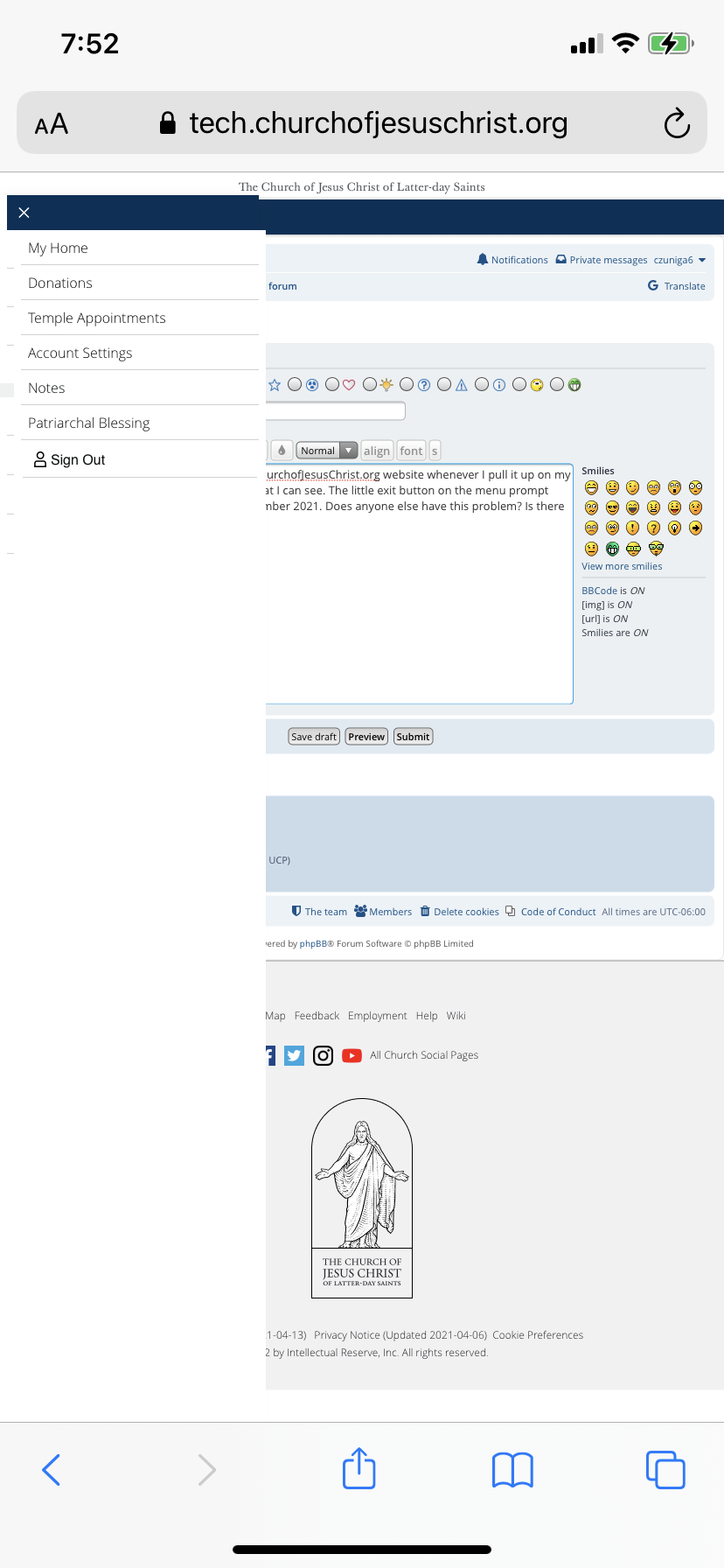
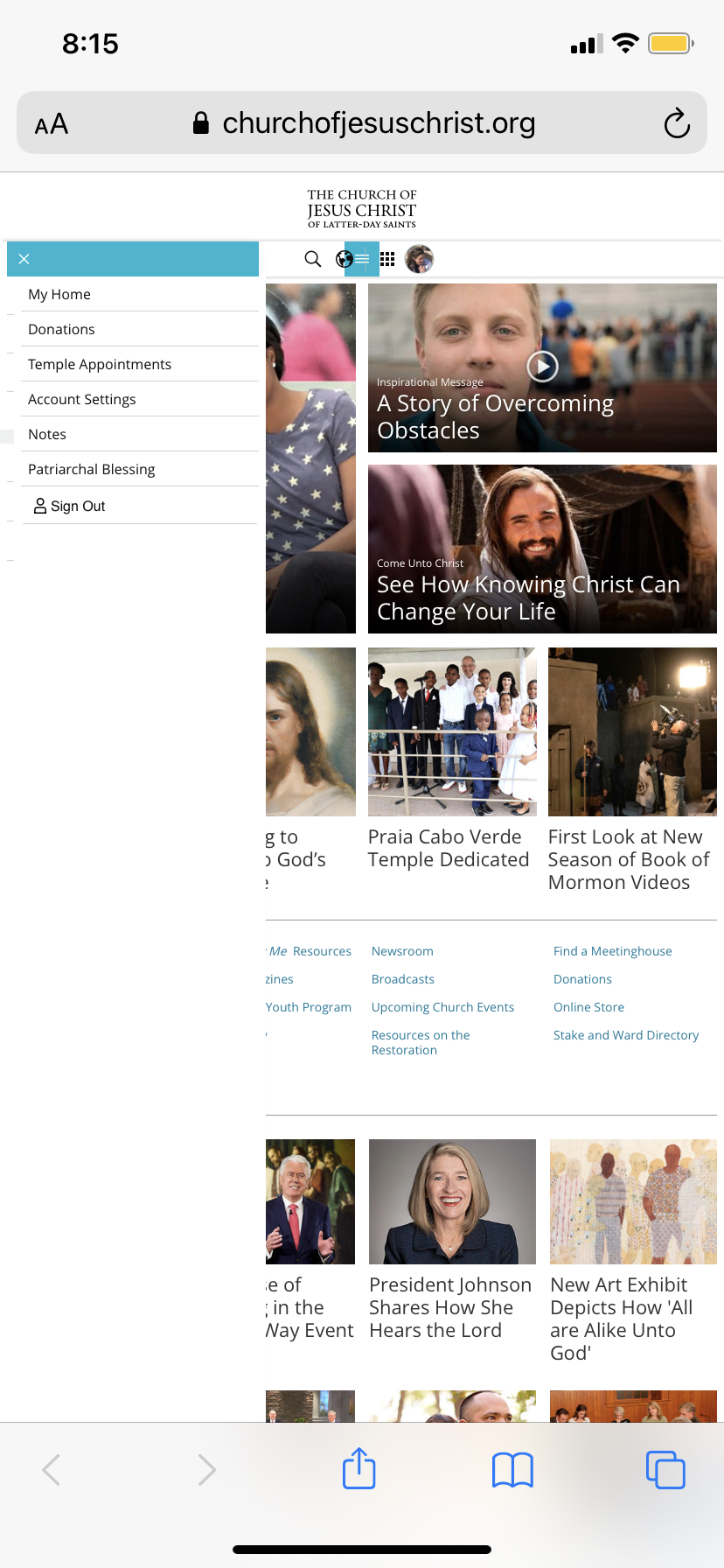
For some reason, whenever I pull up ChurchofJesusChrist.org on my phone, the menu toggle bar is always pulled out. I've tried every way to get rid of it since it happened suddenly since November 2021.
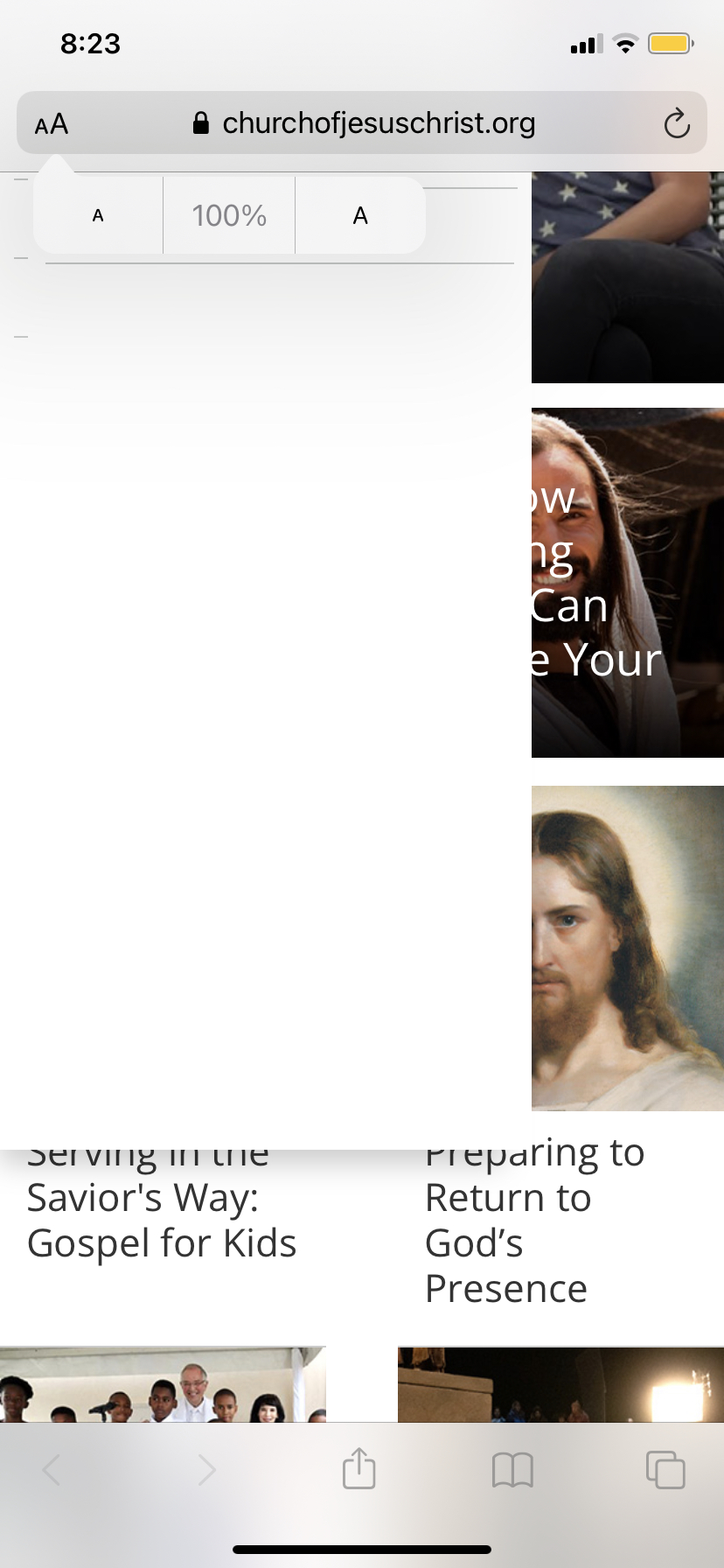
I can only see about 1/3 of the page (that is, if I set my phone zoom to 50%, otherwise at 100% I only see a crack of the webpage) and I have to tilt my phone on it's side.
The little x-button at the top does not respond no matter what position I tilt my phone, or how many times I reload the page, or reboot my phone...having my view obscured that way is pretty annoying. Has anyone else had this trouble? Is there a way to fix it?
54816 (3).jpg
54816 (3).jpg (787.18 KiB)
IMG-8787.PNG
IMG-8787.PNG (402.16 KiB)
12653 (1).jpg
12653 (1).jpg (530 KiB)
Community Administrator
#2
You might try deleting all cookies that are related to the church. There's a known issue of cookie buildup that causes all types of strange issues.
Have you searched the Help Center? Try doing a Google search and adding "site:churchofjesuschrist.org/help" to the search criteria.

So we can better help you, please edit your Profile to include your general location.
New Member
#3
Thanks for the suggestion, I tried it and unfortunately, it remains unchanged. :( ...any other suggestions?
Community Administrator
#4
Only thing I can suggest is some phone browsers have an option to request the "desktop" version. Make sure that's not turned on. Otherwise, you might try a different browser.
Have you searched the Help Center? Try doing a Google search and adding "site:churchofjesuschrist.org/help" to the search criteria.

So we can better help you, please edit your Profile to include your general location.
New Member
#5
Wow, ok, maybe it's just my phone, but it does it on Chrome too (before I was using Safari). :(... Thanks anyways for your help!
Community Moderators
#6
In other threads, users have reported that updating to the latest version of iOS 15 fixed the issue for them. Safari (and the Safari webview used in other apps) gets updated when the OS updates.
If you go to Settings > General > Software Update, do you have an update available for iOS 15? (All devices that support iOS 14 also support iOS 15.)
Samuel Bradshaw • If you desire to serve God, you are called to the work.