Cannot Access "missionarysupport.churchofjesuschrist.org due to Sign-in Problems

4 postsstarted by rup14 4,486 viewsoriginal topic

New Member
#1
I went to follow directions for removing the Maas360 Security program the church uses to secure its missionaries' phones by heading to missionarysupport.churchofjesuschrist.org, but upon sign-in, it always takes me to a webpage that says "Logout Successful" and that's it. I also recently attempted heading to the "Contact Us" tab in Leadership Clerk Resources, and it did the same exact thing. Not sure what the problem is, but it seems to be tied to the sign-in/logout functions of the website. If that could quickly be fixed, or if anyone has any solutions to the problem let me know as soon as you can.
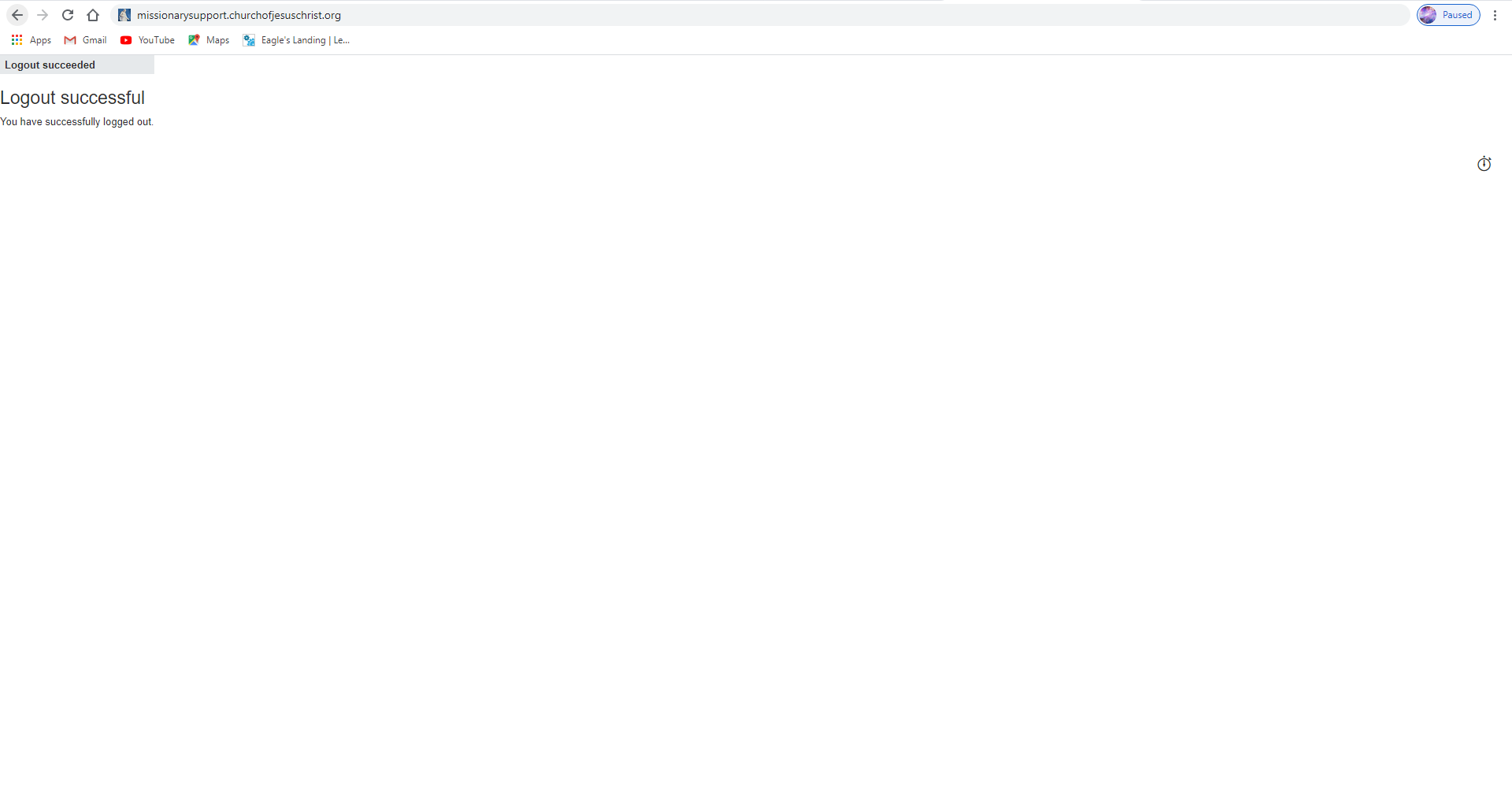
๐Ÿ“Ž Logout Page.PNG (25.47 KiB)
Community Moderators
#2
rup14 wrote:... If that could quickly be fixed, or if anyone has any solutions to the problem let me know as soon as you can.
Please remember this is a user-to-user discussion forum, not an official help request channel. If you are currently a full-time missionary, please contact your mission office. Otherwise, for the quickest official help, please contact your ward clerk. He can arrange contact with the Global Service Center.
Community Administrator
#3
I'd suggest using incognito mode. Church websites tend to have problems with stale cookies, and it can cause all kinds of problems.
Have you searched the Help Center? Try doing a Google search and adding "site:churchofjesuschrist.org/help" to the search criteria.

So we can better help you, please edit your Profile to include your general location.
New Member
#4
Edited 1 time, last by russellhltn on . Reason: Removed personal information - this is a public forum
Hello Madam.

Regarding this issue Brother [removed] received her call to serve in Marshall Islands Kiribati Mission the issue that he face is he forget .

So please can you help to recover the her church account so that he can sign in to her account .