Co-host for Zoom Meetings

2 postsstarted by jury4man 832 viewsoriginal topic

New Member
#1
Edited 1 time, last by russellhltn on . Reason: Removed personal information - this is a public form
I am trying to allow members of our Ward Council to be co-hosts on our Church assigned Zoom account. I try to add it to the meeting, but it is not finding the individuals name. I then go into settings to add my personal email as scheduling privilege hoping that if I am added there, then I can be added as a co-host. I have screen shots attached. Has anyone been able to get this figured out? Thanks!
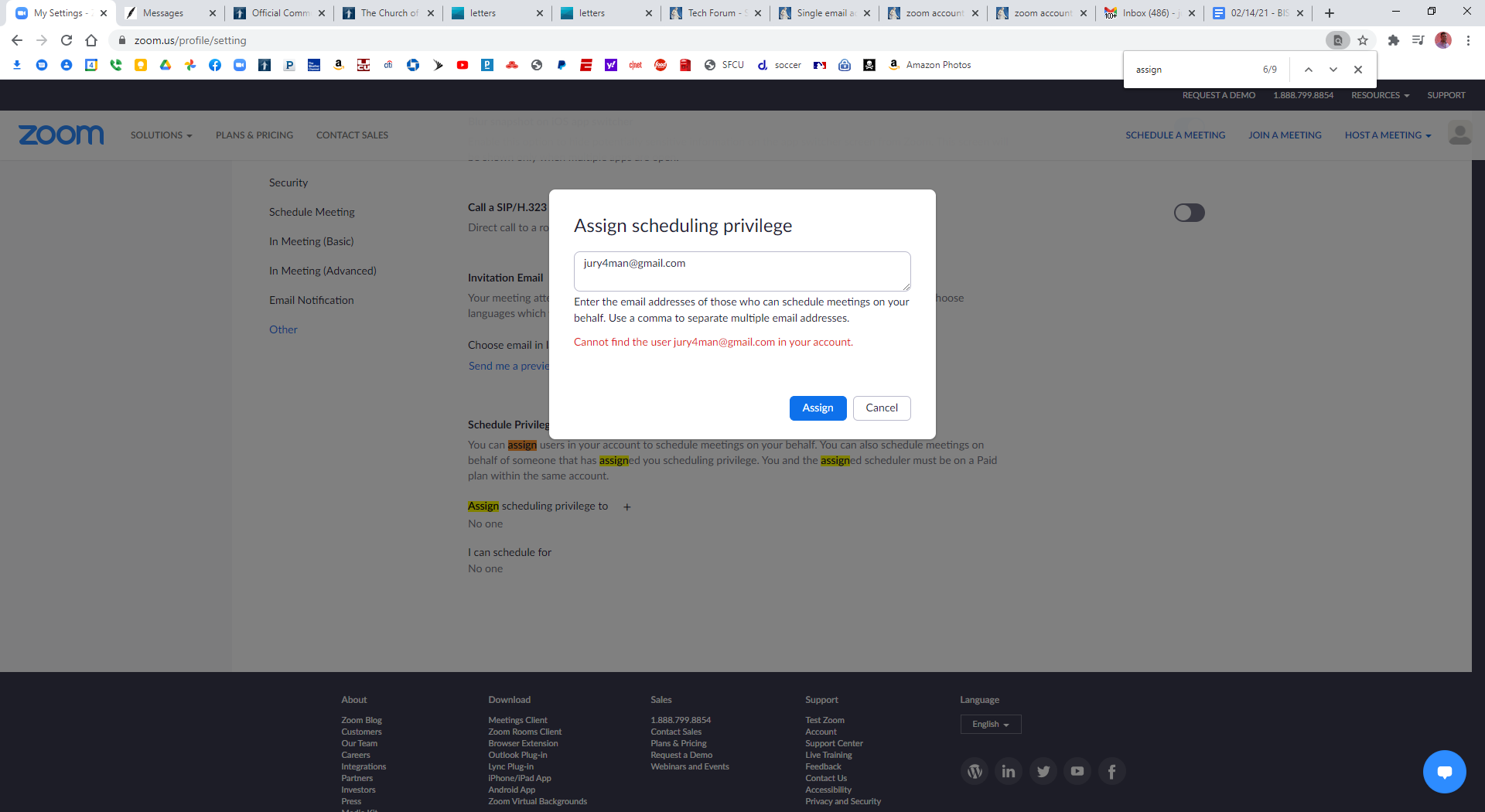

Schedule Privilege.png
(162.37 KiB) Not downloaded yet
Community Administrator
#2
You're not going to be able to get that to work. It requires the other users to be on the same account. As such, the only other users you can see belong to the zoom accounts for other church units, not individuals in your ward.

I had remove one attachment as it was exposing names and emails of other members. This is a public forum and anyone can see the posts.

What others have done is schedule the meeting with the main account. Set the meeting to allow others to join a few minutes before the meeting. Then give the other leaders the Host Key, so when they join they can get host rights.
Have you searched the Help Center? Try doing a Google search and adding "site:churchofjesuschrist.org/help" to the search criteria.

So we can better help you, please edit your Profile to include your general location.