Calendar won't scroll in Safari

16 postsstarted by andrew.olson 4,369 viewsoriginal topic

New Member
#1
This is new behavior that started last week.

It affects all versions of Safari (MacOS, iPadOS, iOS).

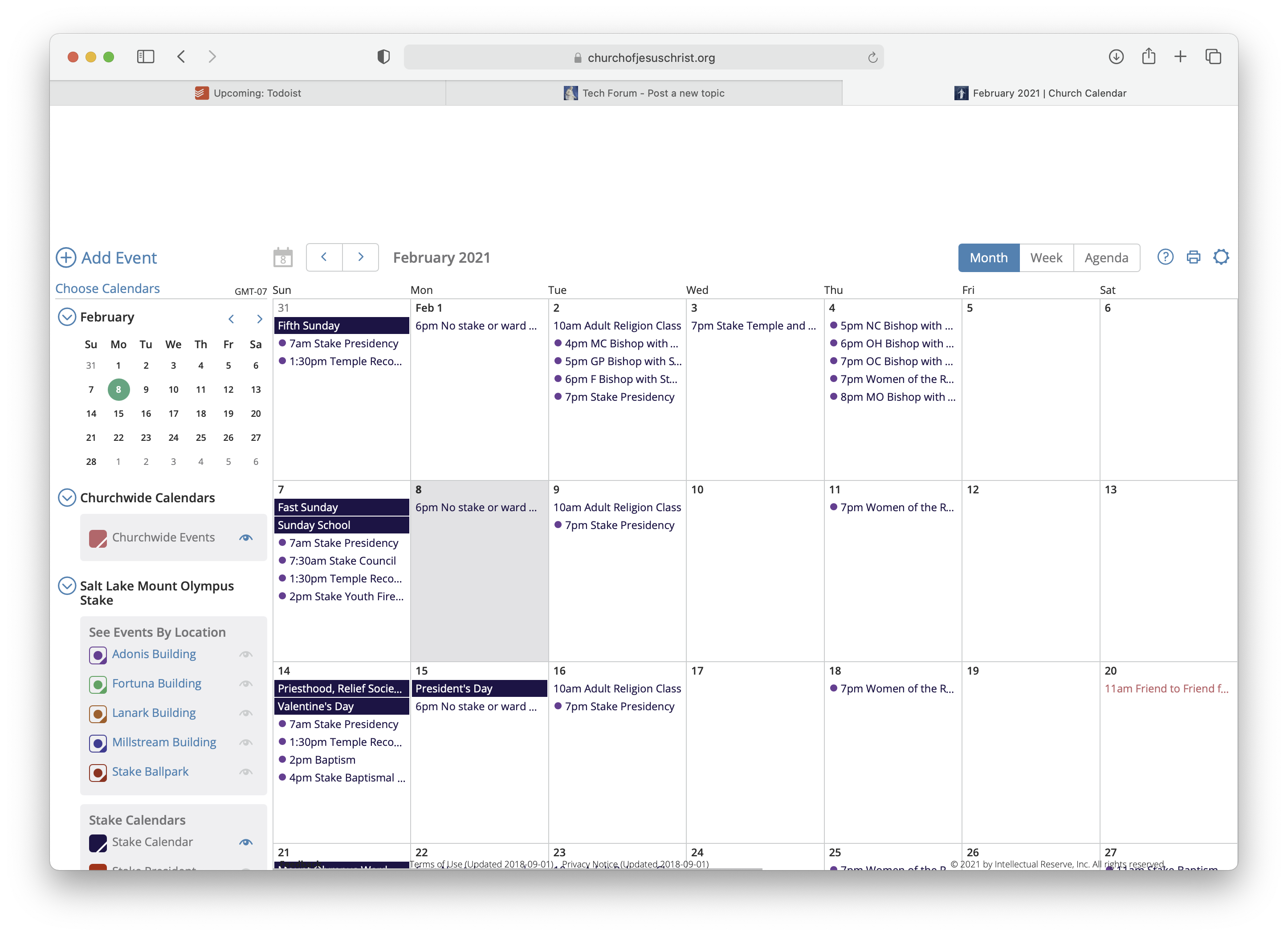
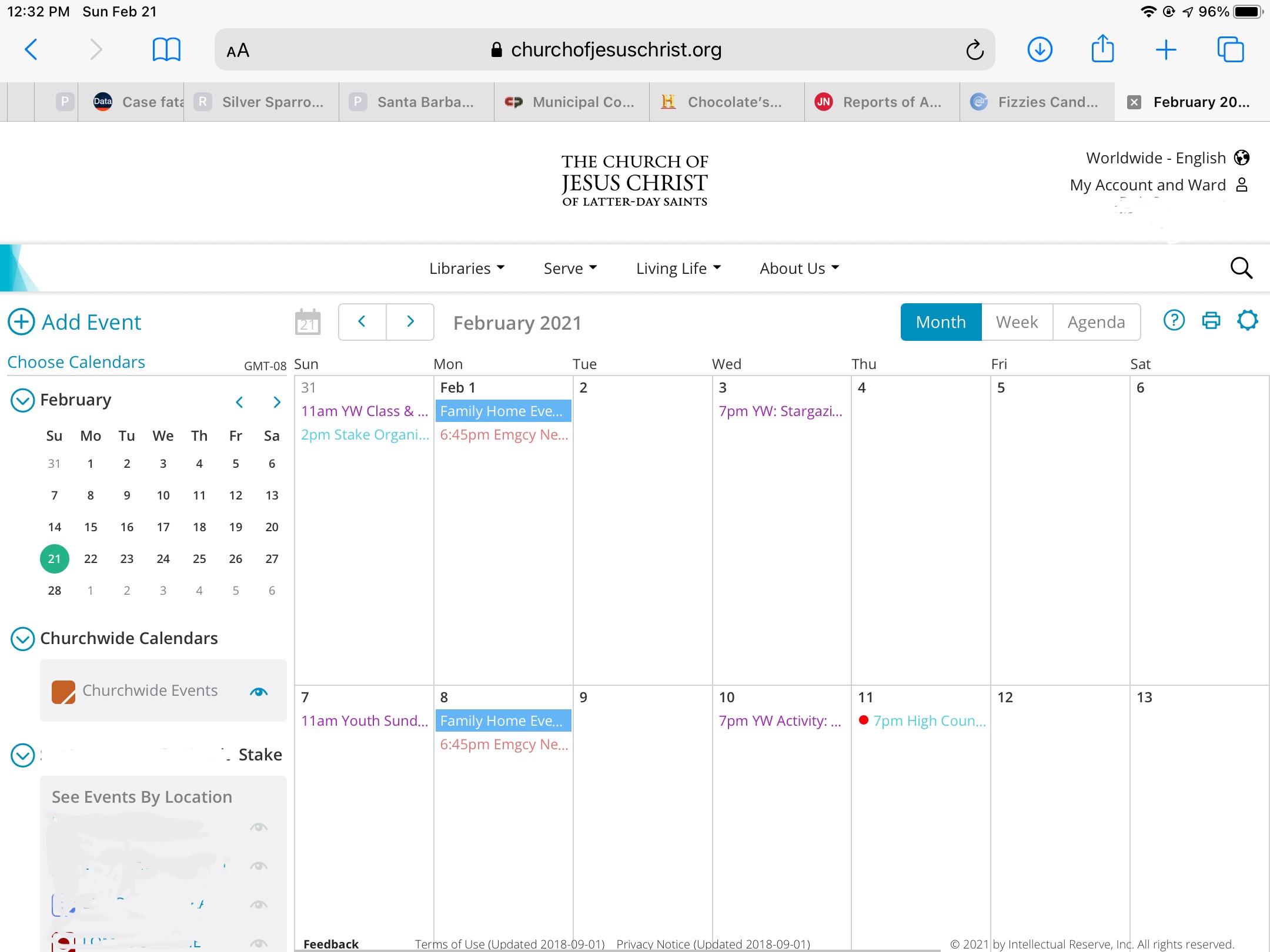
When loading the calendar, in the "Month" view, all days have an equal cell height regardless of the contents in the cell. Previously, cell height was determined by cell contents up to the limit of keeping the whole month visible on the page.

With the fixed-, (large) cell height, only 2-3 weeks are visible on the web page. (See attached screenshot.) However, you cannot scroll down to see the remaining 1-2 weeks of the month.

Also, the left-column list of calendars used to scroll independently, but no longer does.

The only workaround available to me in Safari is "Command-minus" to zoom out the page until it all fits. This makes the text very small.

This behavior is not seen on Chrome on MacOS.
#2
I have the same problem but it doesn’t work in Chrome either.
#3
I Calendar only scrolls on a desktop not my iPad
Member
#4
I can confirm no scrolling inside Safari on my Mac. It scrolls just fine inside Chrome on my Mac. Prefer to use Safari. Thank you.
New Member
#5
Same here. Works in Chrome on my husband's mac but not Safari in mine. I tried and it works in firefox too.
#6
I have the exact same problem on my iPad. I can’t manage reminders via the Tools app, so I have to use the Web interface at the church’s site. Then I found I can’t scroll on my iPad, but I can on a desktop or laptop.

Help? Please fix?
Community Moderators
#7
cheerioboy wrote:Help? Please fix?
We can commiserate with you but can do nothing to correct the issue since the forum is user-to-user help and support. The best method to get this problem before those who can do anything is to send feedback using the feedback link found at the bottom of most churchofjesuschrist.org pages.
JD Lessley
Have you tried finding your answer on the ChurchofJesusChrist.org Help Center or Tech Wiki?
#8
I have done that, too.
Church Employee
#9
Development is trying to get this figured out. Yes it suddenly happened 2-3 weeks ago without a calendar code change. For those seeing it post your Safari version and iOS version.
Church Employee
#10
Development reports this morning that they have come up with a fix for this. We hope to have it released later this week.
#11
I’ve received a notice from folk at the feedbacks site that say it’s fixed.
It’s not fixed, for an iPad.
Church Employee
#12
This turned out to be a Safari bug caused by Apple, that we haven't been able to fix on our end and reported to Apple. However, complaints have seemed to disappear. Hopefully they made a fix. Try upgrading Safari or your IOS if you can.
New Member
#13
I've upgraded to the latest version of MacOS (11.2.3) which was released about a week ago, and the unexpected behavior persists.

Perhaps in a future update...

Thanks for your help!
#14
CrockettDR wrote:This turned out to be a Safari bug caused by Apple, that we haven't been able to fix on our end and reported to Apple. However, complaints have seemed to disappear. Hopefully they made a fix. Try upgrading Safari or your IOS if you can.
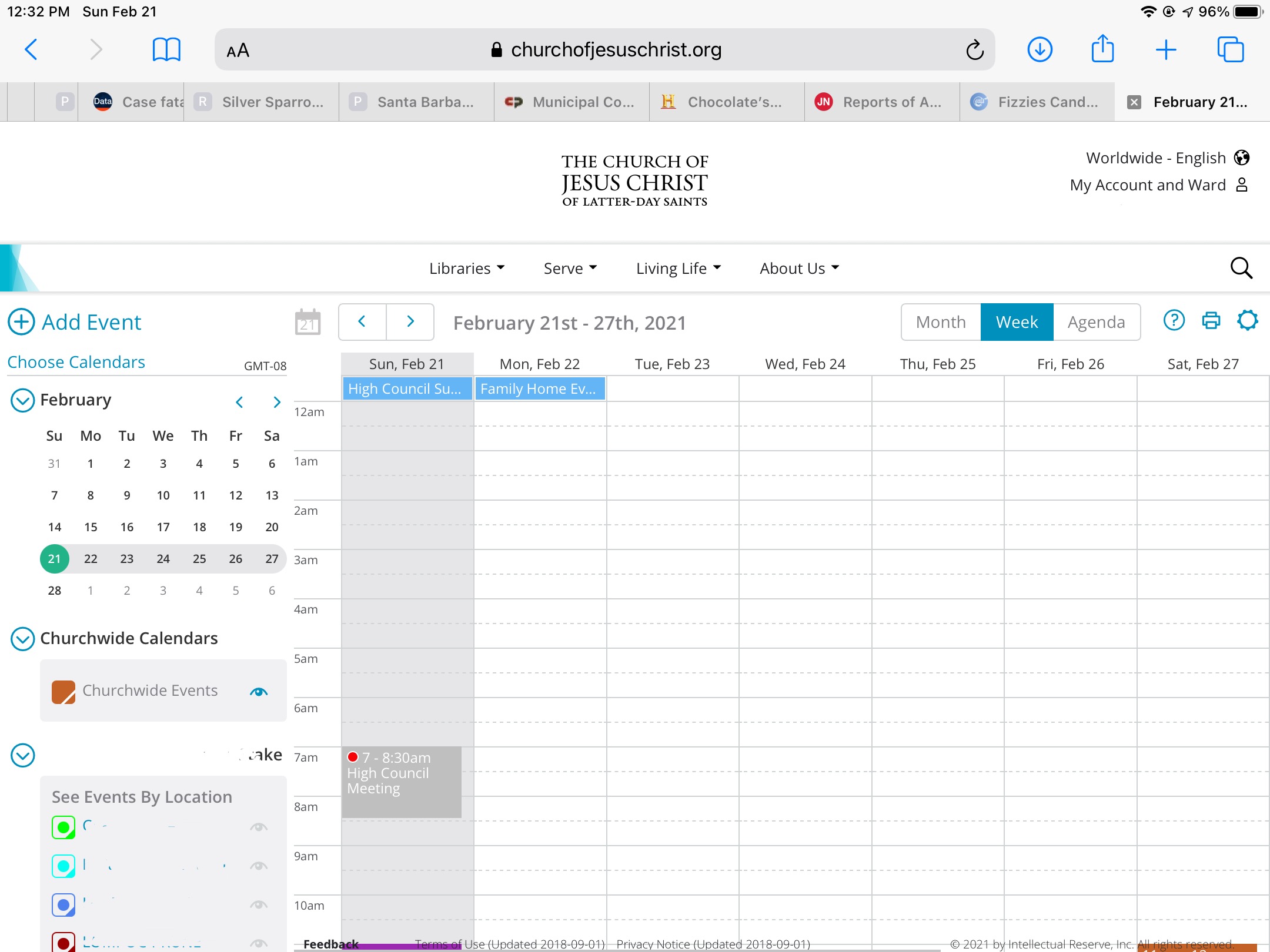
At this point, on iPadOS, only the monthly view won't scroll. The weekly view can now scroll vertically, but not enough to view anything past 7pm on my display (13" MBP).

Probably not the first time Apple has torpedoed their users.

One suggestion via feedback from the church's website was to zap the browser's history and cache and cookies. That, to me, is like using a howitzer for removal of a splinter. Re-establishing all those Web sites ... sigh.
Community Administrator
#15
cheerioboy wrote:One suggestion via feedback from the church's website was to zap the browser's history and cache and cookies. That, to me, is like using a howitzer for removal of a splinter. Re-establishing all those Web sites ... sigh.
Not as painful as you might think.

The only thing I see memorized is the login, but that's to the authentication page - not the individual website.

Church webpages do suffer from cookie build-up that can cause strange things. As a quick test, try incognito mode. If that works, then it's a cookie issue.
Have you searched the Help Center? Try doing a Google search and adding "site:churchofjesuschrist.org/help" to the search criteria.

So we can better help you, please edit your Profile to include your general location.
#16
russellhltn wrote:
cheerioboy wrote:One suggestion via feedback from the church's website was to zap the browser's history and cache and cookies. That, to me, is like using a howitzer for removal of a splinter. Re-establishing all those Web sites ... sigh.
Not as painful as you might think.

The only thing I see memorized is the login, but that's to the authentication page - not the individual website.

Church webpages do suffer from cookie build-up that can cause strange things. As a quick test, try incognito mode. If that works, then it's a cookie issue.
Incognito mode! Excellent suggestion! I will try that!

Incognito mode: No bueno

A good suggestion, but it doesn't change the behavior of the monthly view. :cry: