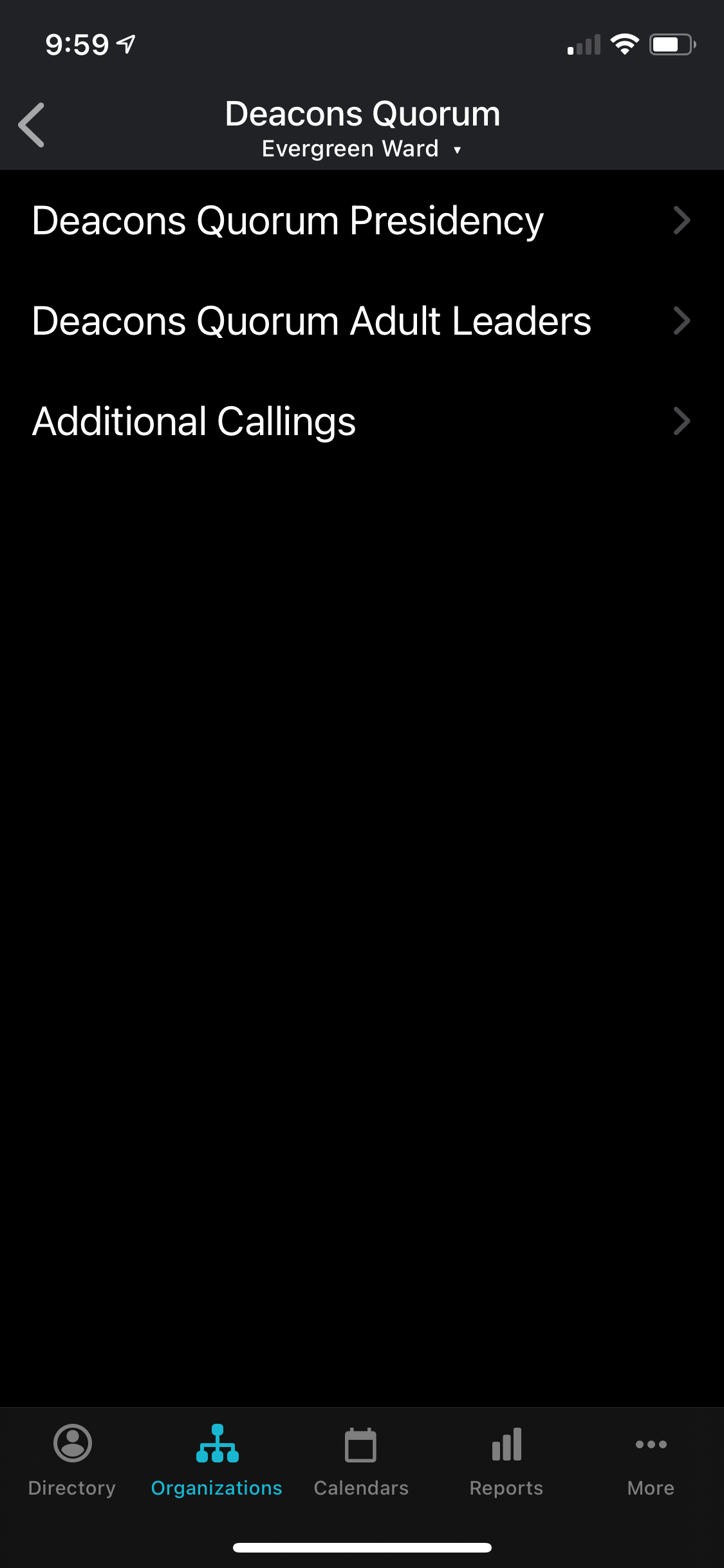
Since it started at the beginning of the year, I'd check with the clerk and make sure all the automatic advancements happened like they were supposed to.
Have you searched the Help Center? Try doing a Google search and adding "site:churchofjesuschrist.org/help" to the search criteria.
So we can better help you, please edit your Profile to include your general location.
Just a few other ideas:
Make sure you have done a data sync (preferably not on a Sunday when the servers are seeing heavy loads) 24 hrs or longer after the clerk has made any changes. There is also the possibility that when you did your last sync, the server load was high and the data did not all come through correctly (in which case another sync may fix it). Member Tools originally did not sync automatically but now you can set it to do so. If your install is not set to automatically sync and you haven't done it manually recently, that could explain what you are seeing.
Has anyone found a solution to iphone no longer showing class and quorum members? I have been bishop for several years, and this problem arose somewhere around ios 14.x update. 2nd Counselor with Android phone is not have any problems i.e. he can still see all quorum and class members. Thanks.