New Member
We've been working on a solution for virtual broadcasting like everyone else, and we appreciate all the guidance we have found here. Our goal was to provide a cheap, high quality solution, that would be so simple that even the technically challenged bishoprics could use it. 
Here is our contribution:
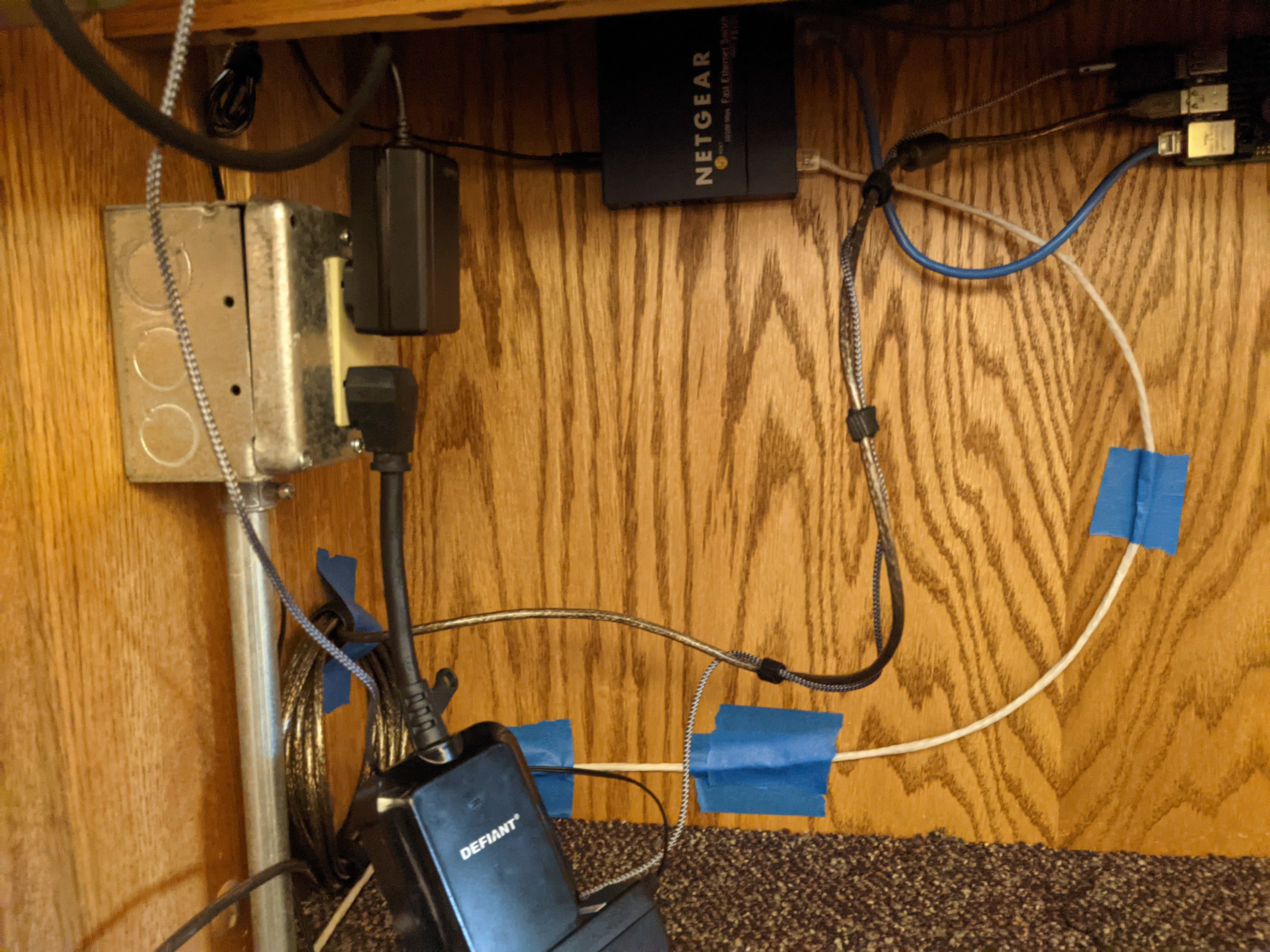
It uses Raspberry Pi 4, Ubuntu and ffmpeg to essentially replace the Teradek system. We initially started with Jeremy Willden's work on OBS Automator (https://github.com/jeremywillden/obs-automator) but have since removed the requirement for OBS in order to make this as simple and automated as possible. (If anyone is interested in running OBS on a Pi we were successful at that and would be happy to share our experiences.)
You can find all the information, a parts list, and the SD card image over on my GitHub repository(https://github.com/ChickenDevs/webcast).
Here is our contribution:
It uses Raspberry Pi 4, Ubuntu and ffmpeg to essentially replace the Teradek system. We initially started with Jeremy Willden's work on OBS Automator (https://github.com/jeremywillden/obs-automator) but have since removed the requirement for OBS in order to make this as simple and automated as possible. (If anyone is interested in running OBS on a Pi we were successful at that and would be happy to share our experiences.)
You can find all the information, a parts list, and the SD card image over on my GitHub repository(https://github.com/ChickenDevs/webcast).