New Member
Our priorities are make a system that is easy to operate and choose a platform that is device agnostic and simple for end users to use. This is what we used last Sunday along with Zoom to broadcast two sacrament meetings.
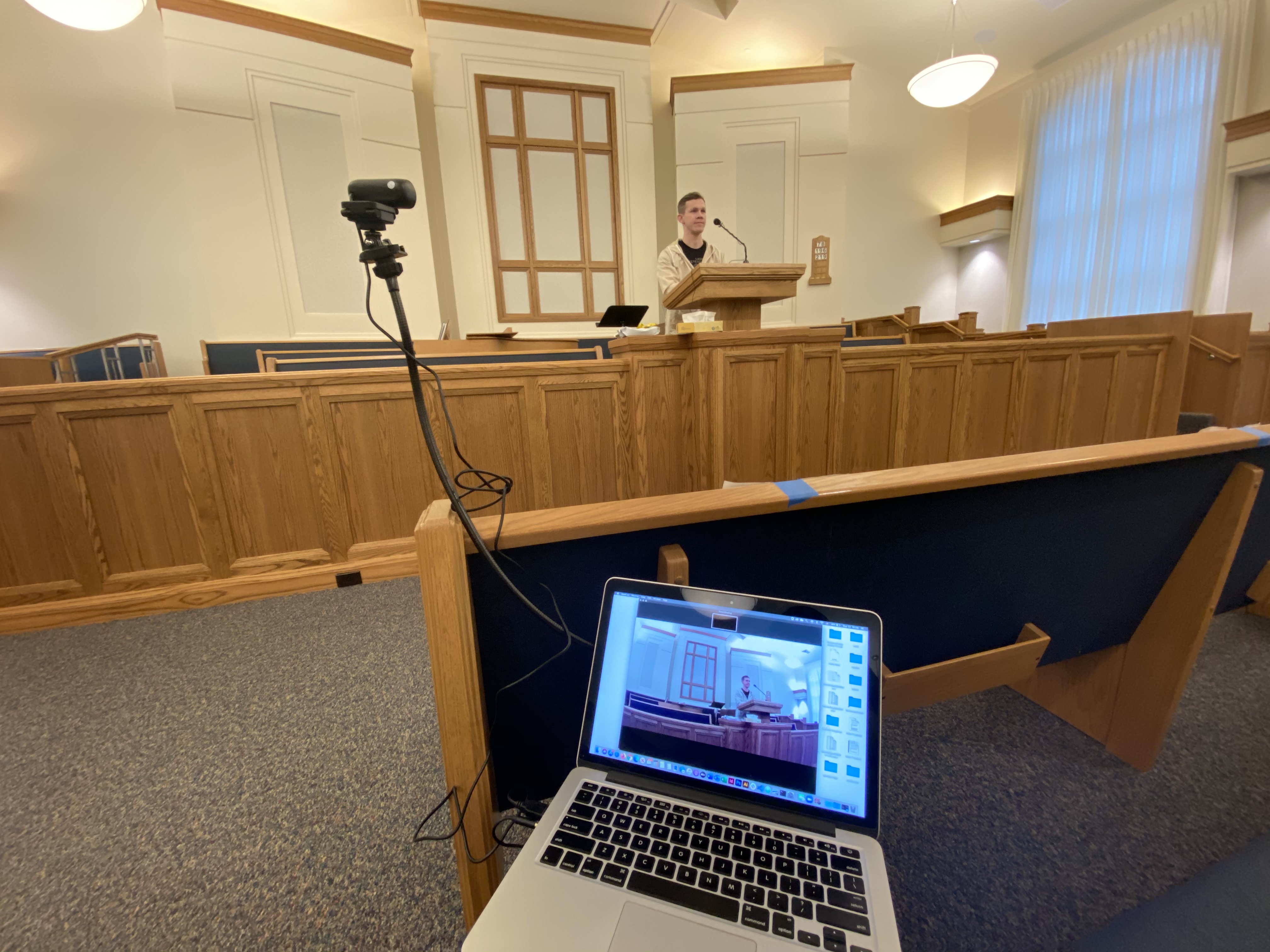
Laptop (borrowed)
1080P Webcam ($30) https://www.amazon.com/dp/B084ZJFNKN?re ... b_ap_share
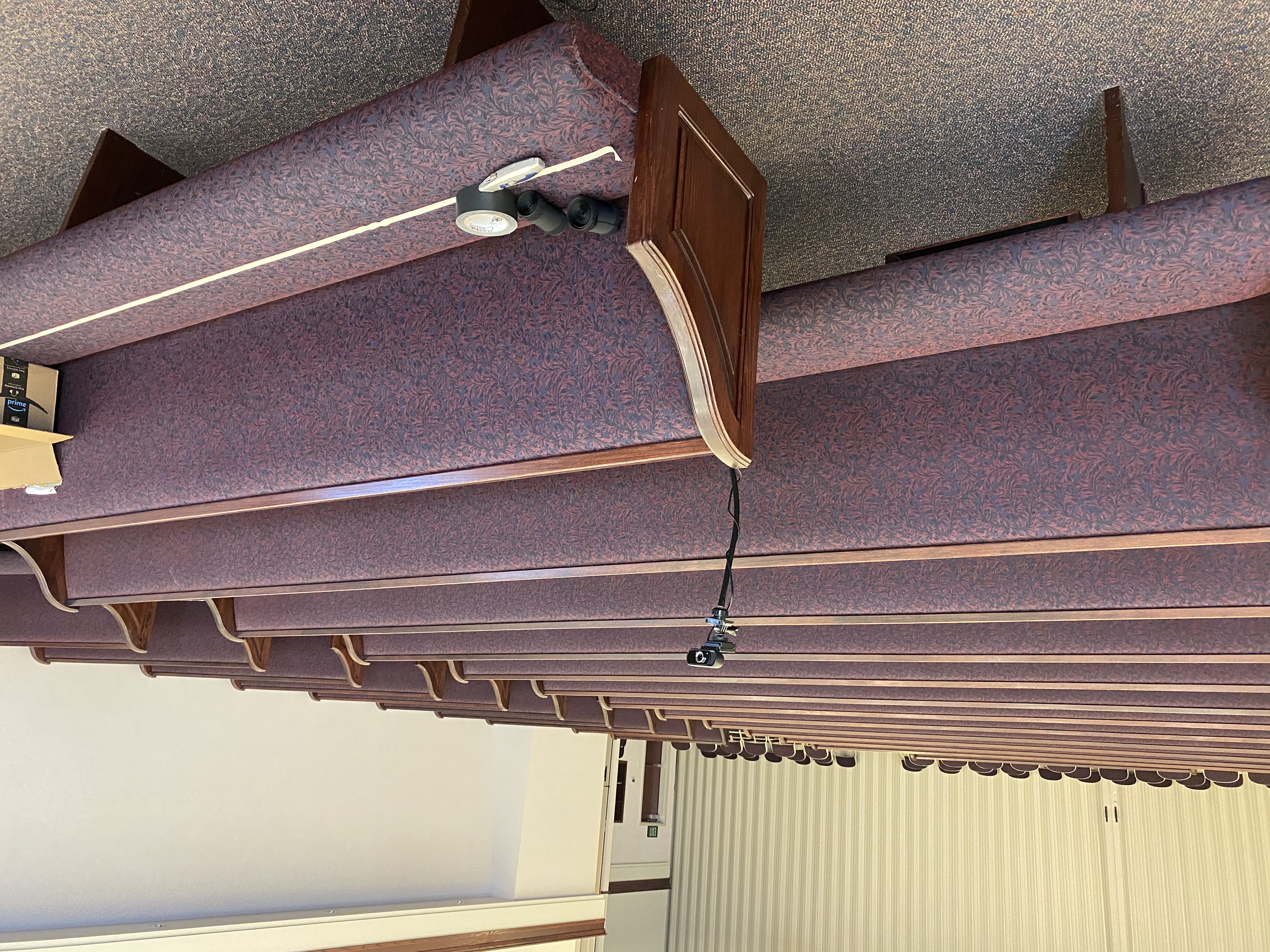
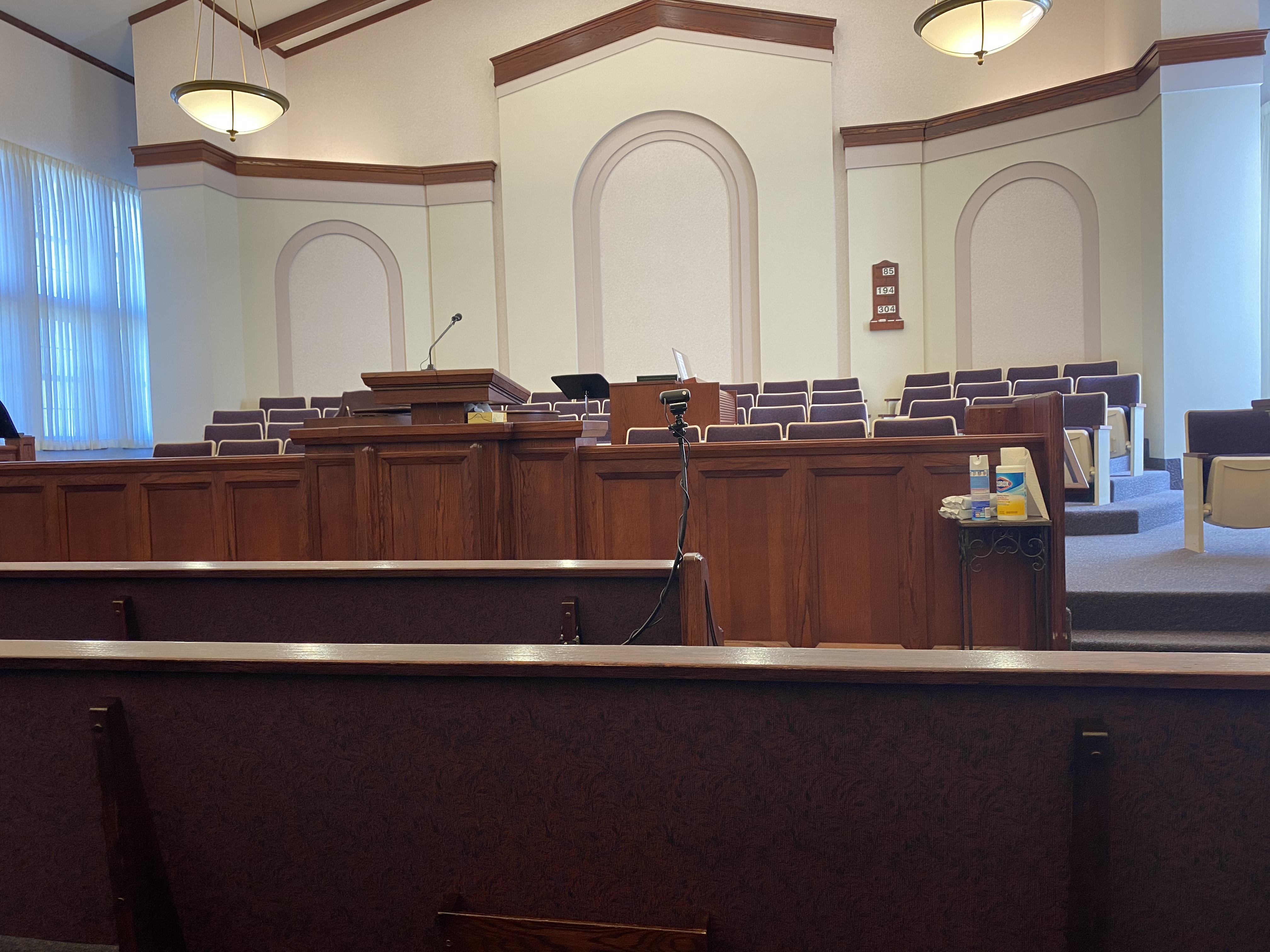
Flexible clamp on camera mount ($25) https://www.amazon.com/dp/B07Y2W4Q5Z?re ... b_ap_share
Wired lav mic ($11) https://www.amazon.com/dp/B085TK4N92?re ... b_ap_share
The camera connects via USB, the mic via 1/8” headphone jack. Most modern computers only have one jack and the OS will sense something is plugged in and ask if it’s a mic or headphones. The wired lav mic clamps right to the pulpit mic.
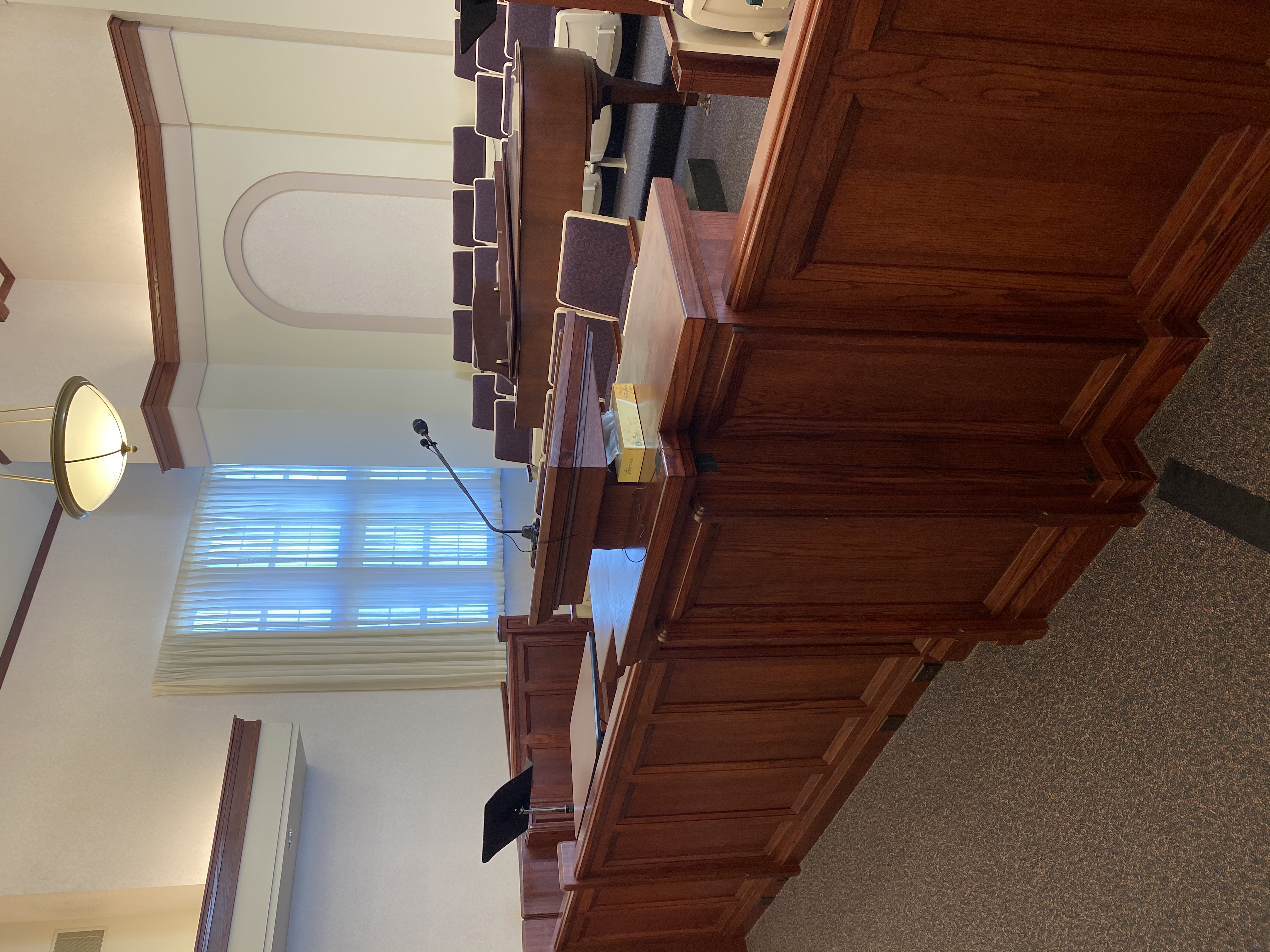
Here is a couple pics of the setup: Notes: In the zoom meeting we turned the “auto mic level” OFF. We manually turned the mic all the way down while someone was speaking, this reduced the background (kid) noise. We muted between speakers (overkill bit a nice touch). During hymns we turned the mic to 75%, this picked up the organ well enough. We used a Mac for one ward and a PC for the other, both worked well. You can set the camera to HD if bandwidth allows. We used a normal paid zoom account and as people joined we would turn off their webcams for them and mute them if needed. We connected a second laptop (as a participant) to the meeting with headphones to monitor the audio. (Overkill but useful) The 18’ cable allowed us to sit in the second pew and have plenty of slack. This is the other building we setup. I hope this helps!
Laptop (borrowed)
1080P Webcam ($30) https://www.amazon.com/dp/B084ZJFNKN?re ... b_ap_share
Flexible clamp on camera mount ($25) https://www.amazon.com/dp/B07Y2W4Q5Z?re ... b_ap_share
Wired lav mic ($11) https://www.amazon.com/dp/B085TK4N92?re ... b_ap_share
The camera connects via USB, the mic via 1/8” headphone jack. Most modern computers only have one jack and the OS will sense something is plugged in and ask if it’s a mic or headphones. The wired lav mic clamps right to the pulpit mic.
Here is a couple pics of the setup: Notes: In the zoom meeting we turned the “auto mic level” OFF. We manually turned the mic all the way down while someone was speaking, this reduced the background (kid) noise. We muted between speakers (overkill bit a nice touch). During hymns we turned the mic to 75%, this picked up the organ well enough. We used a Mac for one ward and a PC for the other, both worked well. You can set the camera to HD if bandwidth allows. We used a normal paid zoom account and as people joined we would turn off their webcams for them and mute them if needed. We connected a second laptop (as a participant) to the meeting with headphones to monitor the audio. (Overkill but useful) The 18’ cable allowed us to sit in the second pew and have plenty of slack. This is the other building we setup. I hope this helps!