Certificate error of Webcast service

12 postsstarted by willenium1217 2,383 viewsoriginal topic

New Member
#1
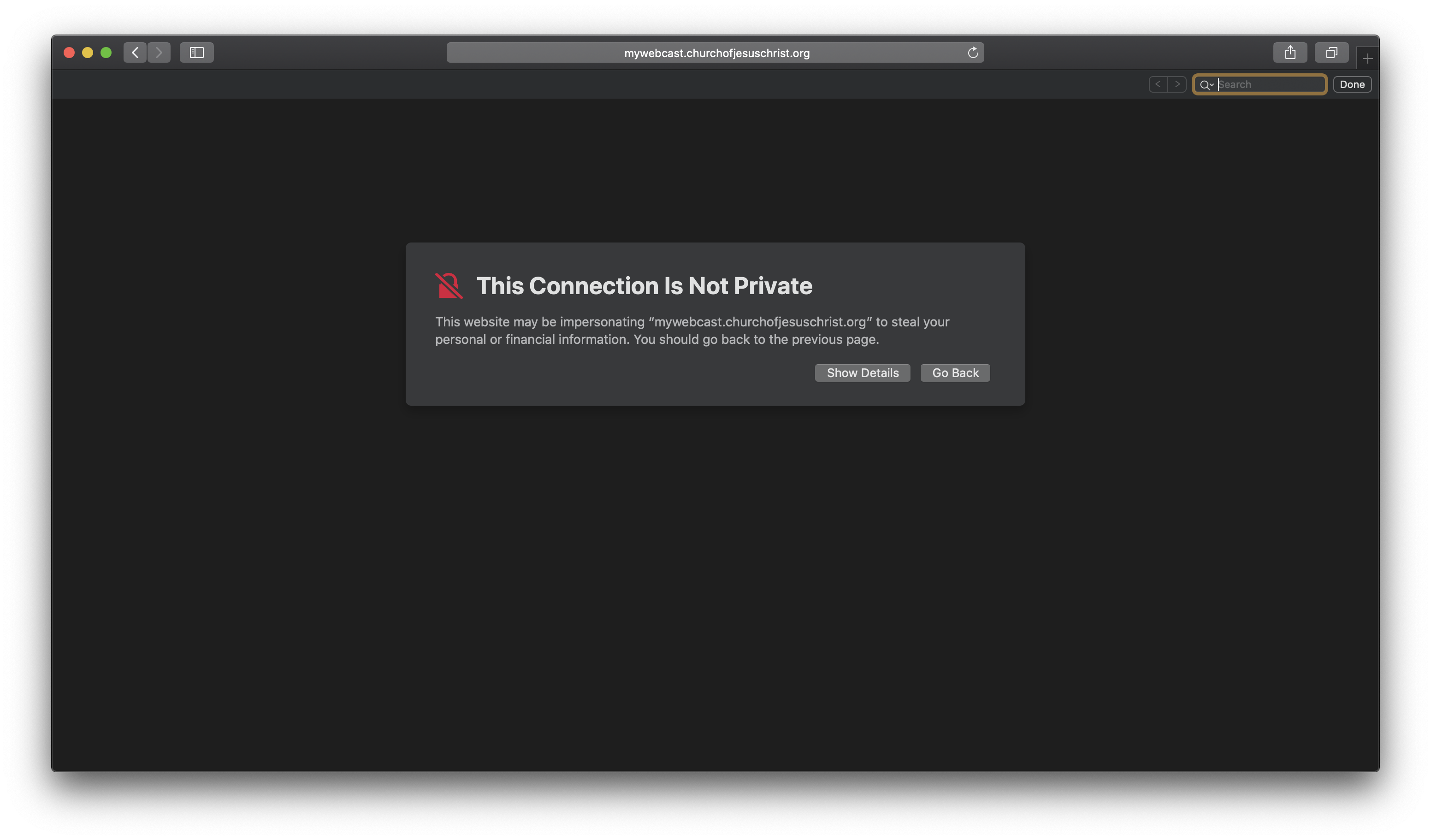
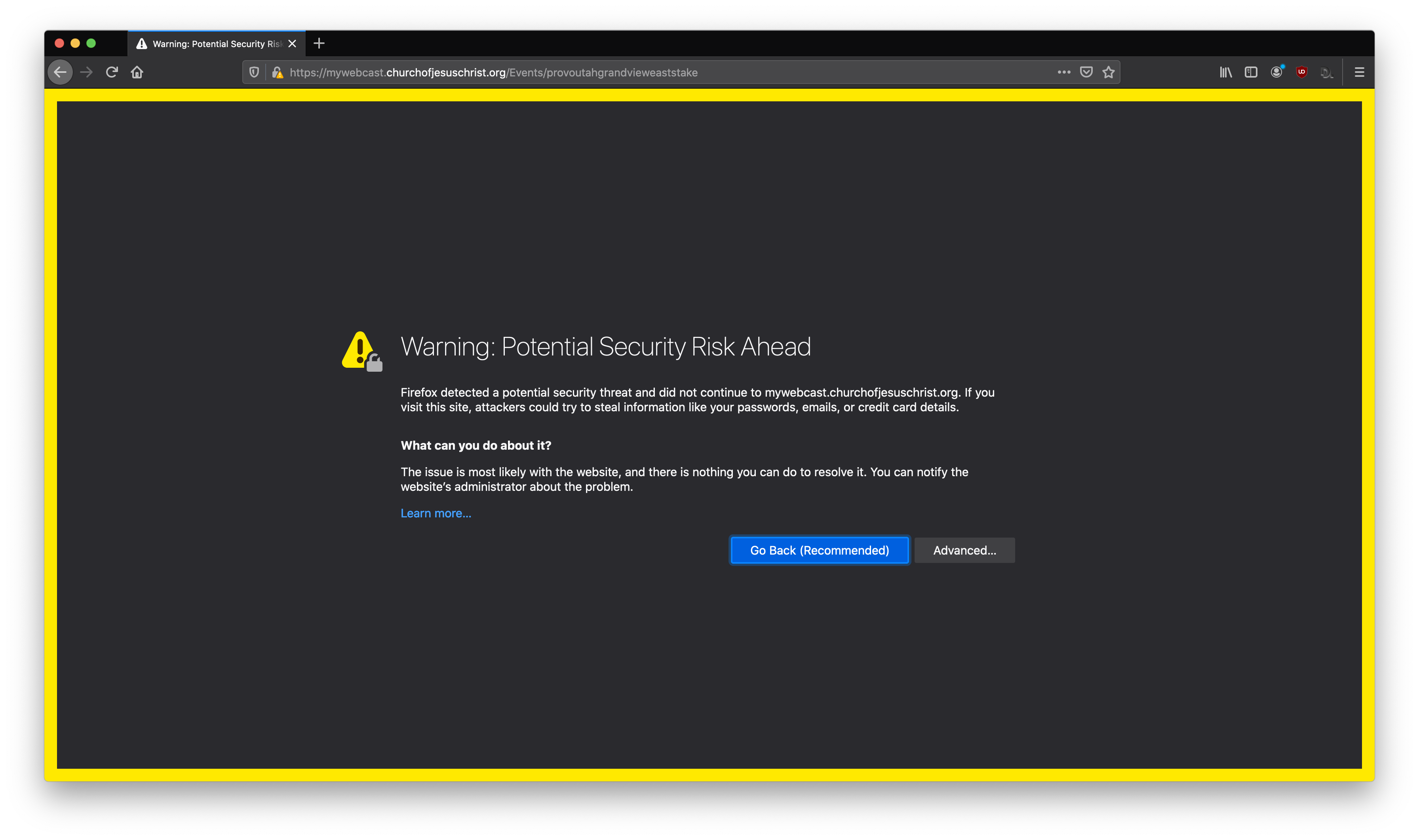
After doing a test run today and preparing to do a test for after conference tomorrow, I noticed that in Chrome, Safari, and Firefox I get a certificate error that the church's streams are insecure as noted in the screenshots. Could we at least get this information to headquarters so they can clear this up? We have members that will immediately freak out and not click on the link if it is "insecure".
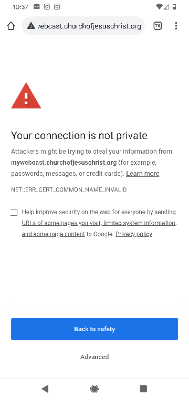
7b8f7e5c-8b9a-4ccc-91ed-f22ae9d910db.png
7b8f7e5c-8b9a-4ccc-91ed-f22ae9d910db.png (18.77 KiB)
Community Moderators
#2
There's no guarantee anyone from Church headquarters will visit this thread. In order to get the information to headquarters, please use the 'Feedback' button or link in a relevant app or on a page on the Church website.
Community Administrator
#3
To be nit-picky, it's not a certificate error. It's because the site is http and not https. There is no certificate.

I'm wondering if it's deliberate to avoid the CPU overhead of encrypting and decrypting the video stream. That's going to add overhead on both sides of the connection.
Have you searched the Help Center? Try doing a Google search and adding "site:churchofjesuschrist.org/help" to the search criteria.

So we can better help you, please edit your Profile to include your general location.
New Member
#4
NIt-picky is great. Understanding why the church decided to do it this way is great and I understand. However, the normal member who does not want to click on scams or weird links may get a little nervous to do so. I will provide the feedback in the webcast portal. Thanks for all the responses .
Community Moderators
#5
russellhltn wrote:To be nit-picky, it's not a certificate error. It's because the site is http and not https. There is no certificate.

I'm wondering if it's deliberate to avoid the CPU overhead of encrypting and decrypting the video stream. That's going to add overhead on both sides of the connection.
The third screenshot in the first post clearly shows "https://..." in the address bar. Where are you seeing that it's an HTTP vs. HTTPS issue?
Community Administrator
#6
rmrichesjr wrote:The third screenshot in the first post clearly shows "https://..." in the address bar. Where are you seeing that it's an HTTP vs. HTTPS issue?
My own testing. If I go to the site with http, I get a "Not secure" "error". If I try to go https, then the site refuses the https and downgrades to http. Because that's a tactic of a "man in the middle" attack, I get a big warning that a connection which should be secure - isn't.
Have you searched the Help Center? Try doing a Google search and adding "site:churchofjesuschrist.org/help" to the search criteria.

So we can better help you, please edit your Profile to include your general location.
Community Moderators
#7
rmrichesjr wrote:The third screenshot in the first post clearly shows "https://..." in the address bar. Where are you seeing that it's an HTTP vs. HTTPS issue?
After creating any event in Meetinghouse Webcast Dashboard, open the Setup for that event and look at the General Viewing Link - it's http. This is the exact URL that should be copied and passed on to members of the ward and/or stake. Assuming it's supposed to be https leads to the problems described above.
So we can better help you, please edit your Profile to include your general location.
Community Administrator
#8
Mikerowaved wrote:Assuming it's supposed to be https leads to the problems described above.
Some modern browsers do not like http. It will trigger the "not private" message. Which is true.
Have you searched the Help Center? Try doing a Google search and adding "site:churchofjesuschrist.org/help" to the search criteria.

So we can better help you, please edit your Profile to include your general location.
Church Employee
#9
Thank you for posting this. The Church's webcast team is looking into this issue.
New Member
#10
Thank you so much. This will be very helpful! I got some great notes from our test run on Sunday and would like to continue to use the Church's webcast system.
New Member
#11
bartj wrote:Thank you for posting this. The Church's webcast team is looking into this issue.
I noticed that the site now is https. Thank you for addressing this issue. No one has complained and I think older members would have been confused and more upset with the situation. Thanks!
New Member
#12
Yeah, this was clearly an error in the certificate installed for the mywebcast.churchofjesuschrist.org - while yes, the church was defaulting to HTTP (presumably to save on CPU resources and not feeling the need for encryption or Search Engine Optimization - Google gives ranking preference to TLS sites) -- I was seeing the same error a few weeks ago when I tried HTTPS but didn't report it because I saw the links and the service was trying to default to HTTP.

Regardless, It's good to see that the issue seems to have been resolved this week since I'm no longer getting errors when access https://mywebcast.churchofjesuschrist.org with the TLS Protocol specified.
-Aaron Hixson
Payson Utah Mountain View Stake
aaron@hixsonfamily.net