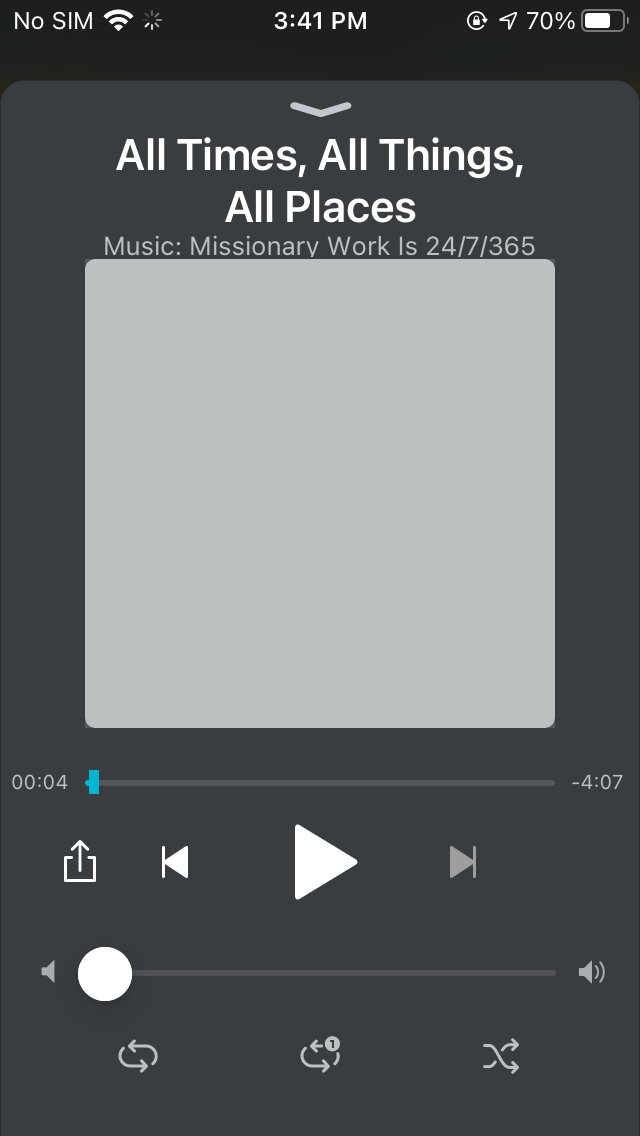
Member
Whenever I pause audio and leave the app or turn off my iPhone, the audio track STARTS OVER.
APP/DEVICE SPECIFICATIONS
Gospel Living v1.3.0
iOS 14.0
APP/DEVICE SPECIFICATIONS
Gospel Living v1.3.0
iOS 14.0
Jeremy 
It is unclear as to what you are talking about. I guess I am unclear as to what you mean by 'leave the app' or what you mean by 'turn off' the phone. I assume that leaving the app is the process of changing the 'activity' of the app and that the app is not closed. I am also assuming when you 'turn off' the phone you mean the phone is in the sleep mode. Can you verify what state the app is in and the mode your phone is in?jeremynwest wrote:Whenever I pause audio and leave the app or turn off my iPhone, the audio track STARTS OVER.
Yes, you assumed correctly for both.jdlessley wrote:It is unclear as to what you are talking about. I guess I am unclear as to what you mean by 'leave the app' or what you mean by 'turn off' the phone. I assume that leaving the app is the process of changing the 'activity' of the app and that the app is not closed. I am also assuming when you 'turn off' the phone you mean the phone is in the sleep mode. Can you verify what state the app is in and the mode your phone is in?jeremynwest wrote:Whenever I pause audio and leave the app or turn off my iPhone, the audio track STARTS OVER.
Yes. When you play an album or playlist, there is an audio player.russellhltn wrote:Gospel Living has a player?
My best guess is you're talking about the "Discover" tab, which I see as just a set of links. If there's any music there, it would be up to your device's player to play and remember any stopping points.