Member
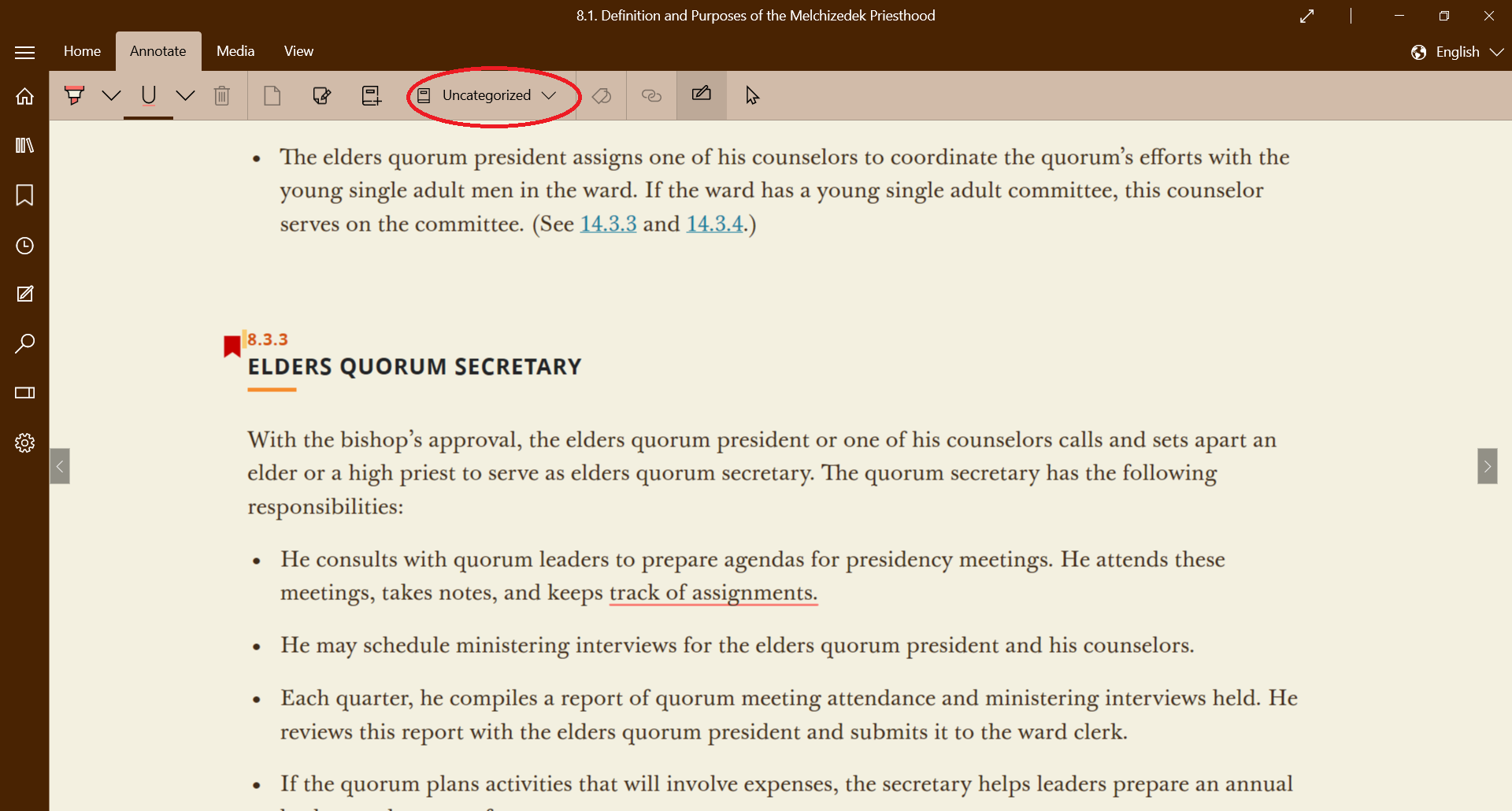
It seems I have designated one of my (eleven) notebooks as "default", though I don't remember doing that--or even how to do it.
If a default notebook is necessary, I would prefer it be a different one, but I don't know/remember how to make or change that designation.
Thanks,
D.G.
If a default notebook is necessary, I would prefer it be a different one, but I don't know/remember how to make or change that designation.
Thanks,
D.G.