New Member
First I am a new STS. Second I am concerned that all 3 of our stake buildings use Wireless ISPs and some of the broadcasts from salt lake are online only. For example this Thursday "2019 Temple and Family History Leadership Instruction" FEBRUARY 28, 2019 is online only broadcast.
I am trying to prepare for this broadcast but have concerns the WISP may be unreliable during the event. Therefore I ask what is everyone doing for a backup option if they also have WISP.
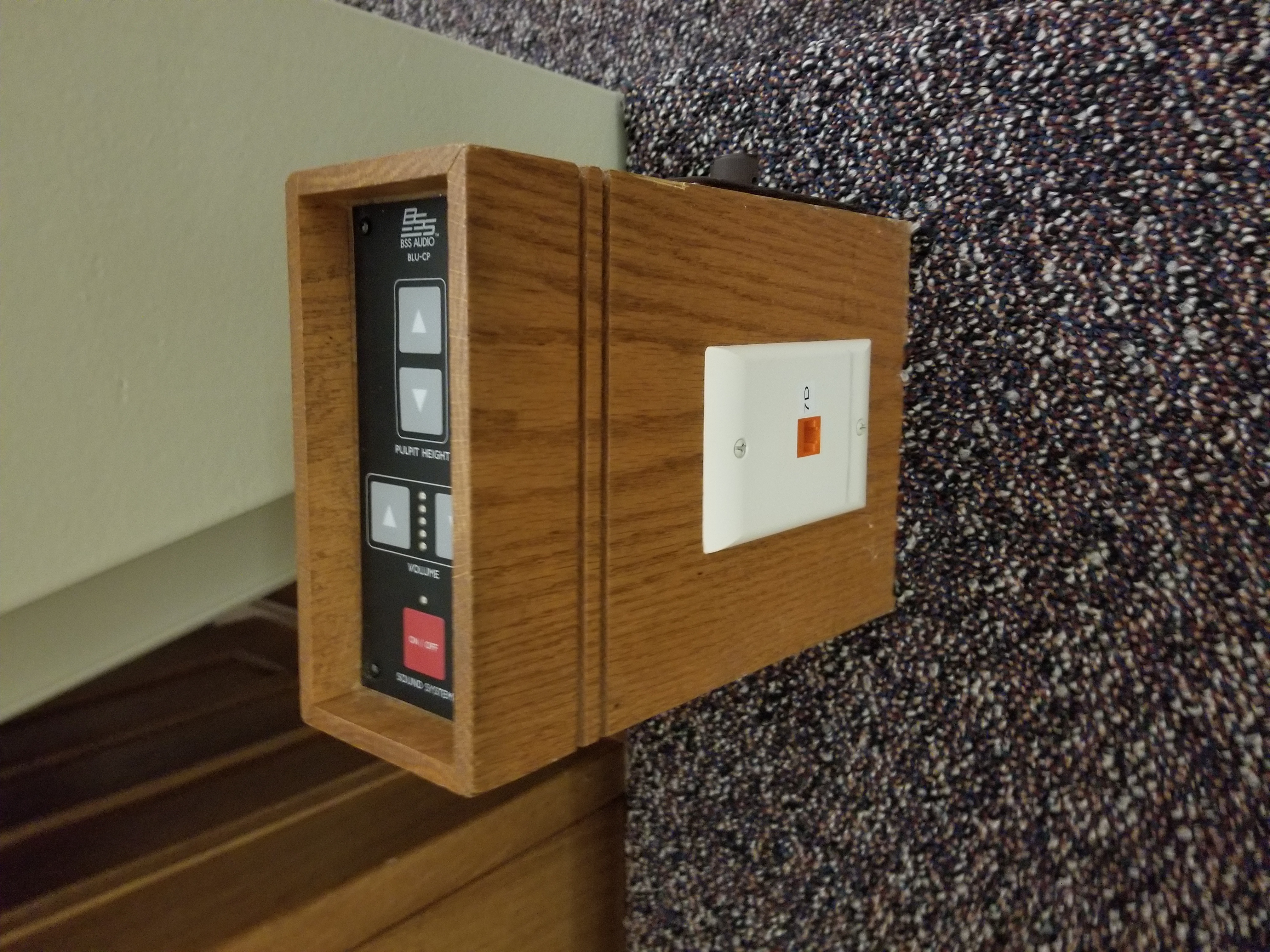
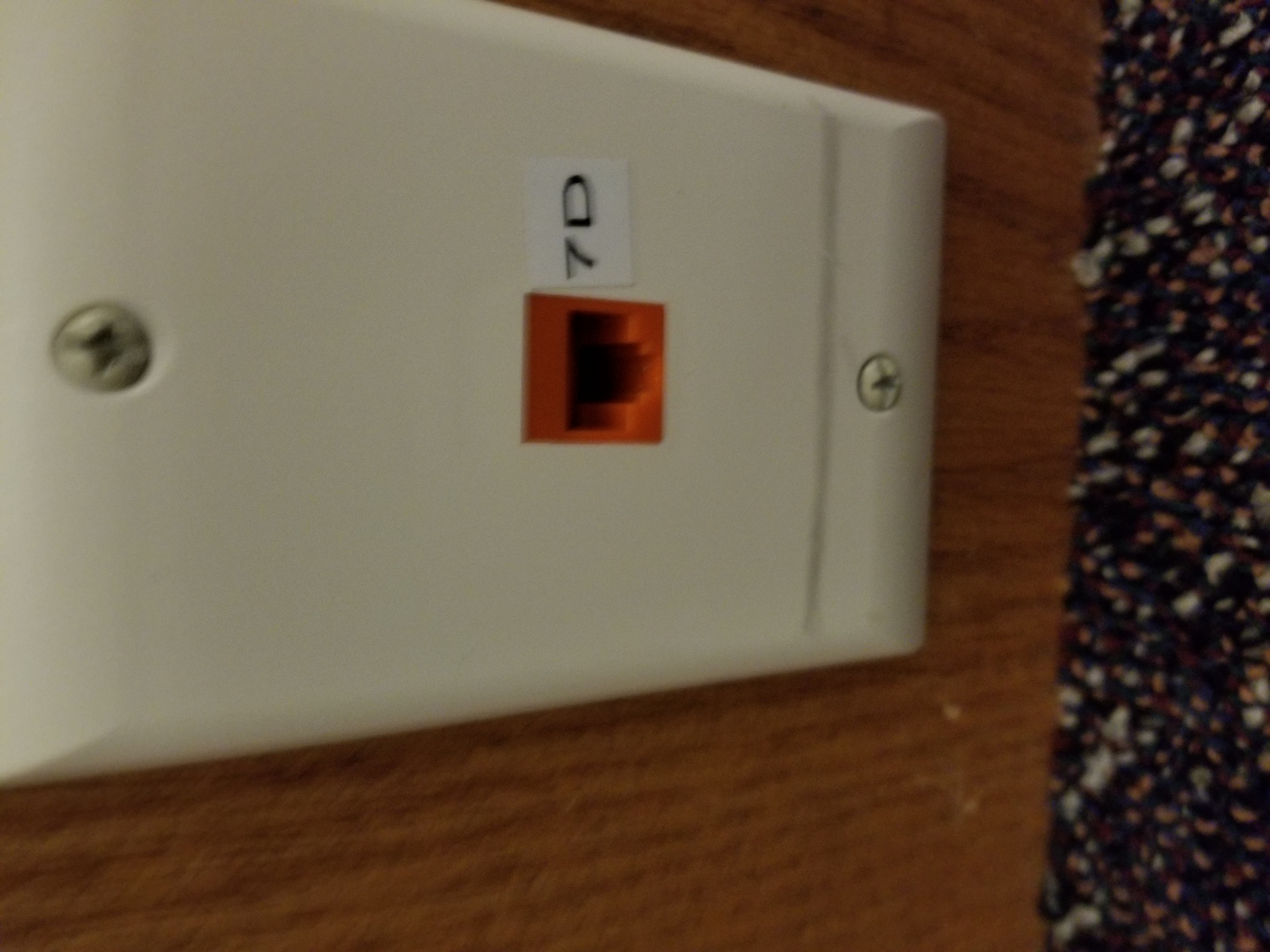
I'd love to disable the wireless during the meeting but there isn't a wired network connection in the chapel to feed the stream.
I'd love to use my cell phone as a backup hotspot if the WISP fails, but I don't have hotspot enabled plan and don't feel right about paying for it only to cover church events.
I'd love to have the stake purchase a backup cellular hotspot device for these events but that would be costly monthly to just have in case of WISP issues.
So I ask how do we as the STS's ensure good connectivity and provide for backup should the ISP at the building go down during a online only broadcast?
Daryl
I am trying to prepare for this broadcast but have concerns the WISP may be unreliable during the event. Therefore I ask what is everyone doing for a backup option if they also have WISP.
I'd love to disable the wireless during the meeting but there isn't a wired network connection in the chapel to feed the stream.
I'd love to use my cell phone as a backup hotspot if the WISP fails, but I don't have hotspot enabled plan and don't feel right about paying for it only to cover church events.
I'd love to have the stake purchase a backup cellular hotspot device for these events but that would be costly monthly to just have in case of WISP issues.
So I ask how do we as the STS's ensure good connectivity and provide for backup should the ISP at the building go down during a online only broadcast?
Daryl