New LDS.org headers, study tools gone

10 postsstarted by mevans 3,383 viewsoriginal topic

Senior Member
#1
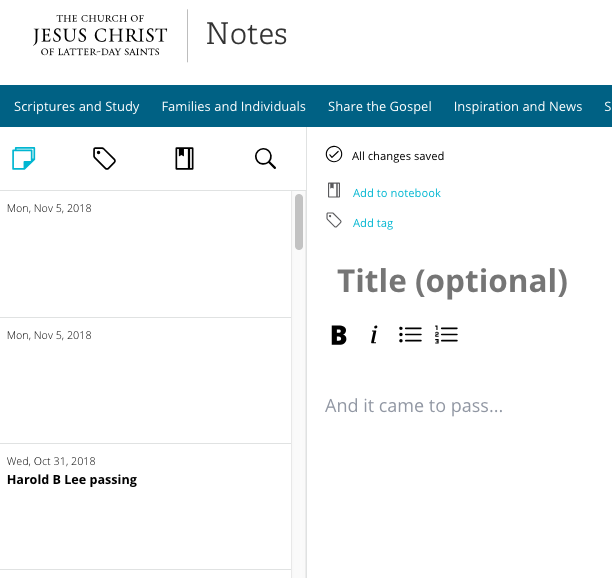
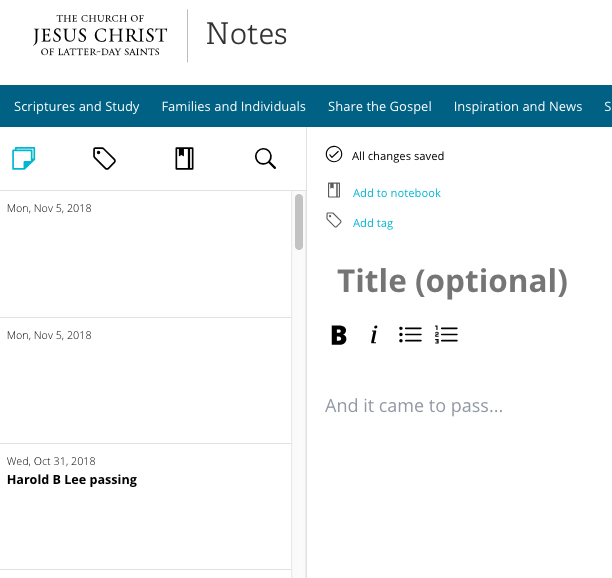
It looks like the church has released a redesigned header for web pages since yesterday. This seems to have broken study tools, as they aren't appearing on the scriptures or general conference talks for me anymore. Conference talks now have several horizontal bars for menus, which take up a lot of screen space. I don't know if I'm on A/B testing or if everyone sees these changes. I hope the problems get fixed soon.
Senior Member
#2
I did find if I go to the new Gospel Library (https://www.lds.org/languages/eng/lib) that some things work for me there, but I still have the problem that I get errors on some pages.
New Member
#3
something has changed overnight and I can no longer bookmark, or highlight anything in my scripture study. I hope this can be resolved soon!!
It appears the study tools are gone.
Church Employee
#4
The best thing we can do to relay these concerns and issues is to submit feedback via the link on the bottom of each page having any issue.
Church Employee
#5
The engineers are aware of it. They just headed into a meeting about it a few minutes ago.
New Member
#6
Same problem here. I think I like the old header better...and the ability to add notes on everything, including conference talks.
Senior Member
#7
It looks like they fixed the study tools. I can see and take notes again; however, the "Save to your Study Notebook" bubble now pops up on every page, every time. Maybe there's a cookie that tracks this message that's no longer being saved?
New Member
#8
Mine is still not working,l I am unable to highlight or take notes, hoping it get's fixed soon.
Senior Member
#9
kjhubnik wrote:Mine is still not working,l I am unable to highlight or take notes, hoping it get's fixed soon.
Have you tried both the "new experience" and the "old experience"? Does either of those work for you?
New Member
#10
Links to my study tools will not come up today.
study tools.png
(47.38 KiB) Not downloaded yet
๐Ÿ“Ž study tools.png (47.38 KiB)