New Member
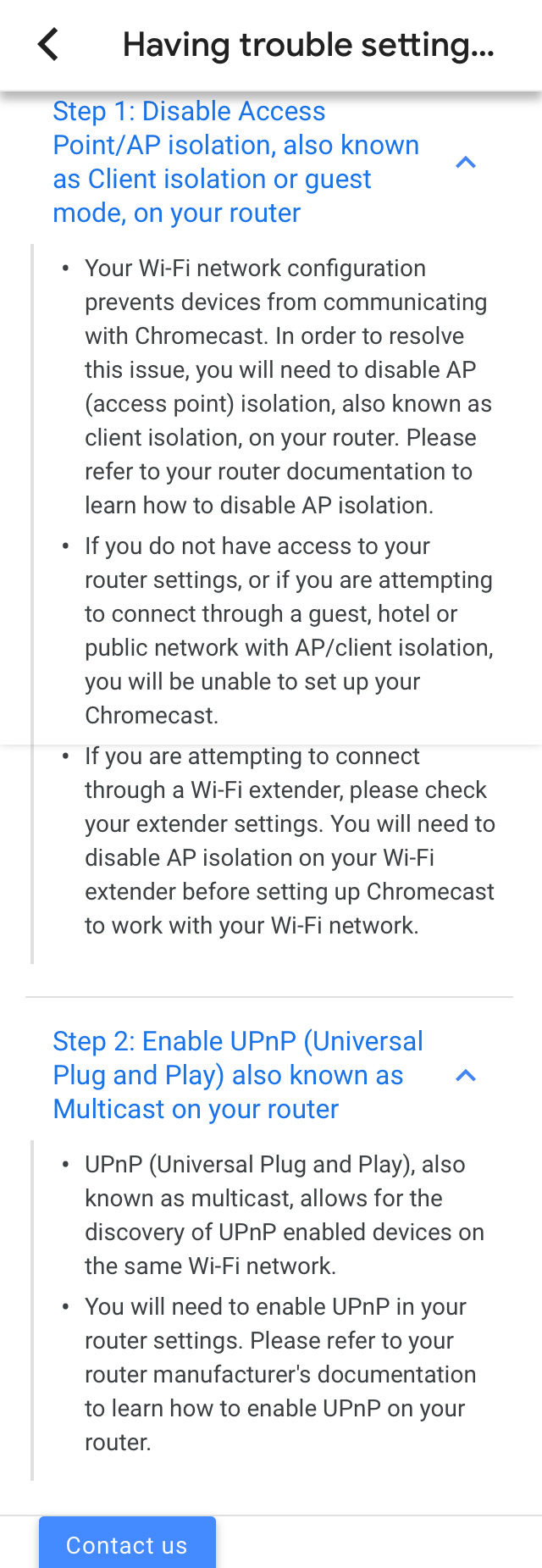
I understand some buildings are able to use Chromecast so we purchased one for our building. While setting it up it connected to the building wi-fi and recognized my phone as being on the same wi-fi network. However, it said the router settings would not allow the devices to interact. I have attached a picture of the steps it gave to fix the problem. I spoke with our STS and he said he didn't know how to fix it. Can anyone tell us how to fix this? Do we need to talk to our FM?
Picture text:
Step 1: Disable Access Point/AP isolation, also known as Client isolation or guest mode, on your router
- Your wi-fi network configuration preventsdevices from communicating with Chromecast. In order to resolve this issue, you will need to disable AP (access point) isolation, also known as client isolation, on your router. Please refer to your router documentation to learn how to disable AP isolation.
- If you do not have access to your router settings, or if you are attempting to connect theough a guest, hotel or public network with AP/client isolation, you will be unable to set up your Chromecast.
- If you are attempting to connect through a wi-fi extender, please check your extender settings. You need to disable SP isolation on your wi-fi extender before setting up Chromecast to work with your wi-fi network.
Step 2: Enable UPnP (Universal Plug and Play) also known as Mulitcast on your router.
- UPnP (Universal Plug and Play), also known as multicast, allows for the discovery of UPnP enabled devices on the same wi-fi network.
- You will need to enable the UPnP in your router settings. Pleae refer to your router manufacturer's documentation to learn how to enable UPnP on your router.
Picture text:
Step 1: Disable Access Point/AP isolation, also known as Client isolation or guest mode, on your router
- Your wi-fi network configuration preventsdevices from communicating with Chromecast. In order to resolve this issue, you will need to disable AP (access point) isolation, also known as client isolation, on your router. Please refer to your router documentation to learn how to disable AP isolation.
- If you do not have access to your router settings, or if you are attempting to connect theough a guest, hotel or public network with AP/client isolation, you will be unable to set up your Chromecast.
- If you are attempting to connect through a wi-fi extender, please check your extender settings. You need to disable SP isolation on your wi-fi extender before setting up Chromecast to work with your wi-fi network.
Step 2: Enable UPnP (Universal Plug and Play) also known as Mulitcast on your router.
- UPnP (Universal Plug and Play), also known as multicast, allows for the discovery of UPnP enabled devices on the same wi-fi network.
- You will need to enable the UPnP in your router settings. Pleae refer to your router manufacturer's documentation to learn how to enable UPnP on your router.