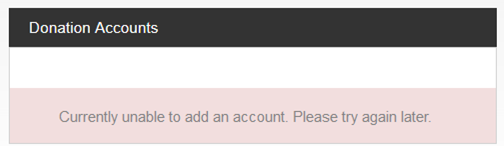
Because this is a user-to-user forum, there's no guarantee of when (or if) anyone would have any suggestions that would help solve this. If we're lucky, someone will have an idea that will help.
Meanwhile, here are a few things that _might_ help:
1) If you have access to a different web browser, that might work.
2) Deleting browser cookies, clearing the browser cache, and doing a full page reload (vs. a simple refresh) _might_ help. With Firefox, use Alt-Ctrl-R rather than just Ctrl-R to do a full page reload.
3) Another thing you _might_ want to consider is to delete the old account (the one with the routing number that no longer works).
If that doesn't help, I would suggest submitting feedback on the page to request help from official support personnel. In your message, please state clearly that you have already deleted cookies, cleared cache, and forced a full page reload. (Otherwise, the service missionary will probably tell you to do those things, which would delay the solution.)