New Member
Hi,
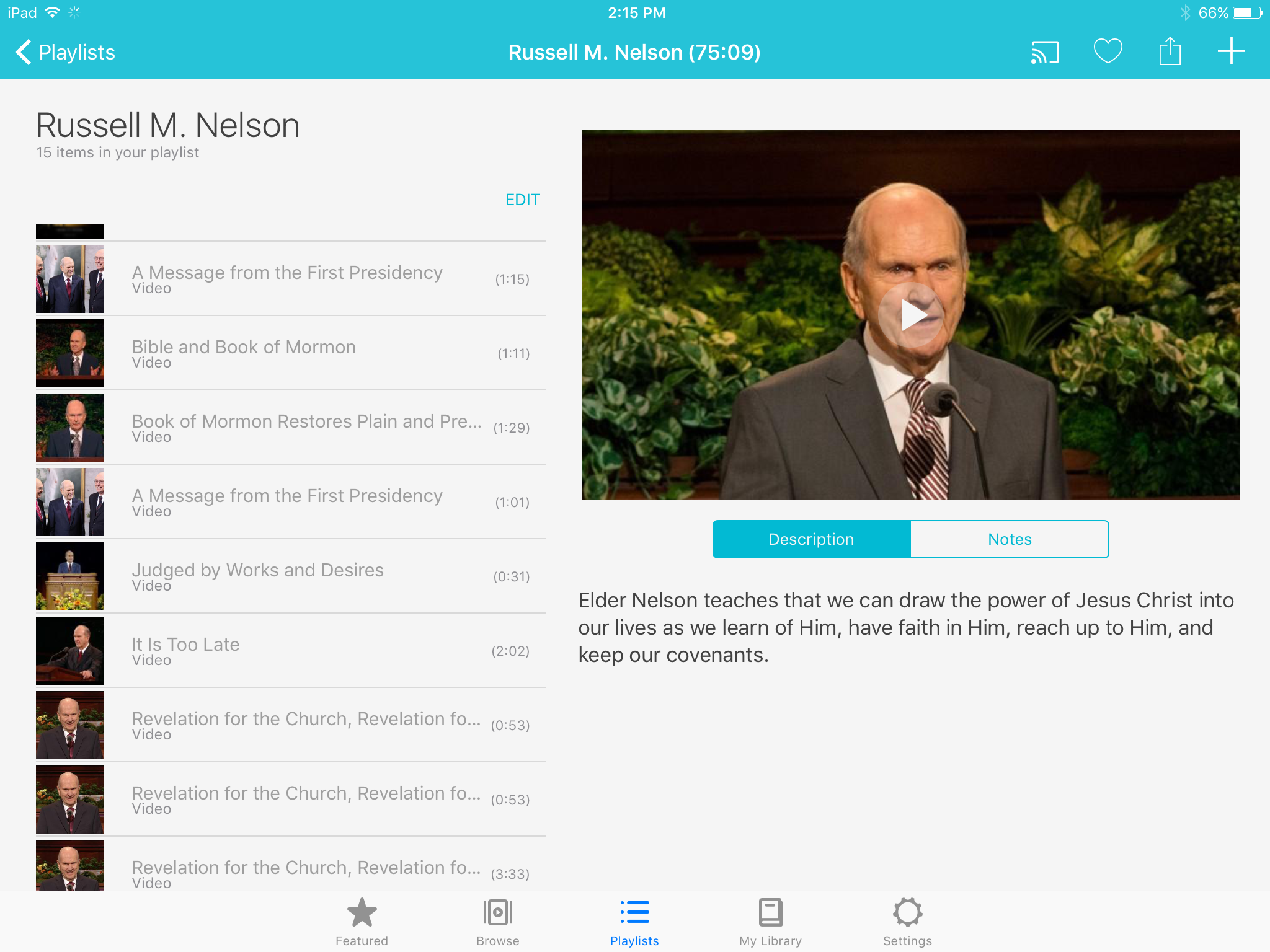
With the Gospel Media App, I have noticed that some of the videos I put on a playlist do not have the "trim video" button. For example, the video by Russell M. Nelson "Drawing on the Power of Jesus Christ in Our Lives" is missing the "trim video" button when I add it to one of my playlists. Please see the attached image below.
Is there anything I can do so I can have the trim feature for this video?
Thanks,
Dallin Stephens
With the Gospel Media App, I have noticed that some of the videos I put on a playlist do not have the "trim video" button. For example, the video by Russell M. Nelson "Drawing on the Power of Jesus Christ in Our Lives" is missing the "trim video" button when I add it to one of my playlists. Please see the attached image below.
Is there anything I can do so I can have the trim feature for this video?
Thanks,
Dallin Stephens