If you are a
stake administrator,
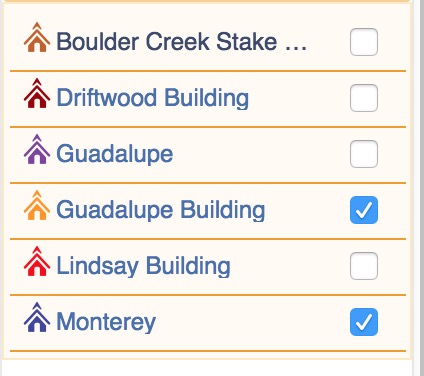
- In the top right, click the Gear icon. Select "Locations and Rooms"
- Select a location (on the left)
- Click "Edit" (Top, Middle column)
- See if there is a reddish "Remove" button (bottom, middle column).
If there is no button, the location comes from the FM Group's database and can't be deleted.
If there is a button, the location was added by a calendar admin and can be removed.
Again, make sure to move all the events before deleting. Otherwise, when you remove the location, I think all the events connected to it get deleted. Even if they didn't delete, they'd become "homeless" and a future conflict in the making.
Have you searched the
Help Center? Try doing a Google search and adding "site:churchofjesuschrist.org/help" to the search criteria.
So we can better help you, please edit your
Profile to include your general location.