Viewing HT in LCR on iPhone

9 postsstarted by aaronbw 2,073 viewsoriginal topic

New Member
#1
I have not been able to access the home teaching page from my iPhone 5S since about May. The page just doesn't seem to load. Has anyone seen this issue? How can I fix it?
Community Administrator
#2
aaronbw wrote:I have not been able to access the home teaching page from my iPhone 5S since about May.
Hmmmm. HT wasn't in general release until June.

Are you sure your phone isn't in some kind of privacy mode?
Have you searched the Help Center? Try doing a Google search and adding "site:churchofjesuschrist.org/help" to the search criteria.

So we can better help you, please edit your Profile to include your general location.
New Member
#3
I am not sure about how to check or change privacy mode. Any ideas would be helpful. I did turn off location tracking. I think it's a bit weird that's phone can tell me every place I've been and knows where home and work are without me telling. Either way it used to work and now it doesn't. It makes managing my home teaching a big chore since I don't have a very good computer my phone is the best one I have.
Community Moderators
#4
What URL are you using to get to the home teaching site (try copy/pasting it from your phone into the forum)?
Samuel Bradshaw • If you desire to serve God, you are called to the work.
New Member
#5
I click on my web app, sign in, click organizations, then home and visiting teaching. This is the url of the site that does not load completely.
https://www.lds.org/htvt/?lang=eng#/overview
New Member
#6
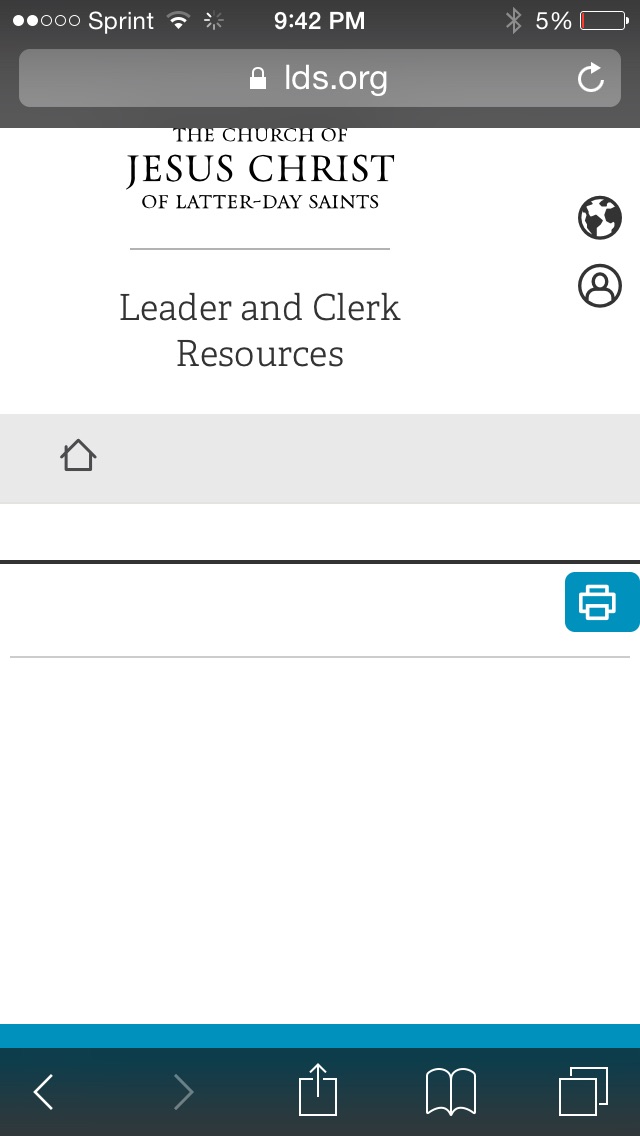
This is what the page that loads looks like.
📎 image.jpg (59.15 KiB)
Church Employee
#7
You need to turn off private browsing on your iPhone. You'll need to Google for instructions (I'm an Android guy) or someone here may be able to provide instructions.
Community Moderators
#8
Here are some instructions for turning Private Browsing On or Off in iOS Safari:
https://support.apple.com/en-us/HT203036
Samuel Bradshaw • If you desire to serve God, you are called to the work.
New Member
#9
Thanks that worked perfectly.