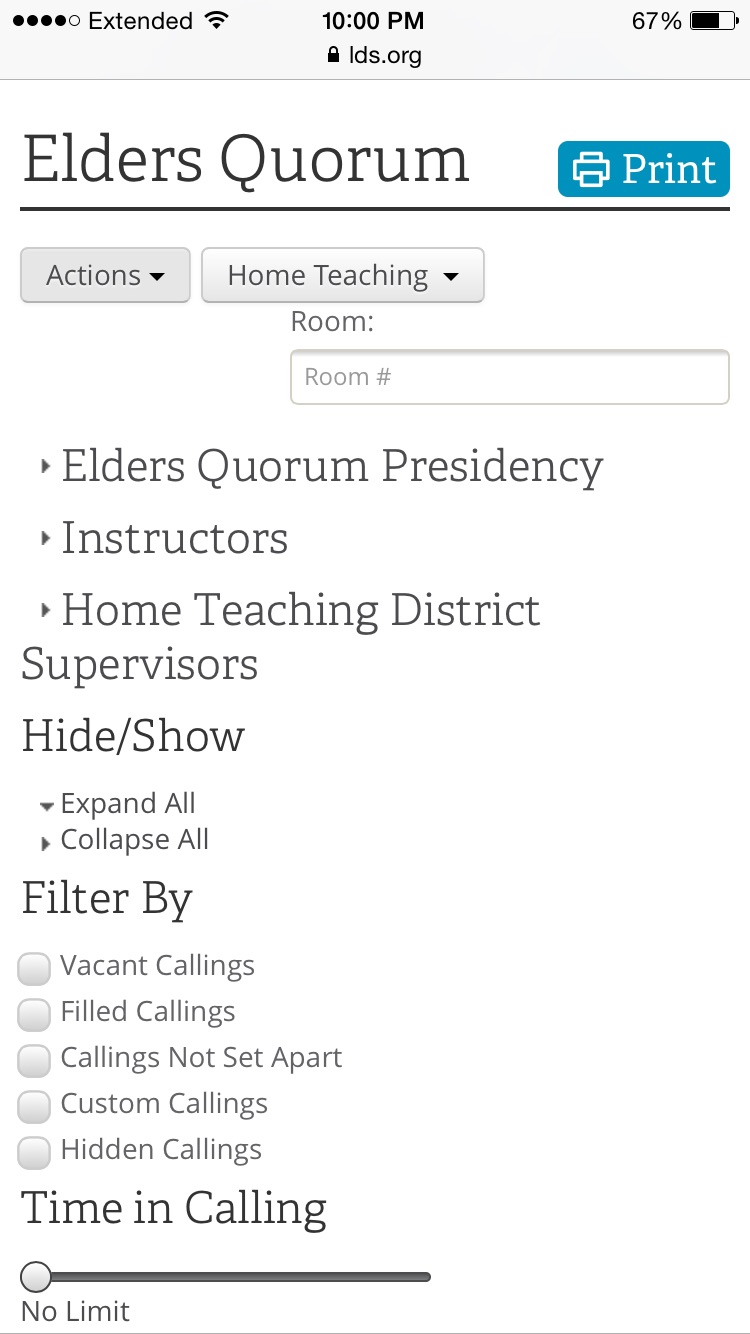
Issue resolved (FYI if you get finger happy and press the wrong button as I did):
1. Select ORGANIZATION
2. Select your group/quorum (in my case it was QUORUM)
3. Next select the ACTION tab on upper left listed below your respective group/quorum (my situation- ACTION listed below ELDERS QUORUM)
4. In the ACTION drop down, select the tab that mentions combine/merge group (it's not listed now so I can't remember exactly what it said).
Hope this helps!