New Member
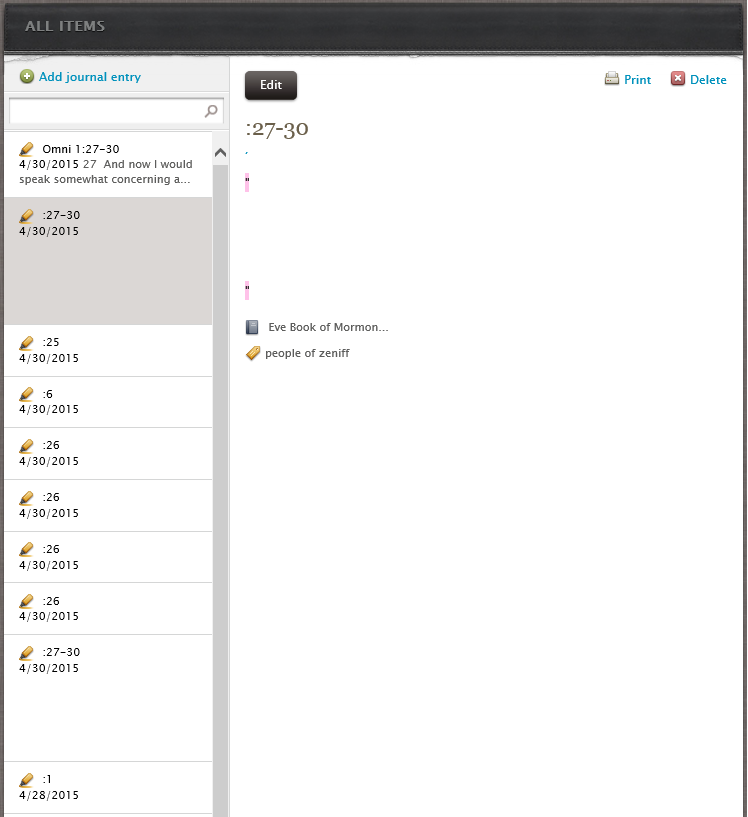
When annotating scriptures in Chrome or IE on Windows 8.1 the notes are not getting captured properly. They appear without showing the scripture excerpt that was highlighted and when I view the annotations on my android Gospel Library app it says, "there was a problem retrieving content for this annotation". See uploaded image of the issue.
The first annotation in the screenshot is one I took in the Android Gospel Library app and that works correctly.
The first annotation in the screenshot is one I took in the Android Gospel Library app and that works correctly.