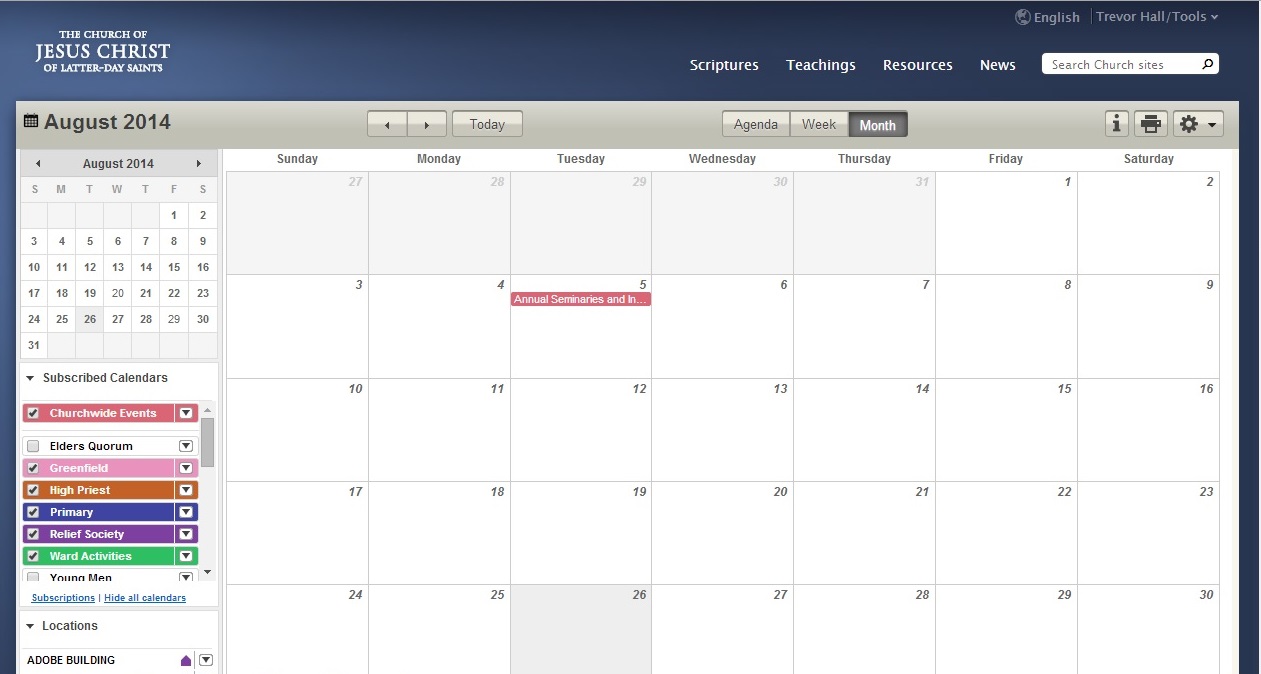
If you are certain the ward has actual events on their calendar that you are not seeing, go into Calendar, click on the Tools (gear) icon, and go into the actual Subscriptions page (not just the check marks on the main page). Do something on that page (uncheck and check a box, or unsubscribe/subscribe again to a calendar).
There is something magic about getting to the actual Subscription page that finally triggers the Calendar to understand that you have moved to a new ward. (While you are there, make sure you are subscribed to the calendars you need.)
If that does not work, and you have multiple callings in MLS, you may also be experiencing a bug that I thought was resolved, but may still be lurking.