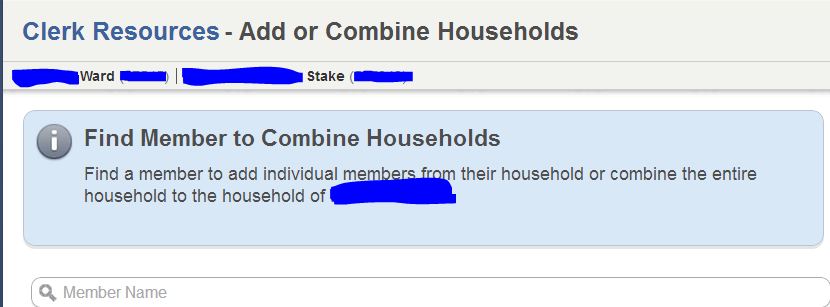
Here's how:
- In MLS, go to Membership Records > Household Record (in the View and Update panel).
- Choose the husband's record from the list
- In the Household Members section, click the blue Add Member link
- Choose the wife from the list
- Close and save changes
MLS will detect that they are married to each other, and add the wife as the spouse in the household. The combined household will have the husband's household contact info (the wife's individual contact info will be preserved).
Questions that can benefit the larger community should be asked in a public forum, not a private message.