New Member
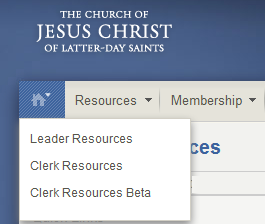
I have a confidential action in progress that I need to edit, but the beta site fails every time I try to access it. I can find the action using "Leader Resources, Membership -> Actions in Process", but when I click on the edit icon, I get the message:
Requested Resource Not Found
Sorry, we were unable to find the resource for which you are looking.
Any ideas? I thought maybe I should delete the action and start over, but clicking the trash can icon results in the same message.
Requested Resource Not Found
Sorry, we were unable to find the resource for which you are looking.
Any ideas? I thought maybe I should delete the action and start over, but clicking the trash can icon results in the same message.
 .