Member
The goal is to log out from the default calendar screen so that another person can login.
6. From the same browser tab, navigate to lds.org
7. Select "Sign In/Tools" drop down menu
8. Select "Sign Out"
9. I am now signed out. [/list]
This appears to be a bug. Is there a way to report this?
- Navigate to lds.org
- Select "Sign In/Tools" drop down menu
- Select "Calendar"
- Enter log in credentials
- I am now at the default calendar screen
- Select "Sign In/Tools" drop down menu
- Select "Sign Out"
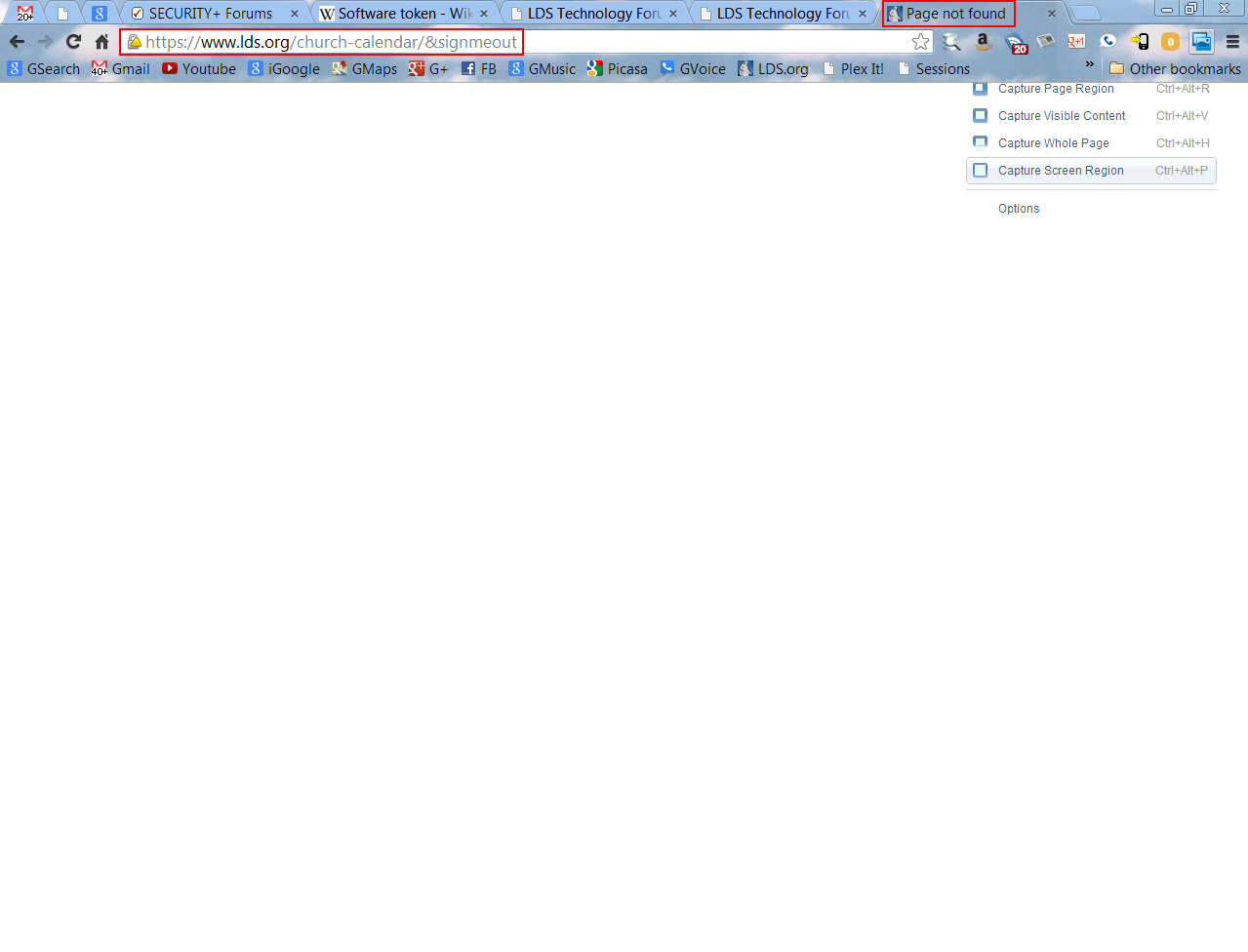
- Screen hangs (see Image-1)
- From the same browser tab, navigate to lds.org
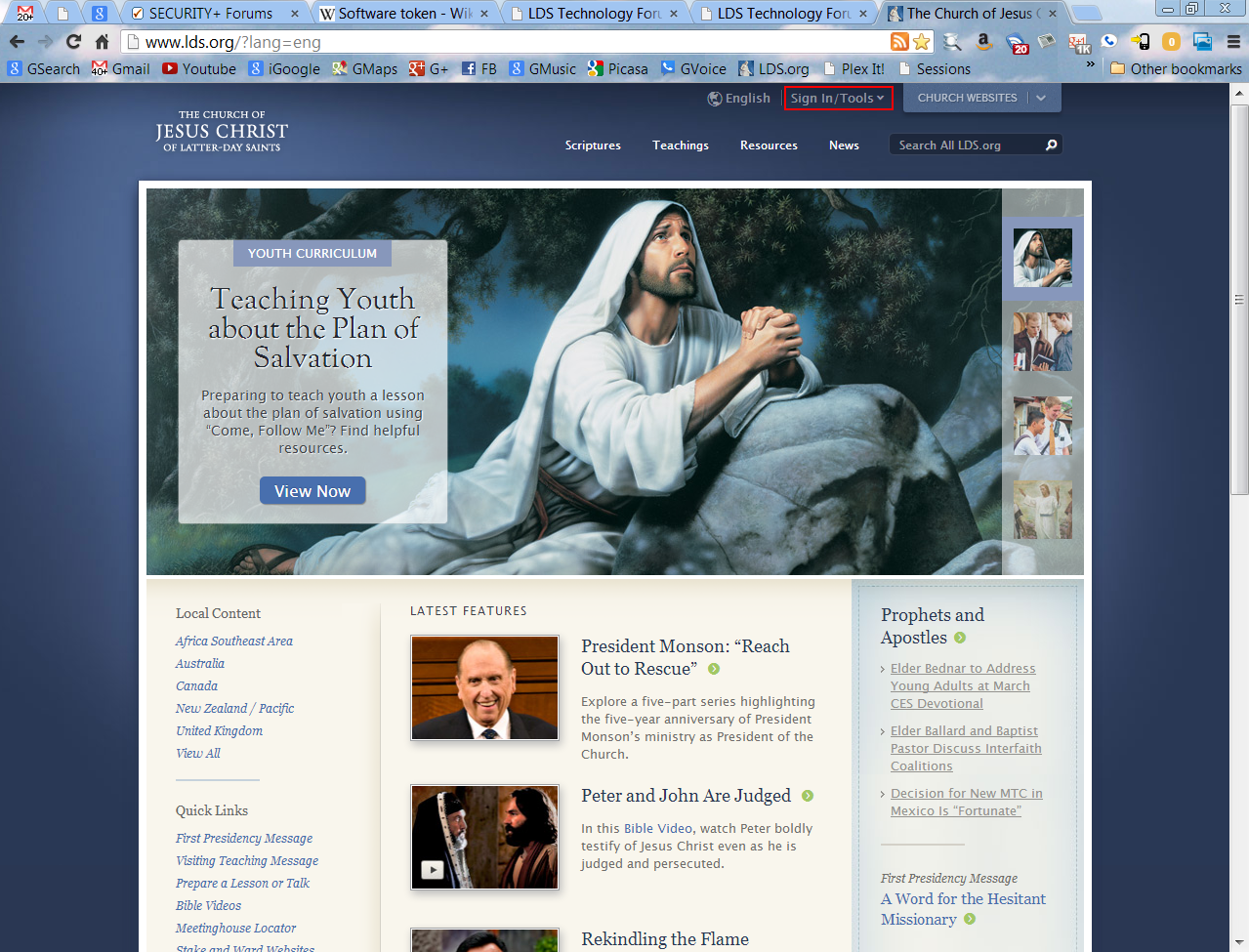
- I appear to be signed out (see Image-2), but I am still signed in, as follows:
- Select "Sign In/Tools" drop down menu
- Select "Calendar"
- The website signs me in automatically (no credentials required)
- From this point, if I repeat steps 6 - 13, this is 100% repeatable (I cannot sign out using this method)
6. From the same browser tab, navigate to lds.org
7. Select "Sign In/Tools" drop down menu
8. Select "Sign Out"
9. I am now signed out. [/list]
This appears to be a bug. Is there a way to report this?